Documents and reviews
Templates, live matrices, Word and Excel output, review packages and presentations.
14 in a minute · 1 tutorial · 17 training chapters · 4 method videos
Features in a minute 14
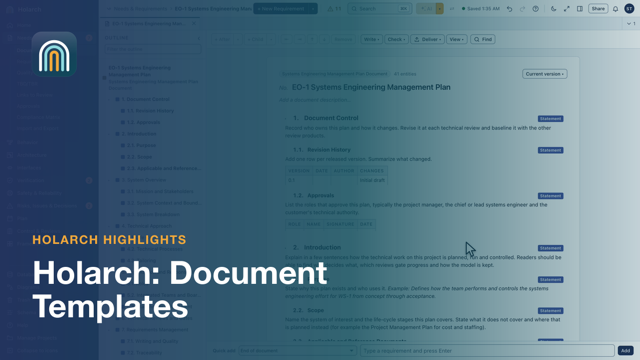
- Document Templates 0:48Start a ConOps, test plan or SEMP from a structure
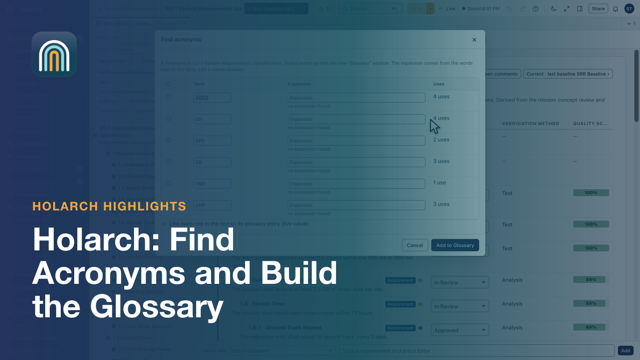
- Find Acronyms and Build the Glossary 0:49Build a document's acronym list from its text
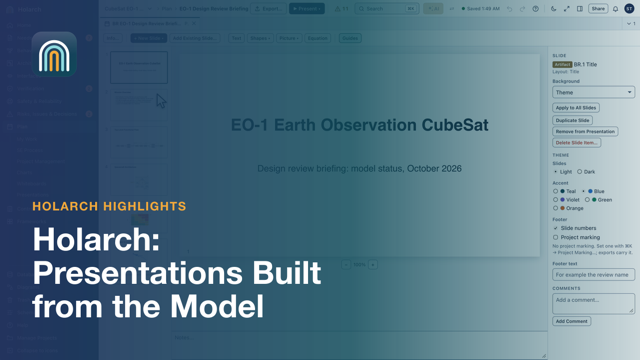
- Presentations Built from the Model 0:30A review briefing from model views
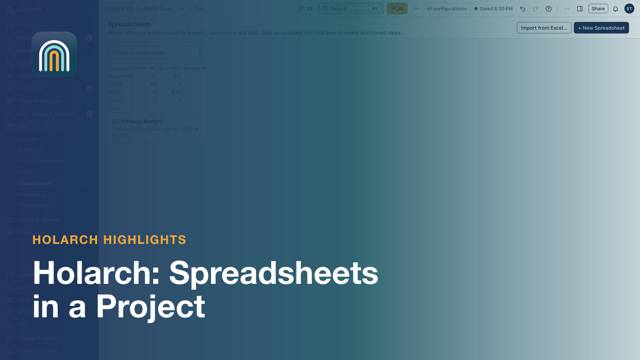
- Spreadsheets in a Project 1:03Excel-style calculations next to the model
- Import an Excel Workbook 0:56Formulas, formats and charts come in live
- Formulas Engineers Use 0:48LET, LAMBDA and dynamic arrays, as in Excel
- Named Views 0:43One sheet, many views, the cells unchanged
- Model Data in a Spreadsheet 1:11Live tables and values from the model
- Spreadsheet Charts and AI Formula Help 0:57Chart a range; let AI explain or write a formula
- Review Word and PDF Files 1:13Comments pinned to the page they are about
- File Versions 0:59Upload it again; every version is kept
- Document Review with Named Reviewers 1:01Ask the right people, see each answer
- Whiteboard Charts 0:50Paste cells from Excel as a chart, then format it
- Clipart Library and Whiteboard Defaults 0:59One clipart library, and a default style per element type
Hands-on tutorials 1
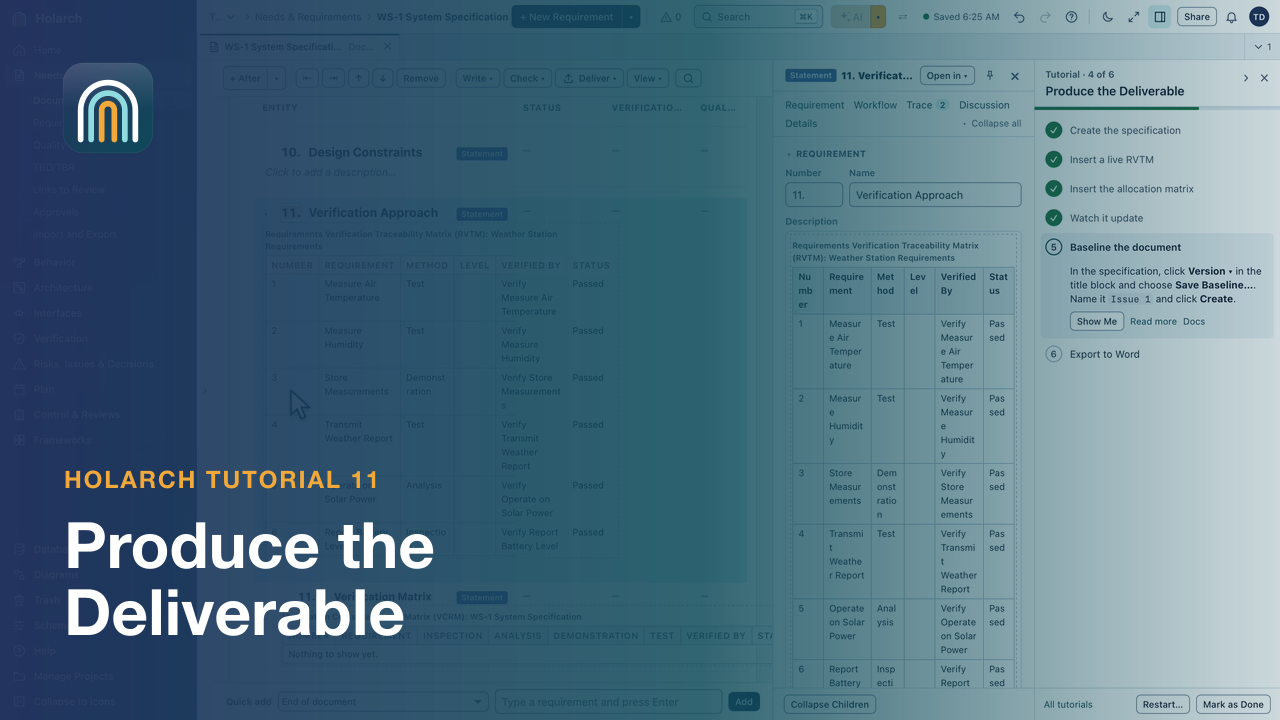
- Tutorial 11: Produce the Deliverable 2:33Build a specification from a template, insert live matrices that follow the model, baseline it and export it to Word.
Training course 17
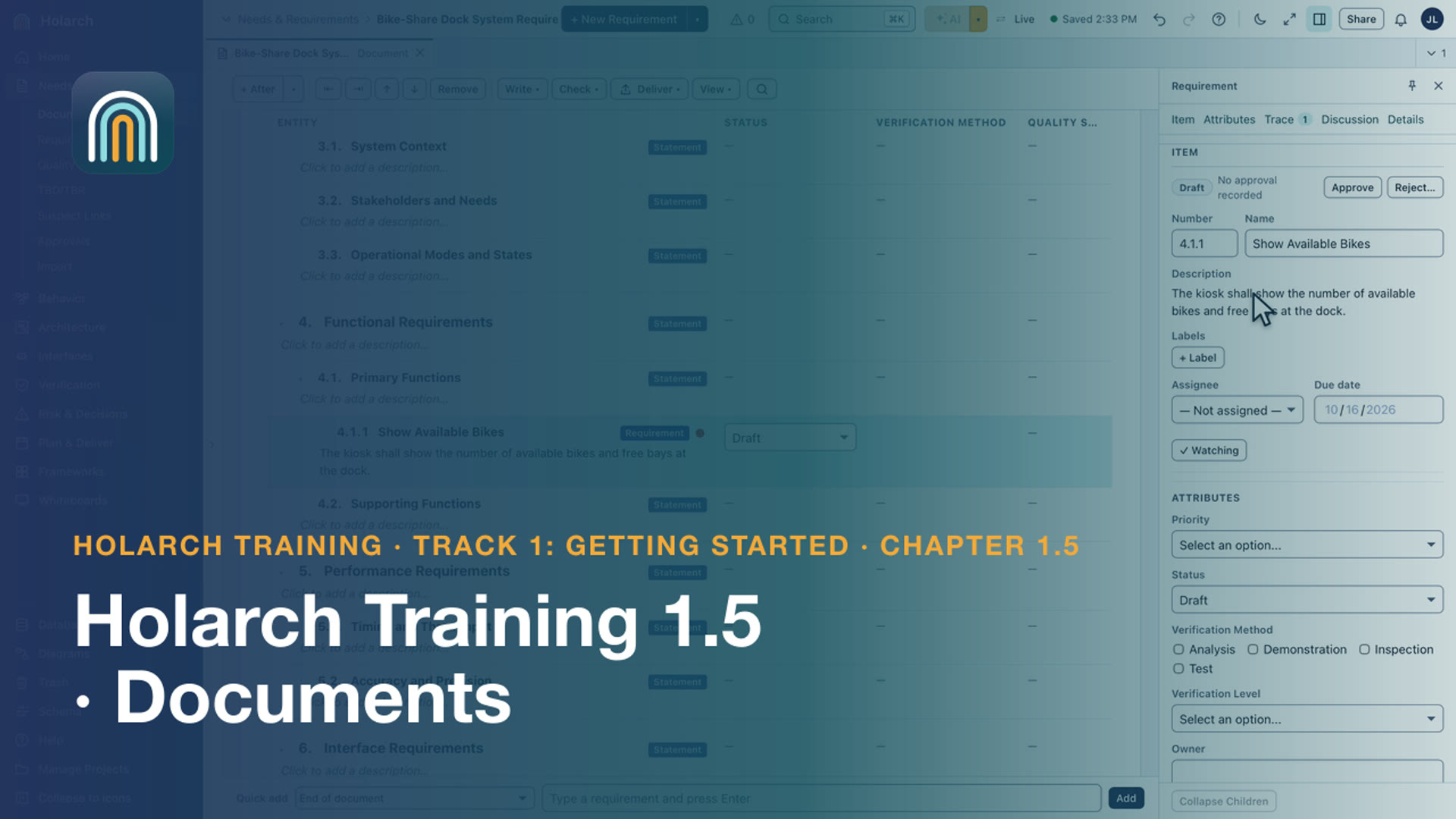
- Training 1.5: Documents 2:46Write a specification whose requirements are model items
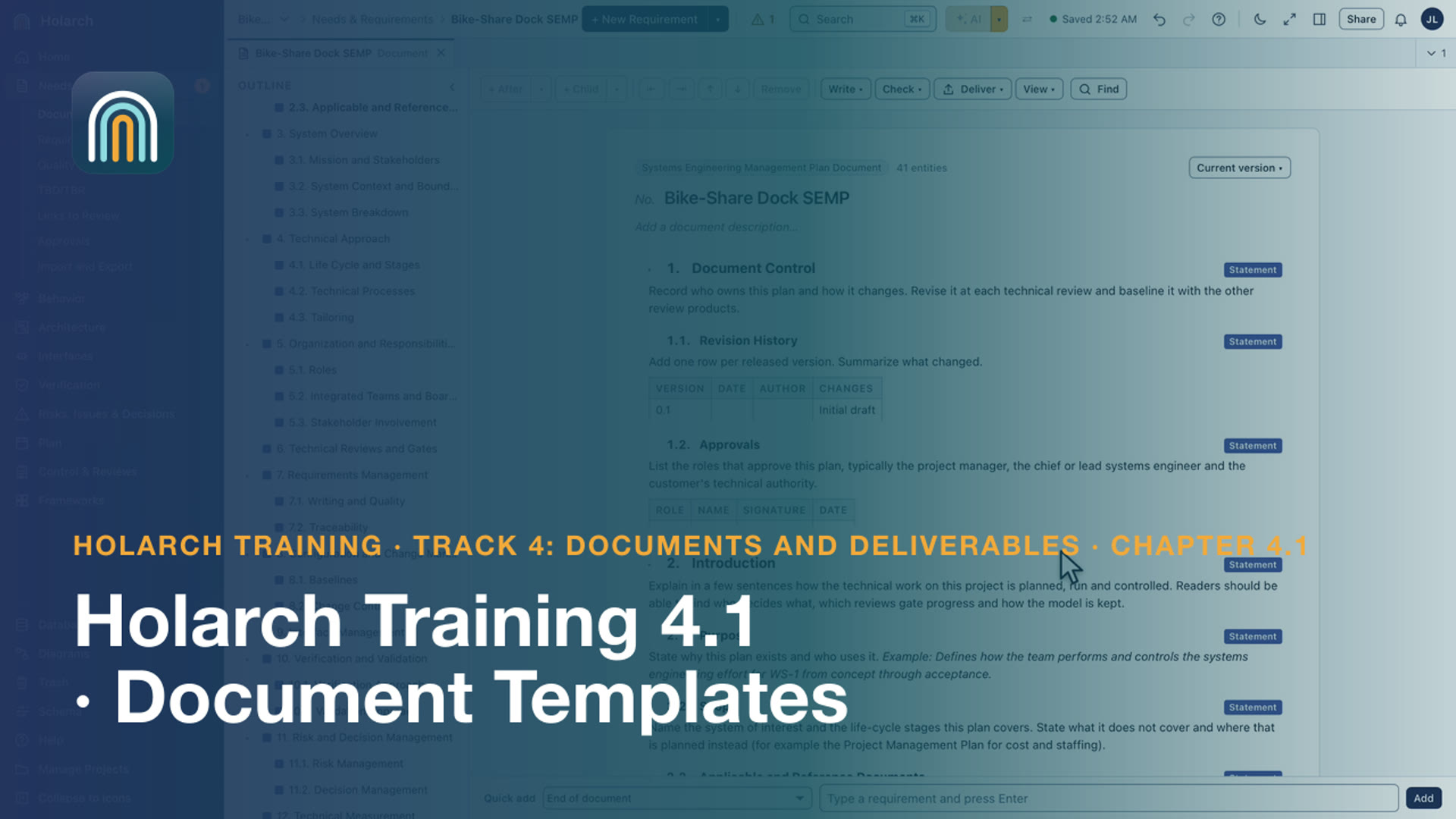
- Training 4.1: Document Templates 2:54Start a plan or specification from a template, with guidance for every section
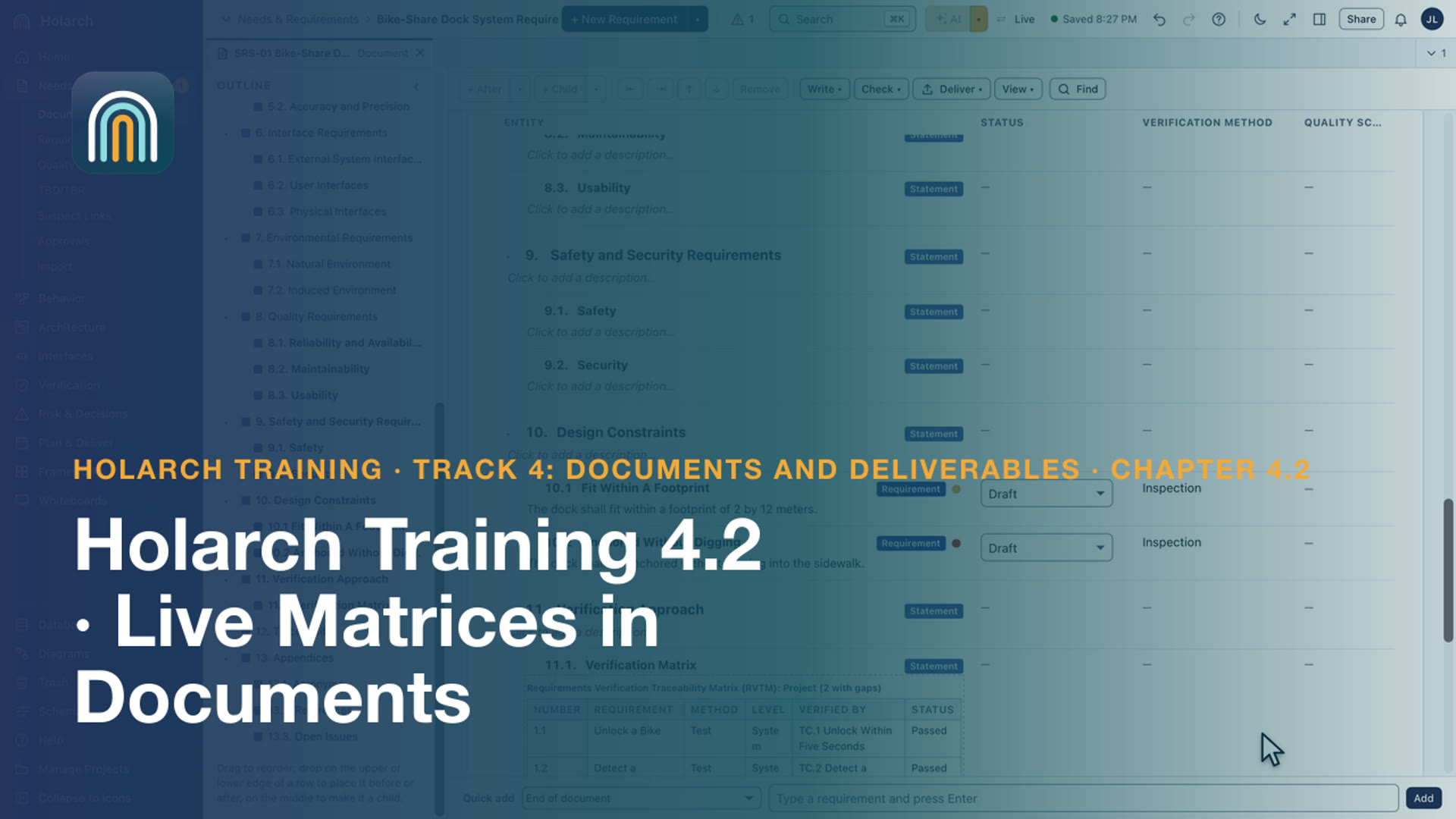
- Training 4.2: Live Matrices in Documents 2:48Insert RVTM and RTM tables that rebuild themselves from the model
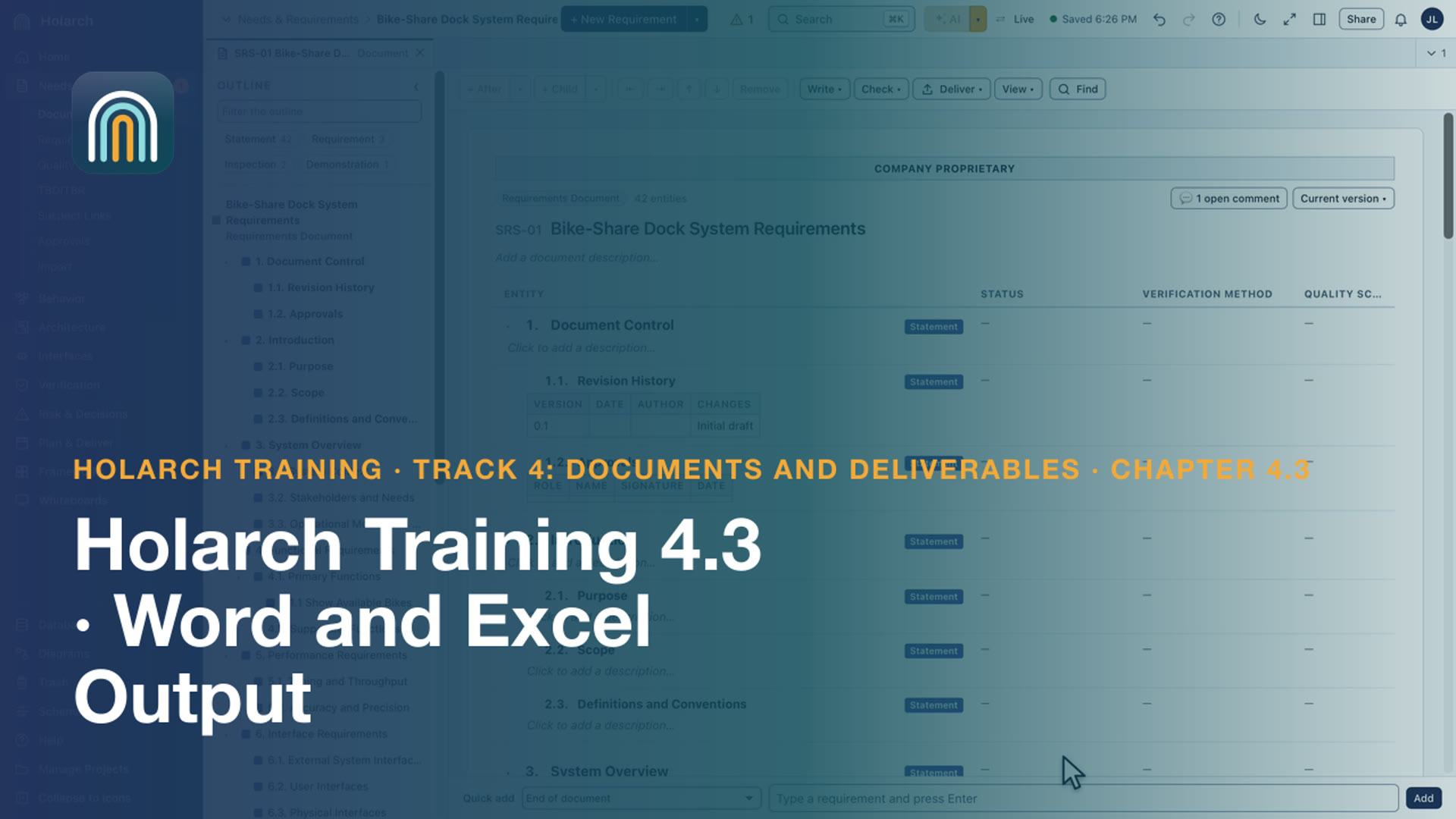
- Training 4.3: Word and Excel Output 2:10Banners, a cover page and page numbers; Word documents and Excel matrices ready to send
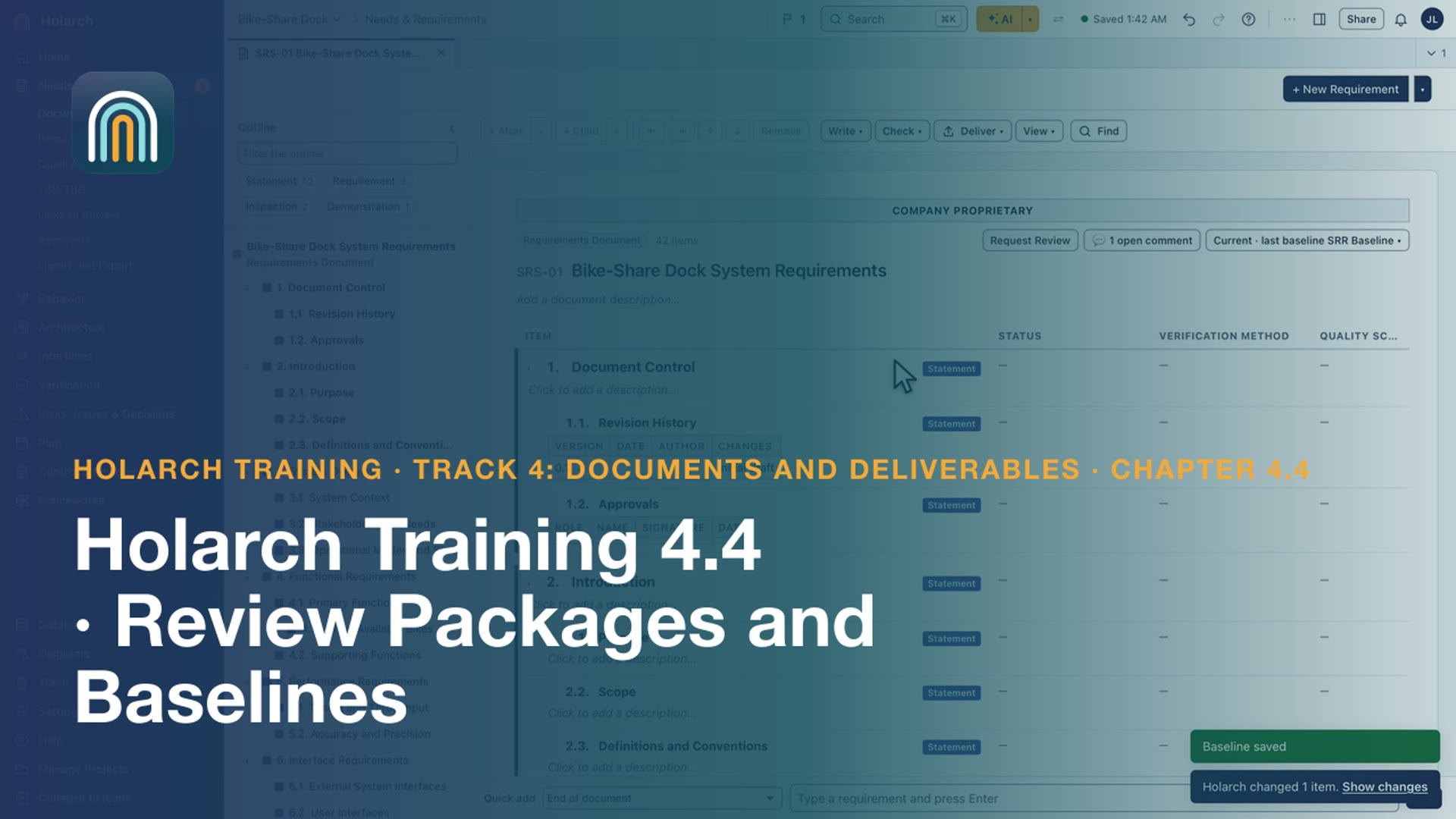
- Training 4.4: Review Packages and Baselines 2:34Freeze what is reviewed, see what changed since, and hand reviewers one package
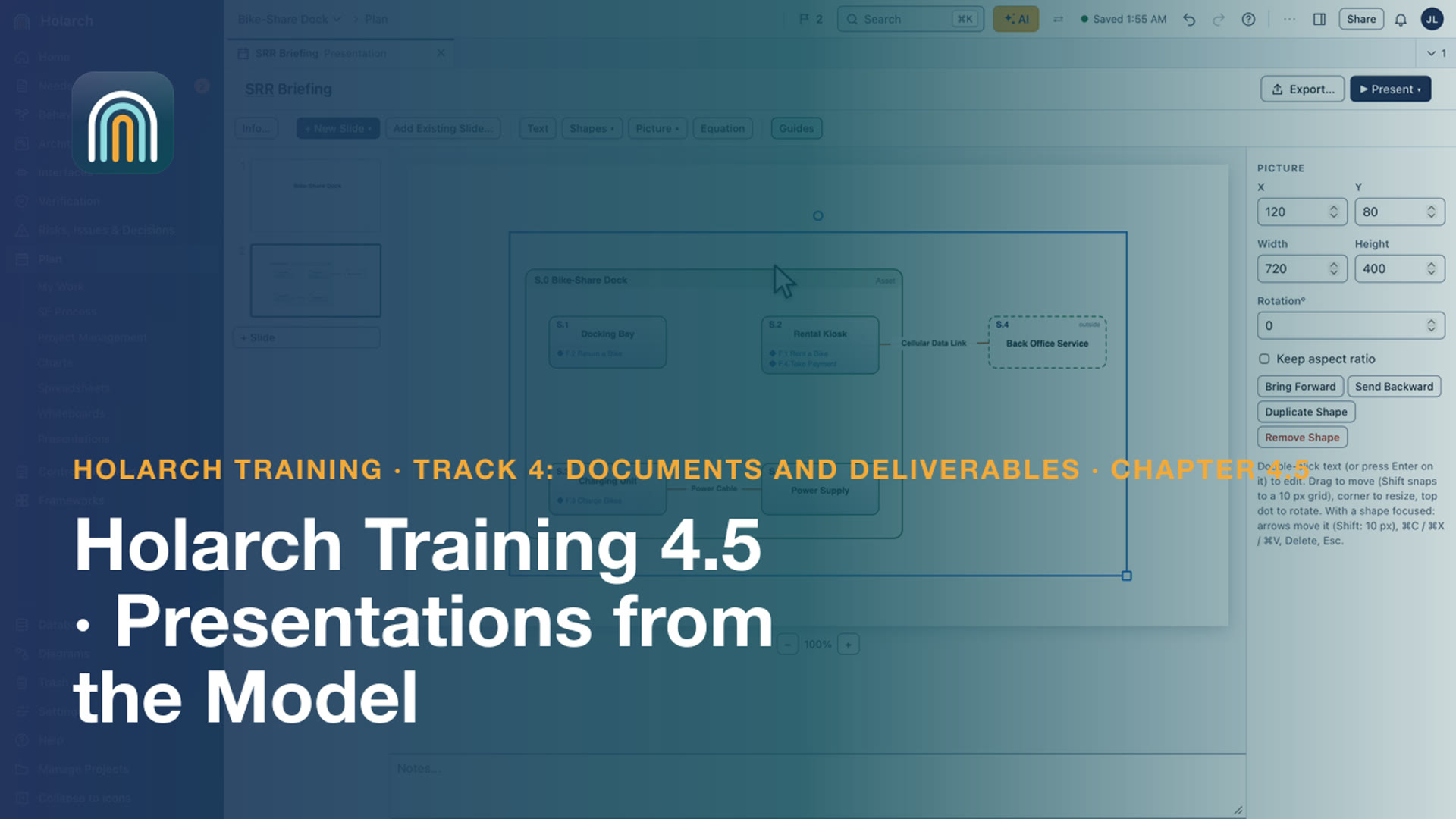
- Training 4.5: Presentations from the Model 1:58Slides with live pictures of diagrams, presented in the browser or exported to PowerPoint
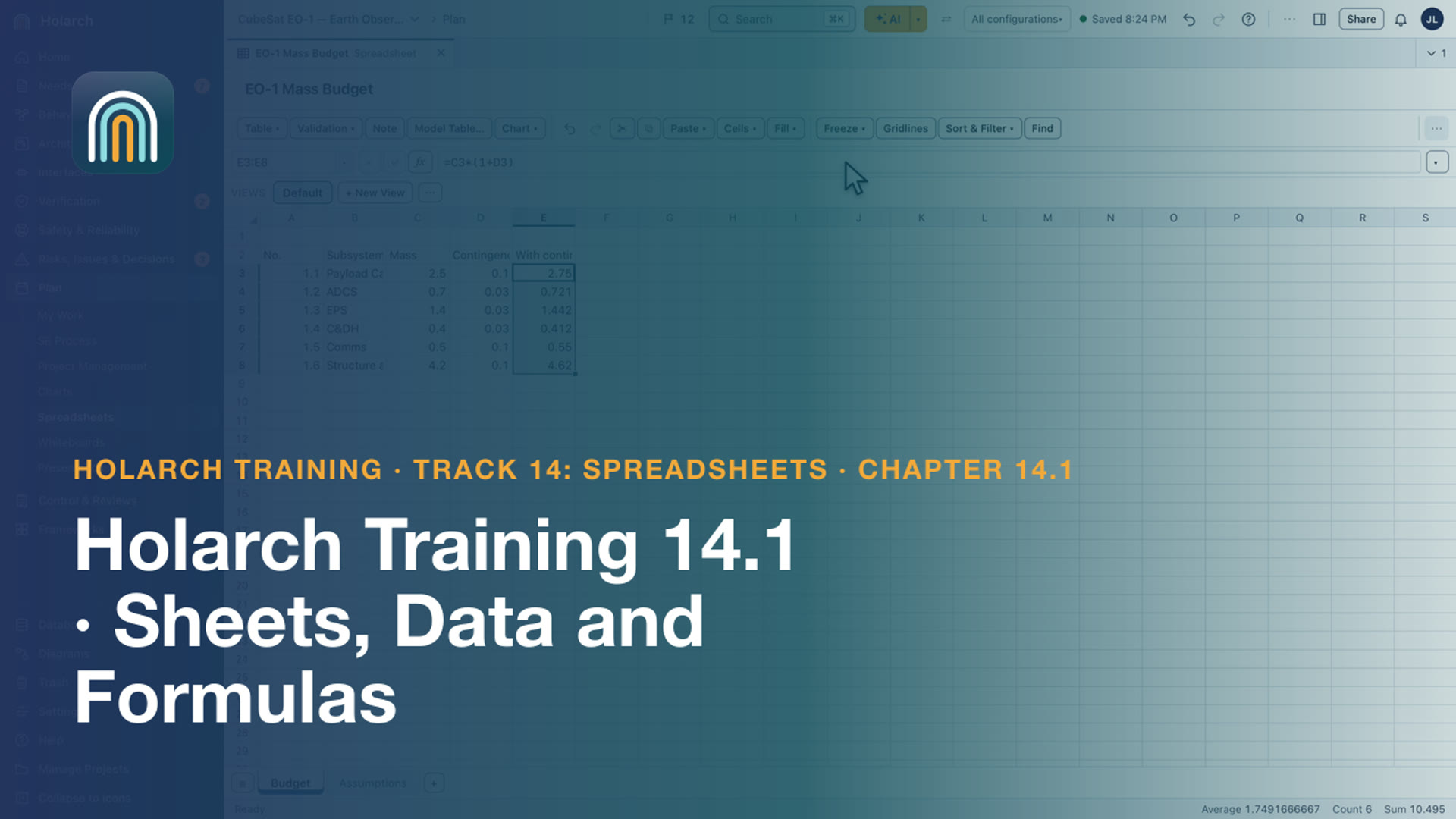
- Training 14.1: Sheets, Data and Formulas 4:16Create a spreadsheet, name and color its sheets, enter data, and write formulas with the formula bar, the Name Box and autocomplete
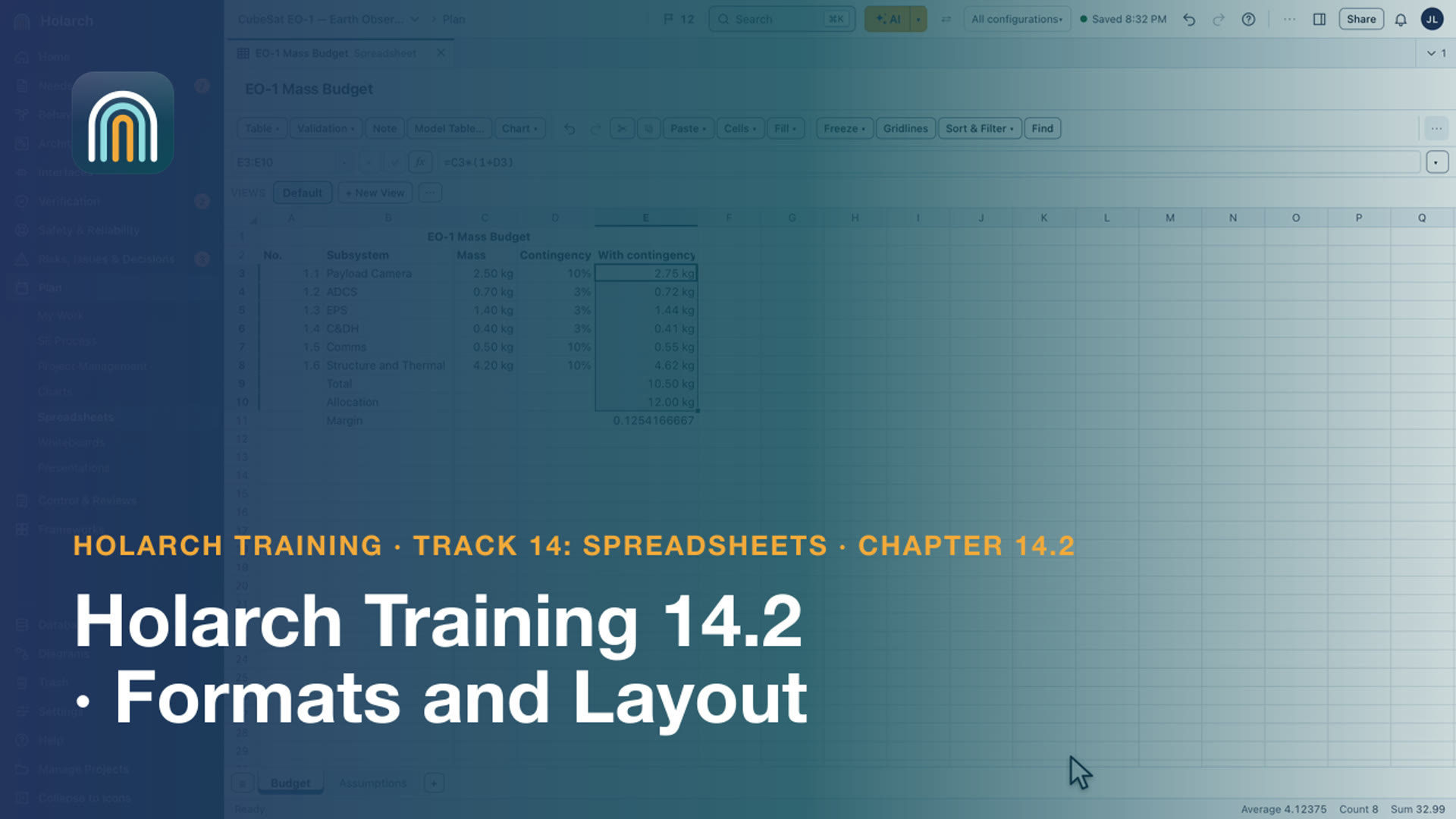
- Training 14.2: Formats and Layout 3:16Format numbers with format codes, highlight cells by value, merge a title and freeze the headings
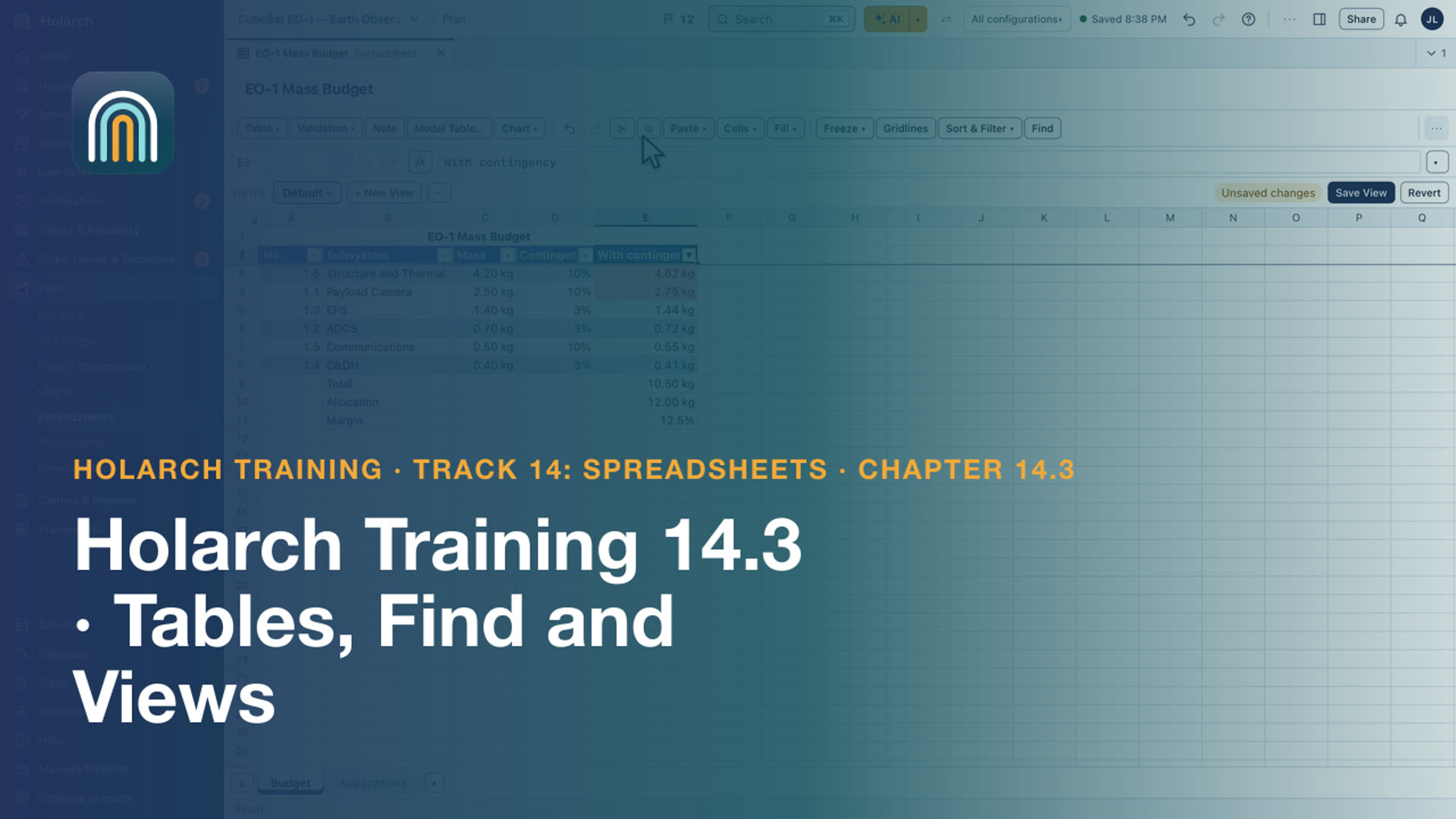
- Training 14.3: Tables, Find and Views 2:17Format a range as a table, find and replace text, and save named views without changing the cells
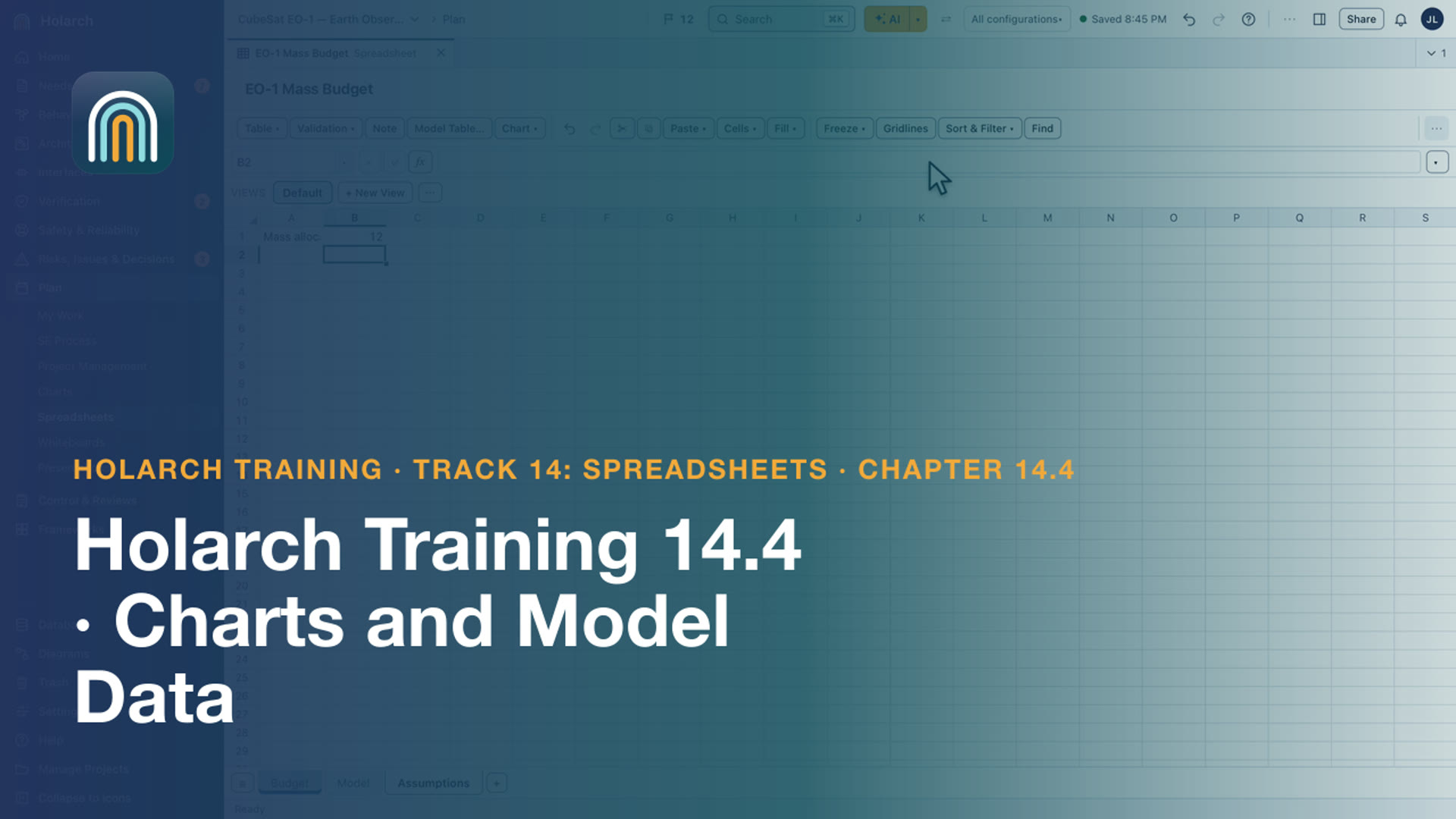
- Training 14.4: Charts and Model Data 2:47Chart a range and format its axis, insert a live Model Table, and read model values with SUMIFS and HOLARCH.VALUE
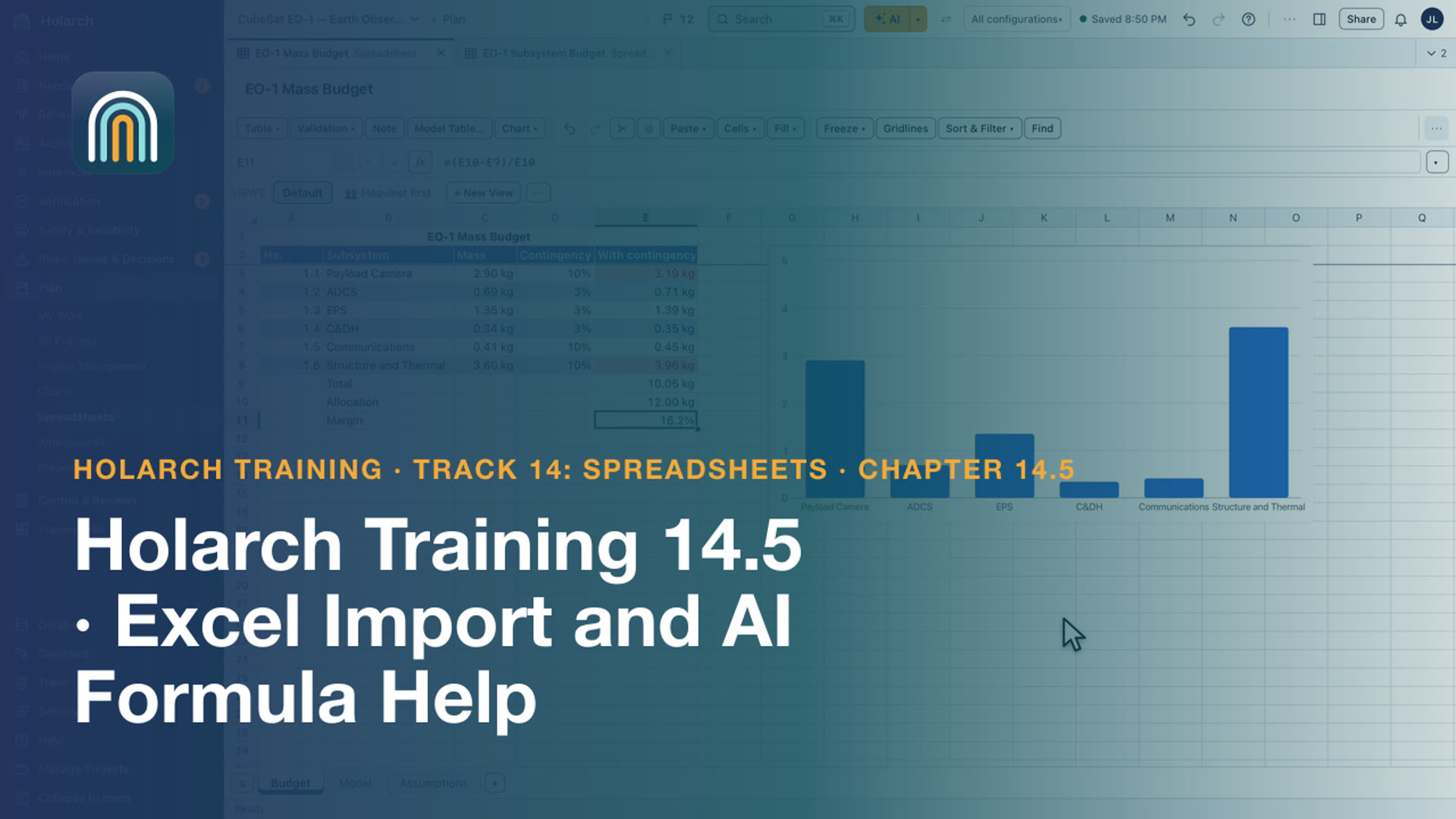
- Training 14.5: Excel Import and AI Formula Help 2:26Import an Excel workbook and read its Import Summary, then let AI explain a formula and write one
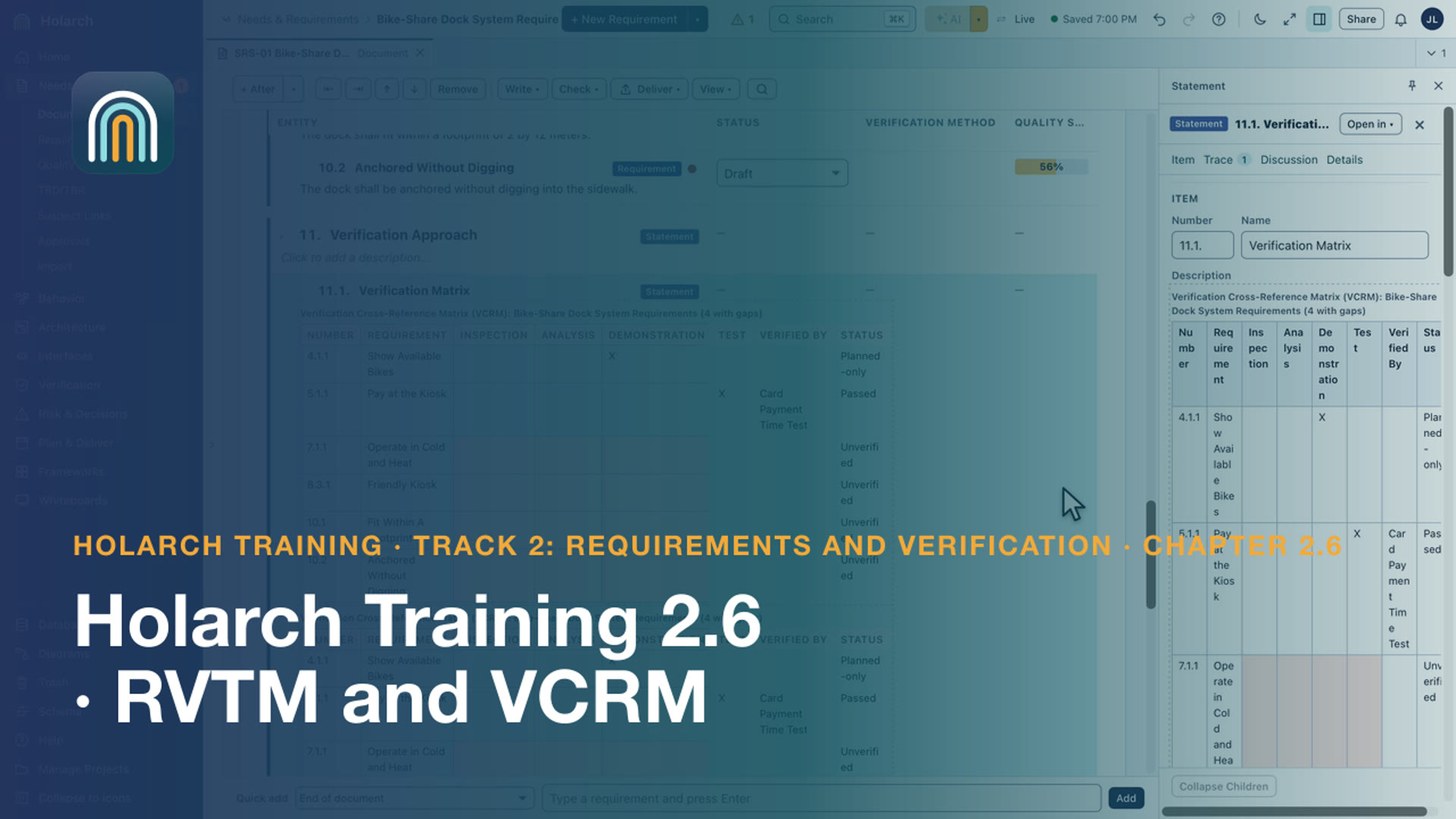
- Training 2.6: RVTM and VCRM 2:29Read verification coverage in the RVTM, and put a live VCRM in the specification and in Word
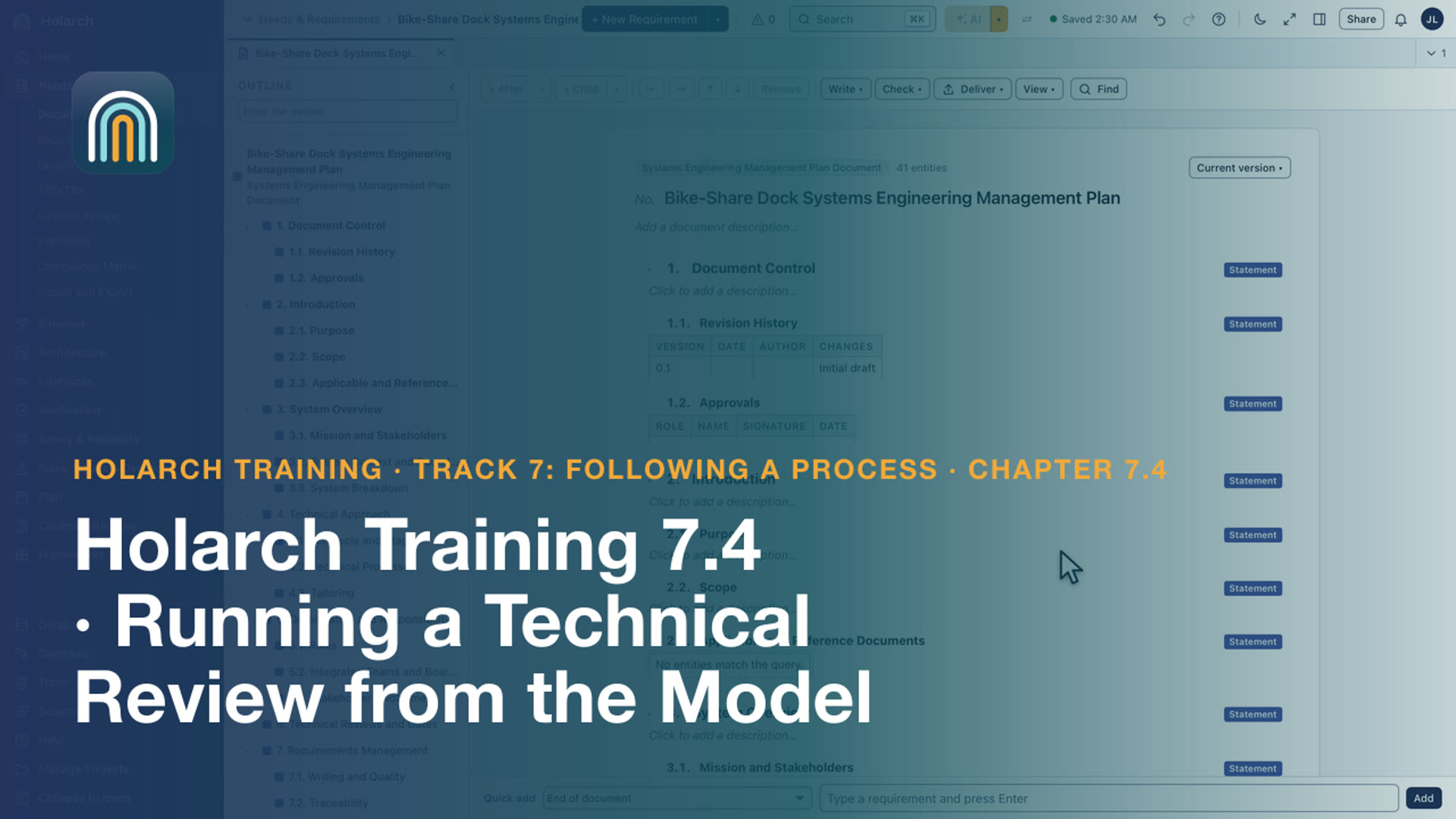
- Training 7.4: Running a Technical Review from the Model 2:37Check a review's entry criteria and prepare its package
- Training 13.1: Shapes and Lines 3:15Create a whiteboard, draw shapes, type in them, and connect them with lines and arrows
- Training 13.2: Curves and Line Labels 3:09Shape a curved line by its peak, square its ends to the shapes, and place, rotate and delete labels
- Training 13.3: Charts 3:32Insert charts, give them data, change their type, select their data, format their axes and import charts from Excel
- Training 13.4: Live Data, Model Items and Clipart 3:17Paste cells as a live table, link a chart to spreadsheet cells, link and convert shapes to model items, and add clipart
Methods and worked examples 4
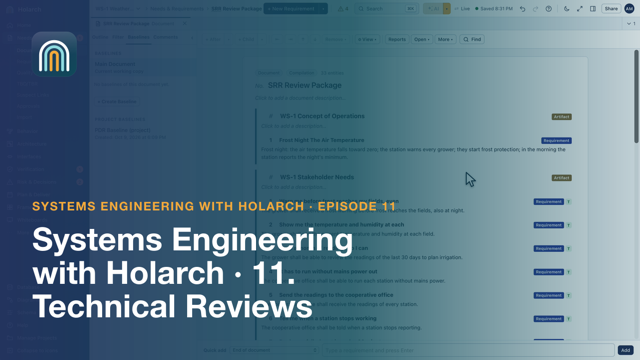
- SE 11: Technical Reviews: SRR, PDR and CDR from the Model 5:10Check the SRR criteria against the model, assemble and export a review package, present a briefing from the model and record the outcome.
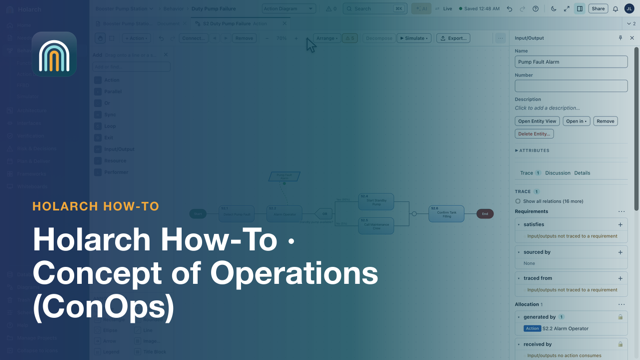
- How-to 06: Concept of Operations (ConOps): How to Write One 4:54The sections of a ConOps, operational scenarios drawn as action diagrams, placed in the document and exported to Word.
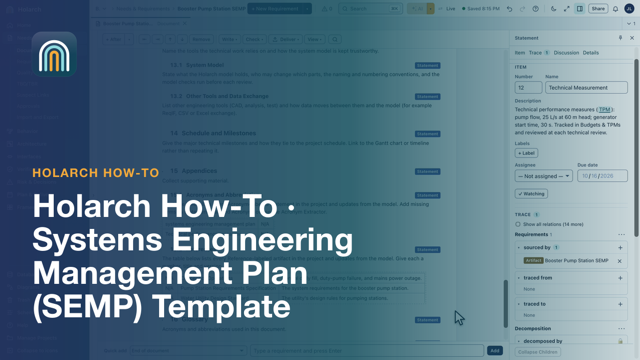
- How-to 10: Systems Engineering Management Plan (SEMP) Template and Example 5:59The sections of a SEMP and how to tailor them, then a SEMP built from a template with live tables from the model, exported to Word.
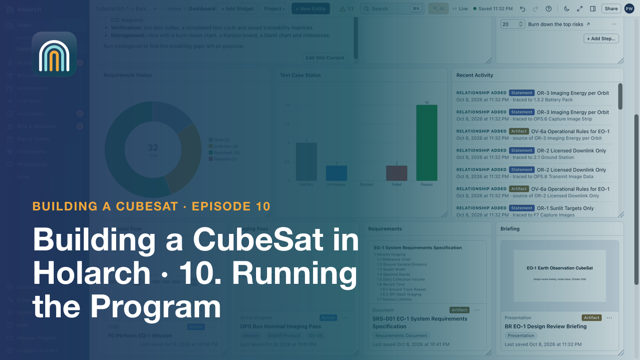
- CubeSat 10: Running the Program 3:30A task board, the Gantt schedule, the dashboard, a briefing presented from model pictures, DoDAF products, baselines and review documents.
Related topics: Requirements · Simulation and analysis · Import, exchange and migration · Traceability and change · AI assistance · Collaboration · Getting started · Verification and validation · Process and planning · Functional analysis and behavior