For teams moving from another tool
Teams bringing requirements and models over from other tools. Start with the tour on the Videos page, then:
1. Plan the move
- Training 6.1: Planning a Migration 3:00Decide where each kind of data goes in the model before you import it
- Holarch: One Model for Systems Engineering 1:44Requirements, diagrams, simulation, traceability and verification in one model, with process guides for the life cycle your program uses, live teamwork and free reviewers.
- Collaboration 2:17Share a project with roles, discuss items in comments, review and revert changes in history, and compare against a baseline.
2. Bring the data in

- Round Trip with Eclipse Papyrus 0:53Export to Papyrus, edit there, import back in place
- Training 6.5: Cleaning Up After Import 2:40Find duplicates and weak requirements, fix them, run the model checks, and connect what came in separately
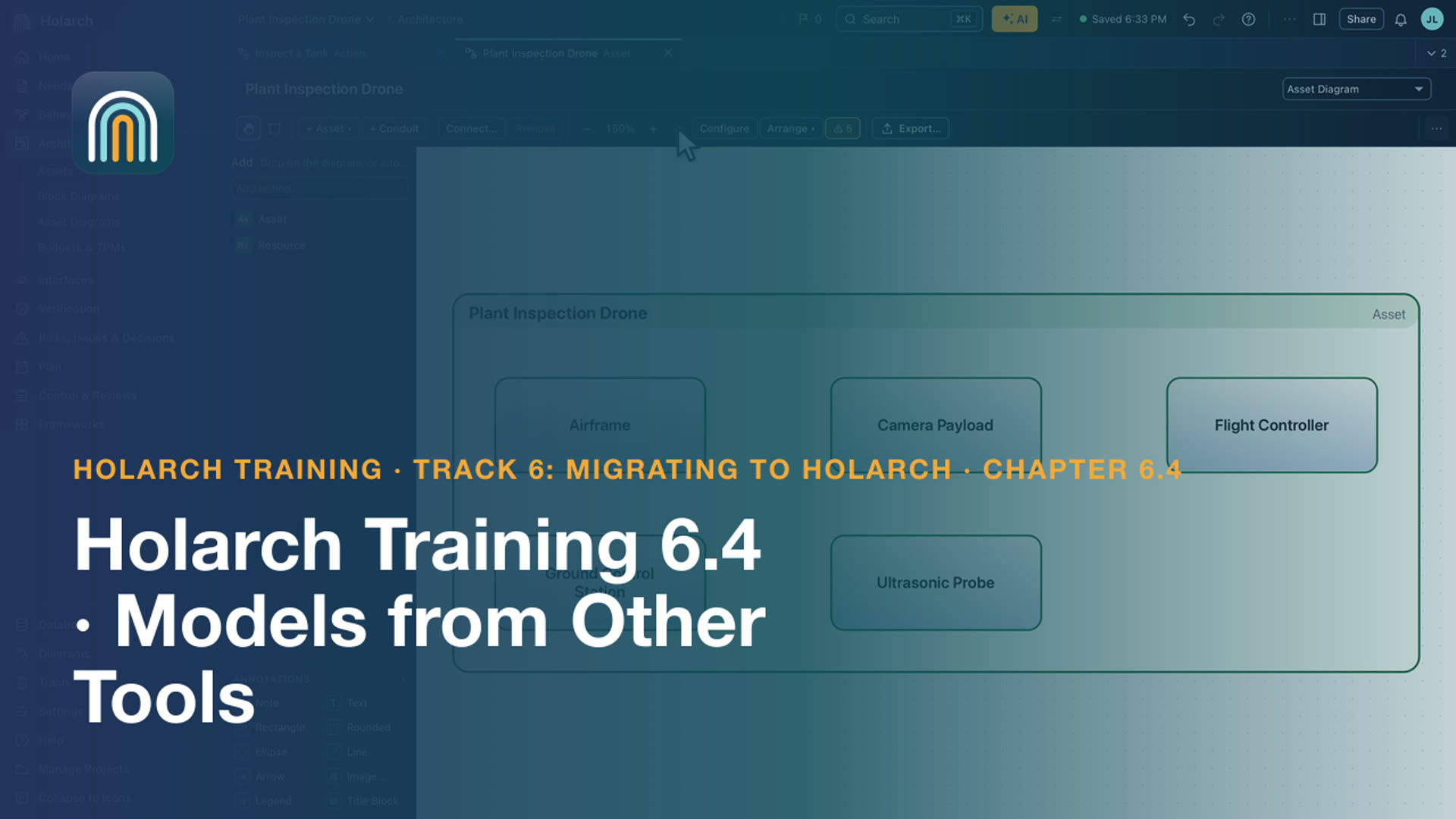
- Training 6.4: Models from Other Tools 2:44Import a SysML model from XMI: what comes across, what does not, and how to rebuild the views
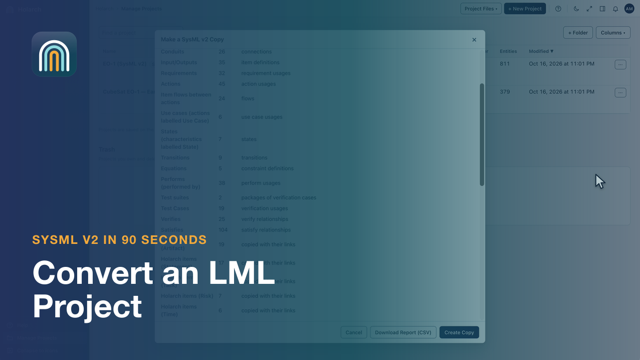
- SysML v2: Convert an LML Project 1:31A SysML v2 copy of an LML project
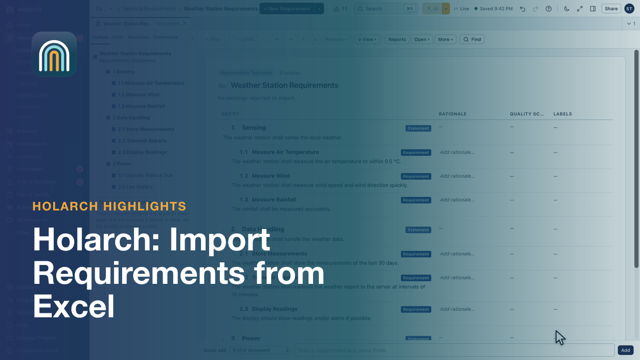
- Import Requirements from Excel 0:57From a spreadsheet to a structured specification
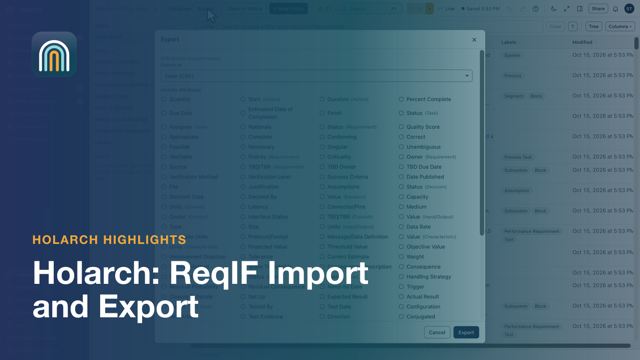
- ReqIF Import and Export 0:44Exchange requirements with other tools in the standard format
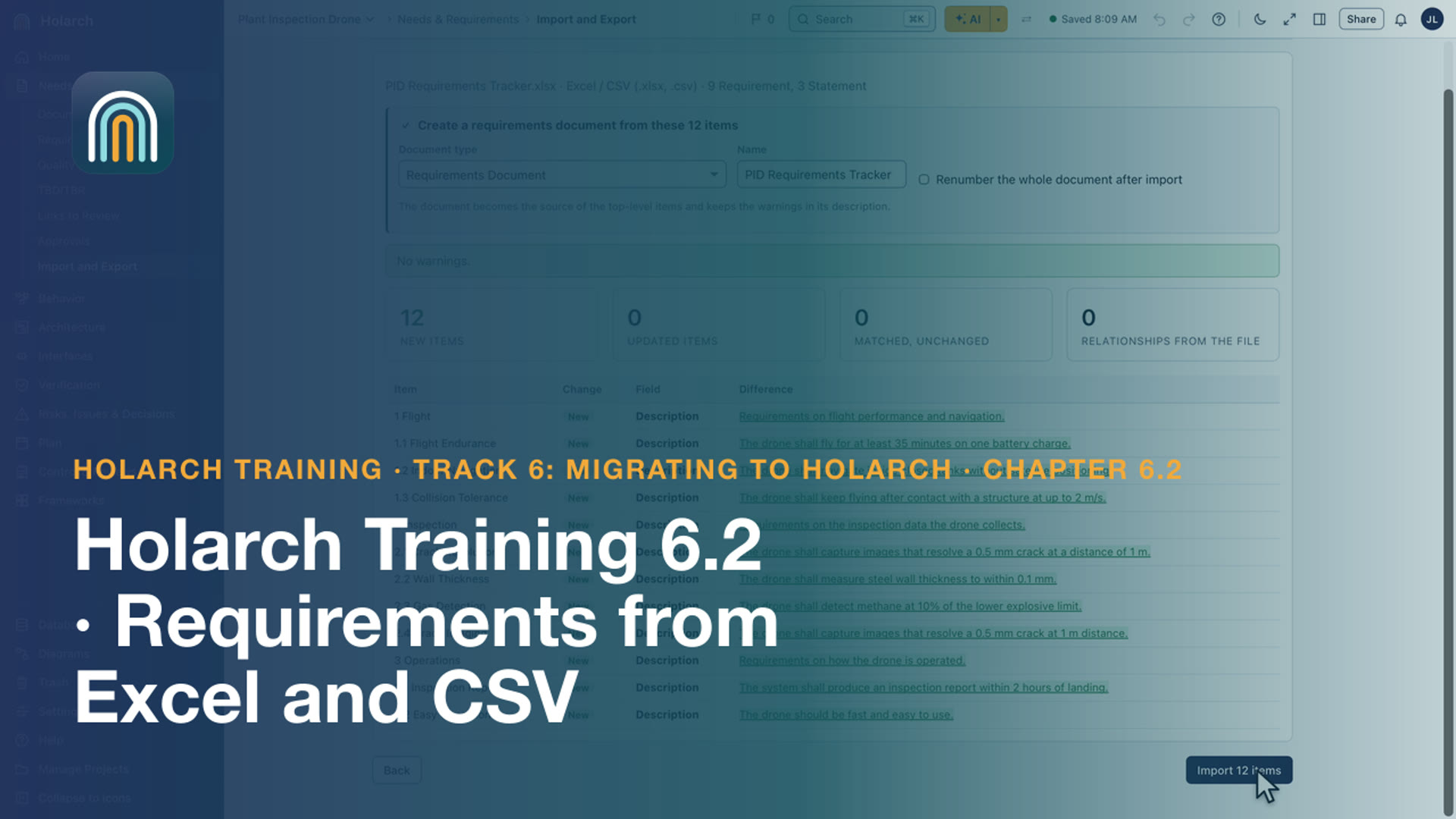
- Training 6.2: Requirements from Excel and CSV 2:32Import a requirements spreadsheet as a document, with its hierarchy, labels and attributes
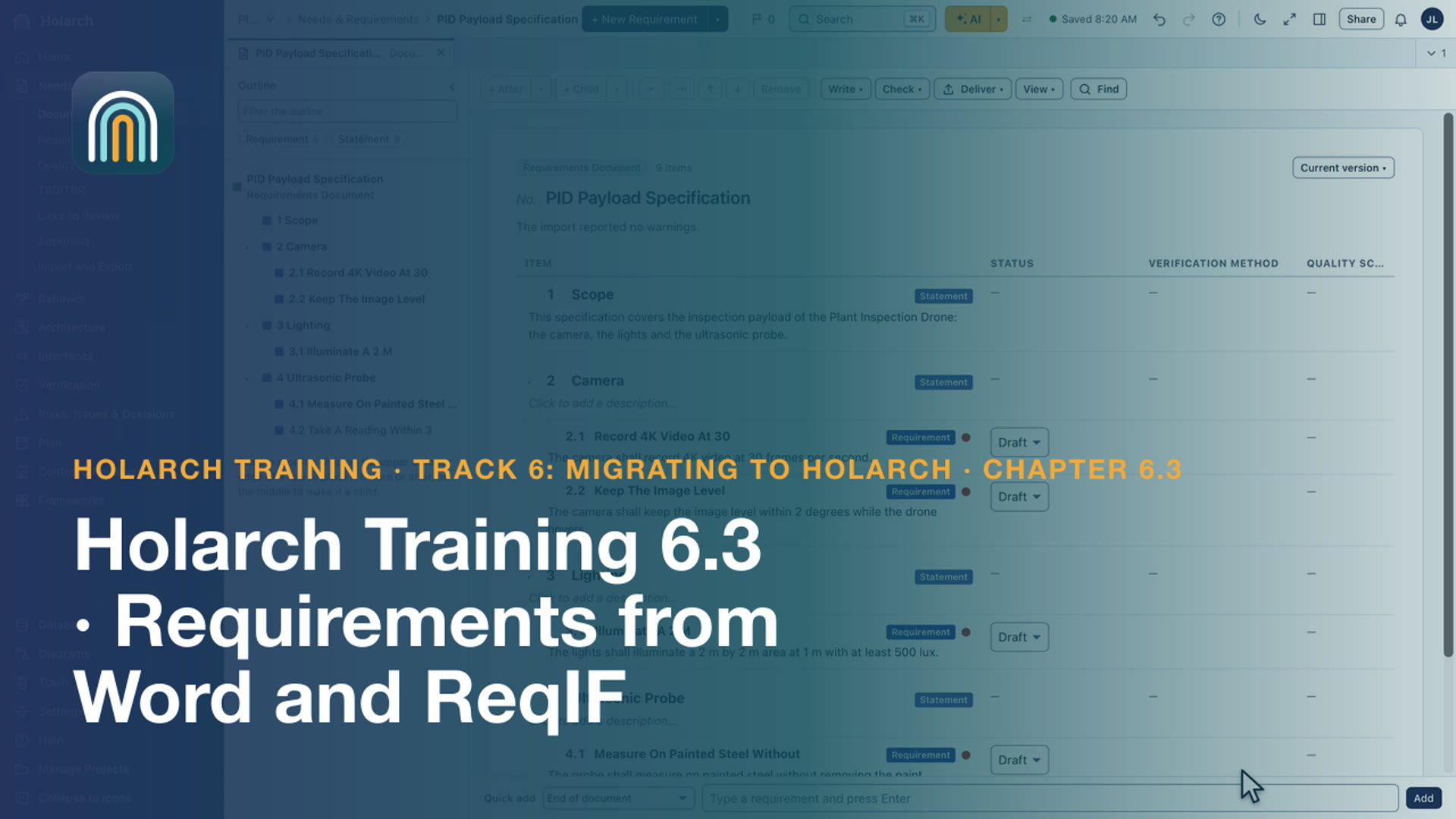
- Training 6.3: Requirements from Word and ReqIF 2:22Import a Word specification as a document, and a supplier's ReqIF file with its hierarchy and links
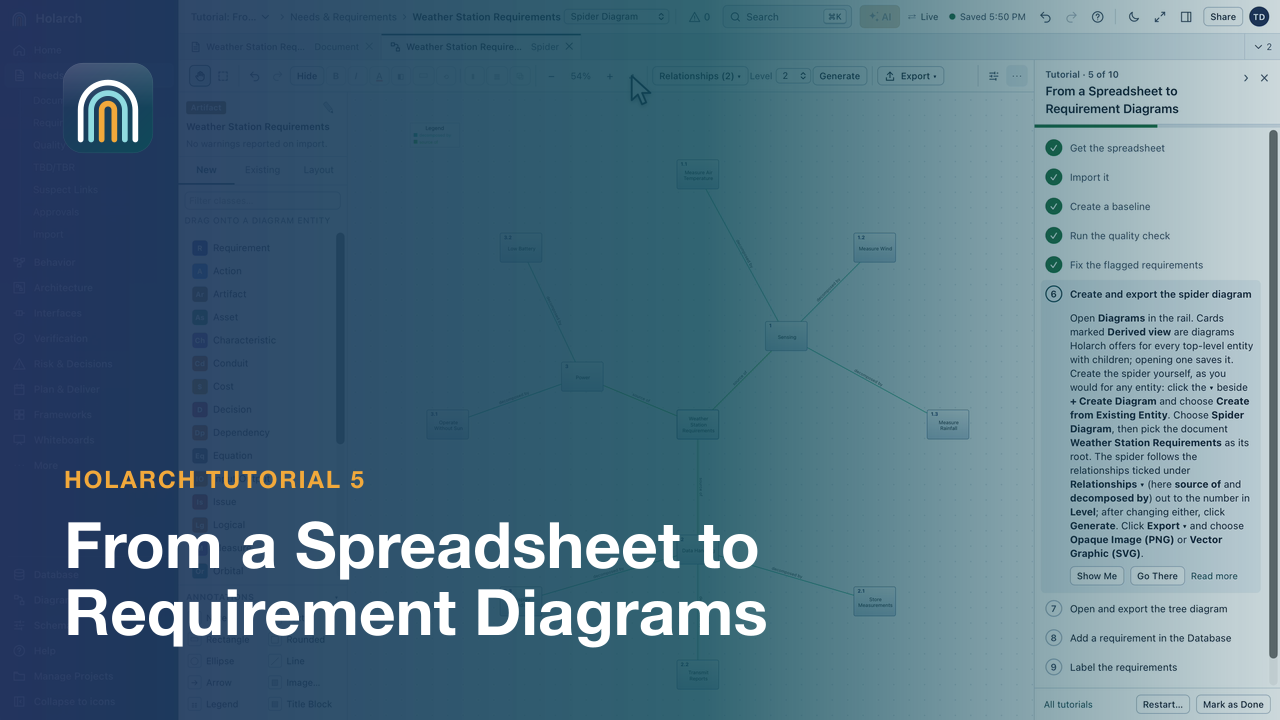
- Tutorial 5: From a Spreadsheet to Requirement Diagrams 5:08Import requirements from Excel, baseline them, fix what the quality check flags, then create spider and tree diagrams.
3. Set up the team
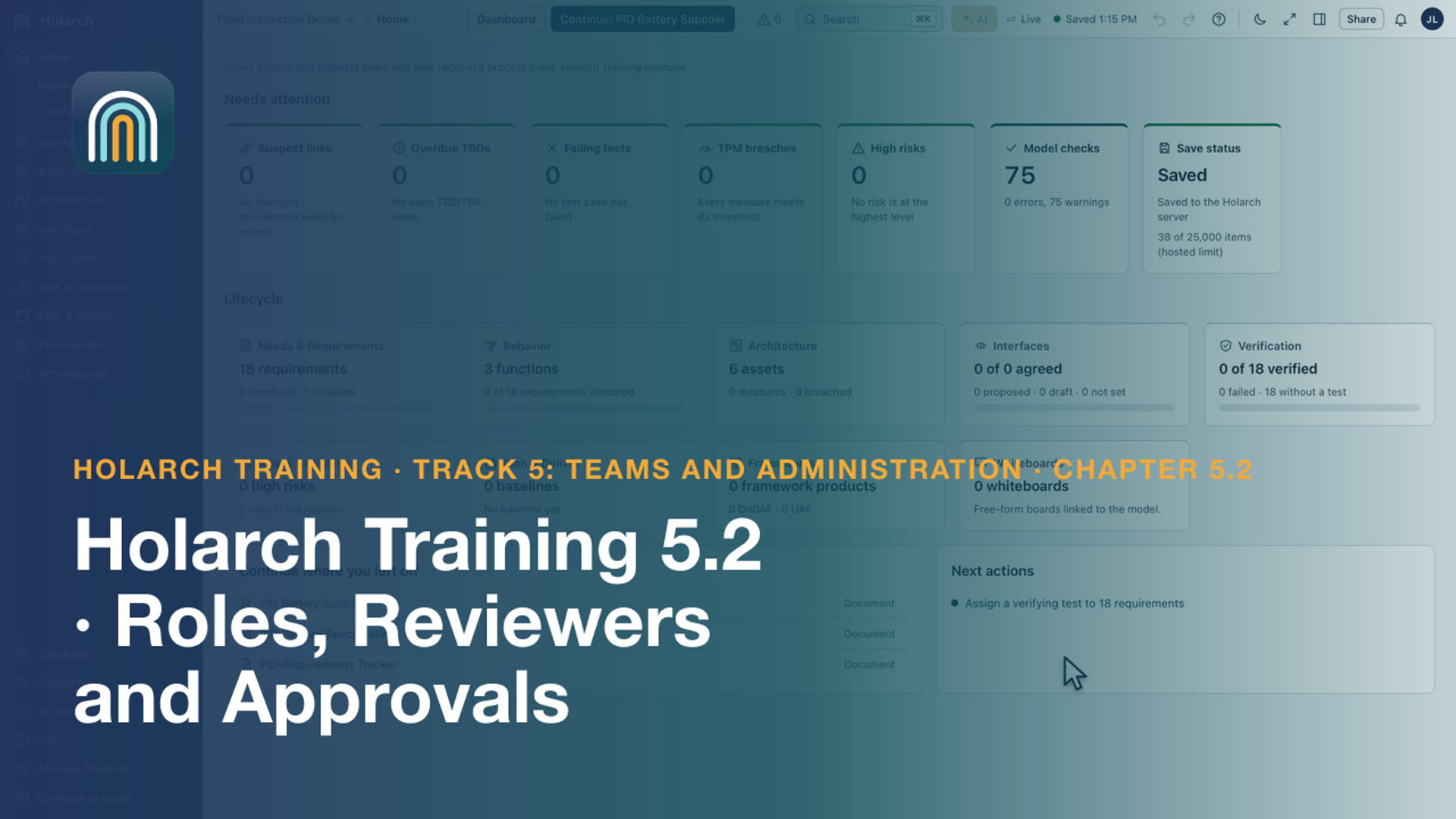
- Training 5.2: Roles, Reviewers and Approvals 1:56Give each person the right role, and approve requirements with free reviewers
- Training 5.3: Sign-In, Two-Step and Passkeys 2:35Passkeys first, two-step sign-in when you want it, and required for an organization
- Sharing and Roles 0:32Owner, editor, reviewer, viewer: who may do what
- Training 5.1: Organizations and Members 2:45Create an organization, add members, and bring projects into it