SysML v2 and MBSE in your browser.
Model the whole and its parts.
One model in SysML v2 or LML, from stakeholder needs to verified design. Work in diagrams or SysML v2 text, right in your browser.

Why MBSE
Bring MBSE to your company
The spec, the spreadsheet and the email disagree, and nobody can say what a change touches. See how one connected model links requirements, design and tests, and shows what a change affects before it breaks.
1:45 Plays from holarch.app; see the Privacy Policy.
Videos
See Holarch in action
Overviews and guided tours, each played from holarch.app.
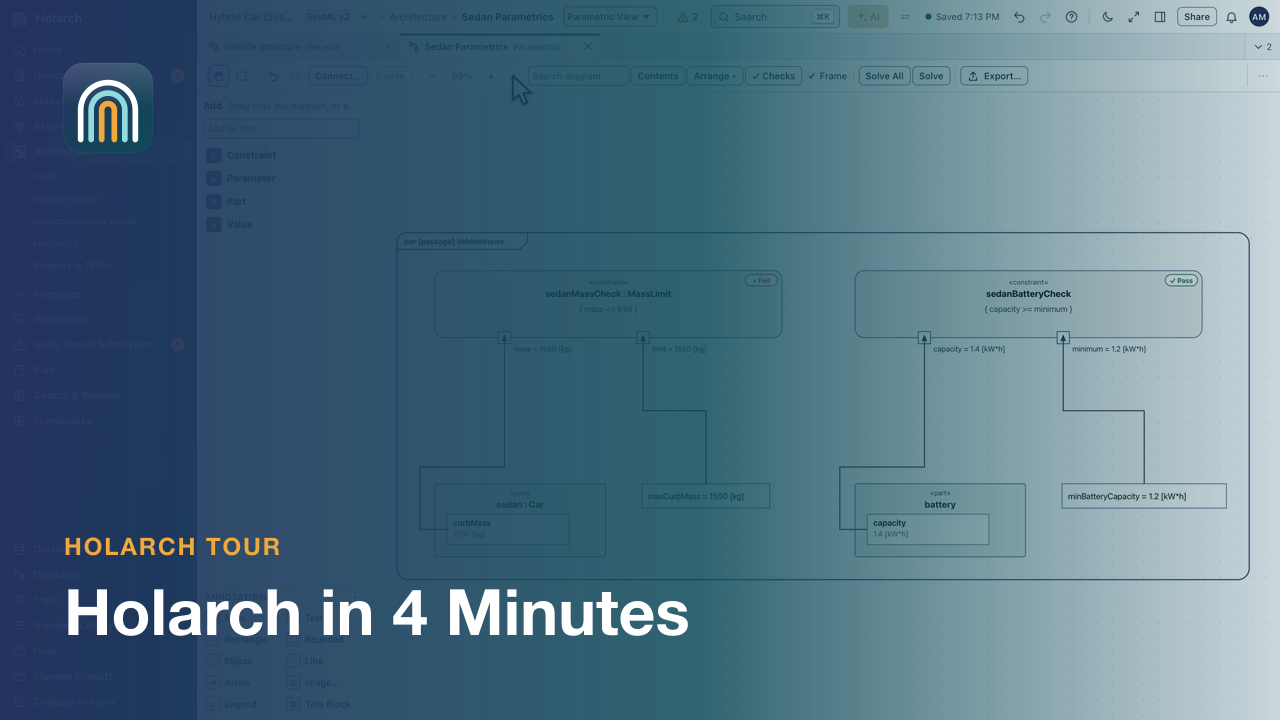
- Holarch in 4 Minutes 3:37SysML v2 as text and in views, a requirement change followed to a failing check, live teamwork and Ask AI.
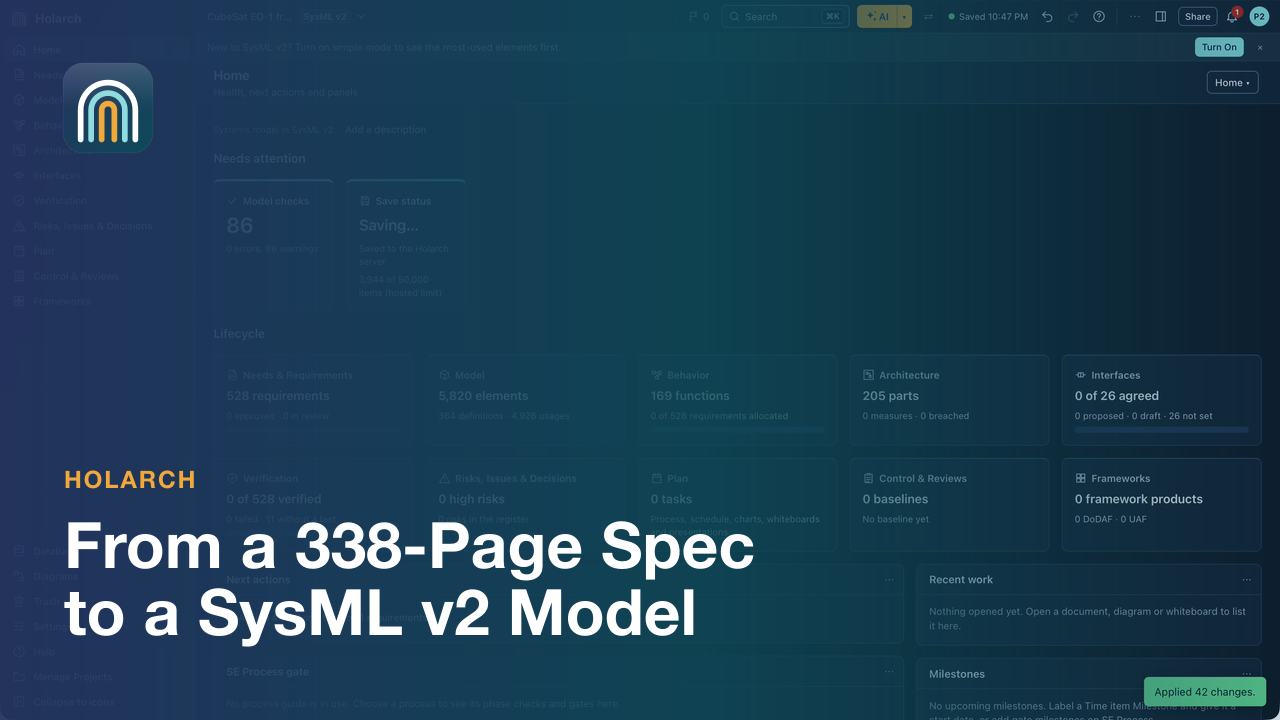
- From a 338-Page Spec to a SysML v2 Model 3:07Claude turns a 338-page spec into a checked, traceable SysML v2 model in 37 minutes; you review and apply it in 8 s.
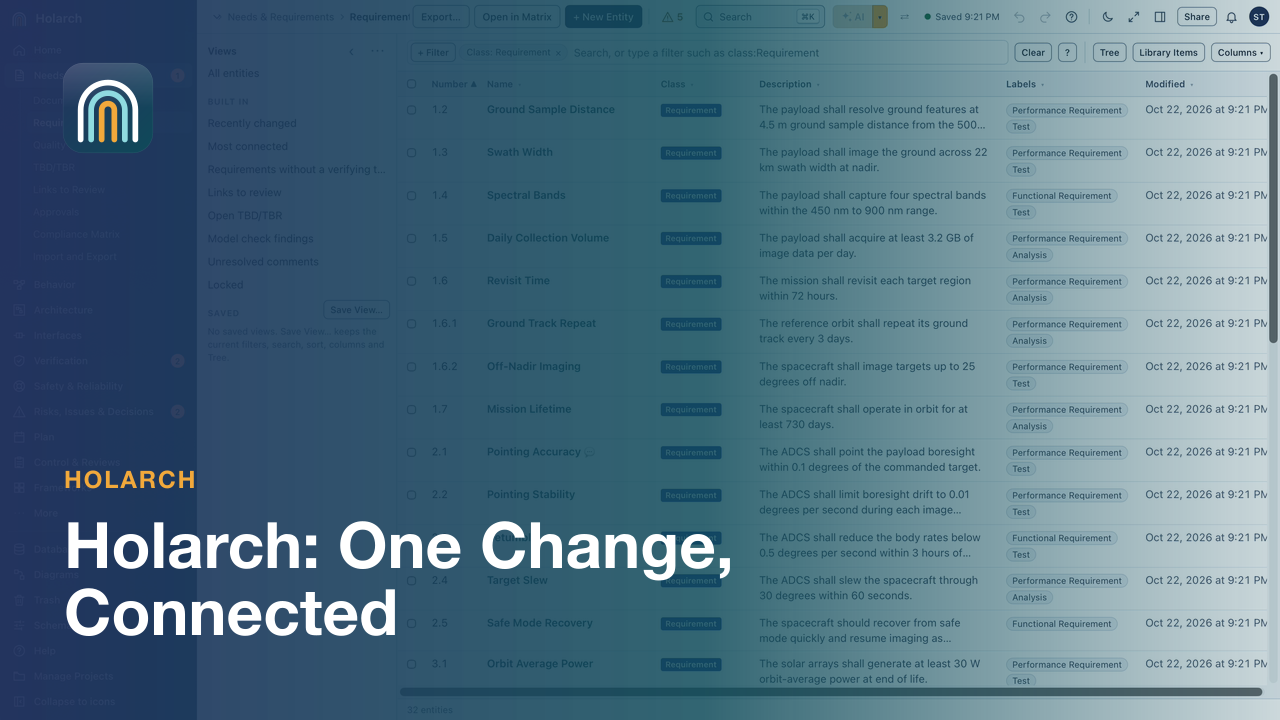
- One Change, Connected 2:36A stakeholder need followed to a requirement, a component, an interface and a test, through review and approval.
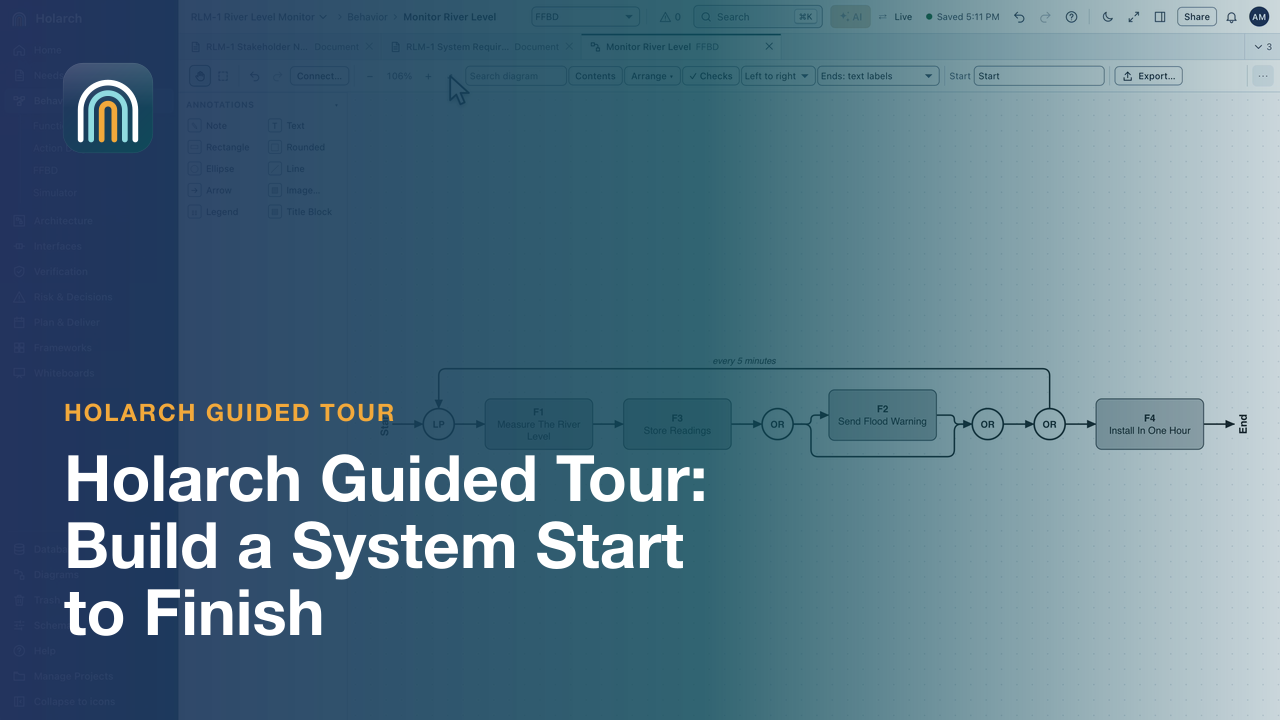
- Guided Tour: Build a System Start to Finish 6:24One small system from the need to a verified design, step by step.
The problem
Your system is one thing. Why keep it in six places?
Requirements sit in one tool, diagrams in another, the ICD in a document, the test matrix in a spreadsheet and the risks in a list. Each copy is kept in step by hand, so one change leaves the others out of date.
Copies drift
A requirement changes in one place. The diagram, the ICD and the test plan still show the old version until someone finds them.
Traceability is rebuilt by hand
Trace matrices are assembled from exports before each review and are out of date soon after.
Reviews run on exports
Reviewers comment on documents generated from the model, and the comments are copied back by hand.
Model-based systems engineering
One model behind every view
Requirements, functions, components, interfaces, tests, risks and decisions live in one model: SysML v2, written as text and edited in the standard views, or the Lifecycle Modeling Language (LML), worked in diagrams. Documents, diagrams and matrices are views of that model. Change an element once, and every view that shows it updates.
SysML v2
Model in SysML v2
A SysML v2 project is a SysML v2 model. Write it as text, edit it in the standard views, and use the same requirements, verification, interface, budget and framework pages on it.
- Text and views stay in step, with problems shown as you type.
- Import and export
.sysmland SysML v2 JSON, and pull from or push to a model repository. - Convert an LML project into a SysML v2 copy, or the other way round.
- Import SysML v1 models from Cameo, Enterprise Architect, Rhapsody or Papyrus, with a report of what was converted, approximated or left out, and why. Importing SysML v1 models
Powered by the Holarch Language Engine. On a 10,000-line model, each keystroke is analyzed in 3 to 4 ms: parse, diagnostics and the name and rule checks.
LML
Or model in LML
An LML project keeps every entity in one model based on the Lifecycle Modeling Language (LML 2.0, with LML 1.x models supported), linked by typed relationships, and you work in its diagrams, documents and matrices.
Class and relationship names as Holarch uses them. Traces are marked for review when a source requirement changes after a baseline. See how it works: traceability and links to review →
Compared
Traditional MBSE tools and Holarch
How the usual desktop toolchain and Holarch differ in daily work.
| Topic | Traditional MBSE tools | Holarch |
|---|---|---|
| Setup | Desktop installs, usually with a license server to run and maintain. | Runs in the browser. Nothing to install. |
| Review | Reviewers need a license or work from exported documents. | Reviewers and viewers open the live model, free on every plan. |
| Where the data lives | Requirements, architecture and test data often live in separate tools and are synchronized. | Requirements, functions, components, interfaces and tests are entities in one model, linked by typed relationships. |
| Interchange | Integration often depends on tool-specific plug-ins and add-ons. | ReqIF (the standard requirements exchange format used by DOORS, Polarion and Codebeamer), XMI, CSV, Excel, Word and JSON, plus a REST API and an MCP endpoint for scripts and AI tools. Every format and its limits. |
| AI | AI assistance, where offered, varies by tool and edition. | AI proposes changes to the model. You review each one before it applies, and one undo reverses it. |
| Trying it | An evaluation usually needs a time-limited license and an install. | Start free in the browser and model a real project with every modeling feature. |
AI assistance
AI that works inside your model
The AI reads the entities and relationships of your project and proposes changes to them. You review each proposal before it applies, and one undo reverses it.
- Turn a requirements document into functions and an FFBD. Extract functions with their allocated requirements, then get a suggested flow.
- Check and rewrite requirements. An AI quality review judges correctness, feasibility and necessity, finds ambiguous or unverifiable wording, and offers rewrites, shown word by word.
- Ask questions about Holarch and your model. Answers link to the entities and Help topics they use.
- Draft requirements, test cases and risks from the items you select.
- Generate clipart for a whiteboard when the library has nothing that fits.
AI included
The Individual and Team plans include AI requests from Claude each month (from GLM 5.3 for requests from mainland China, Hong Kong, Macau and Taiwan). No key needed. For more, add your own Anthropic key or use your organization's. Why Claude.
Preview first
Every AI change is previewed and applied as one undo step. Risky changes start unticked.
Guarded prompts
Project text goes to the AI as marked data, and every reply is checked before you see it.
AI off when needed
Instructors and team admins can turn AI off for their class or organization.
The lifecycle, in order
From needs to verified design
Needs and requirements
Write requirements in documents. Check their quality, trace them, and manage approvals and baselines.
Learn more about needs and requirements →Behavior
Decompose functions, generate FFBDs, and run action-diagram simulations.
Learn more about behavior →Architecture
Allocate functions to components. Draw SysML block, internal block and parametric diagrams with units.
Learn more about architecture →Verification
Plan tests in the Test Center. The RVTM shows what is verified and what isn't.
Learn more about verification →Risks, issues and decisions
Run a risk register, risk matrices and weighted trade studies.
Learn more about risk and decisions →Plan, control and reviews
Use Kanban boards, Gantt charts, budgets and TPMs. Control changes and follow an SE process guide.
Learn more about plan and deliver →Frameworks
Produce DoDAF and UAF products, including an imported OV-1.
Learn more about frameworks →Deliverables
Model the engineering once. Use it everywhere.
Documents, ICDs, the RVTM, DoDAF and UAF products and presentations come from the model instead of separate copies. Change an entity, and the next export shows the change.
Documents
Specifications whose traceability, verification and interface matrices are rebuilt from the model each time they are shown or exported to Word.
See how it works: document generation →ICDs
Interface control documents, N² and I² matrices from the interfaces in the model.
See how it works: interfaces and ICDs →RVTM
Verification coverage for every requirement, from the test cases and test results.
See how it works: verification and the RVTM →DoDAF and UAF
Architecture products and views built from the model, with a Word architecture package.
See how it works: frameworks →Presentations
Slide decks whose slides stay linked to entities, diagrams and queries. Export to PowerPoint.
See how it works: presentations →Exchange formats
ReqIF, the standard exchange format used by DOORS, Polarion and Codebeamer, plus CSV, Excel and JSON. A Holarch to ReqIF to Holarch round trip of the CubeSat demo keeps all 407 items unchanged.
See how it works: import and export →Collaboration
Work together
Reviewers and viewers are free on every plan. Invite your customer and review board to comment and approve without buying seats.
- Share a project and give each person a role: owner, editor, reviewer or viewer.
- Edit at the same time and see who is in the project.
- Work offline. Changes merge when you reconnect.
- Every project keeps earlier versions you can restore.
Whiteboards
Sketch first, then link
Sketch concepts on a whiteboard with more than 6,000 icons, military symbols and systems-thinking shapes. Then link sketches to model items.
Learn more about whiteboards → See how it works: whiteboards →For classes
Free for classes
Students and instructors use Holarch free.
For developers
Build SysML v2 into your own product
The Holarch Language Engine parses, resolves, checks and evaluates SysML v2 and KerML text. It runs in the browser as WebAssembly or on your server, and is available for licensing.
// package P { part a : Engine; }
{ "code": "name.unresolved",
  "args": { "name": "Engine" },
  "field": "typedBy",
  "range": { "from": 21, "to": 27 },
  "severity": "error" }
Each diagnostic has a stable code, a severity and the exact range in the text.
Articles
Latest articles
How to Write a Requirement You Can Actually Verify
"Respond quickly" passes review and can't be verified. What makes a requirement verifiable, a before-and-after example, and naming the verification method as you write.
Most Systems Fail at the Interfaces
The Mars Climate Orbiter was lost to a units mismatch between two working parts. Why interfaces get assumptions instead of attention, and the habits that fix it.
The Quiet Triumph of Model-Based Systems Engineering
Model-based systems engineering won quietly: the model became the source and documents became views. Why models won, and where the tools still fall short.
Start building your model.
DOORS, Polarion and Codebeamer are trademarks of their respective owners. Holarch is not affiliated with or endorsed by them.