Traceability and change
Trace needs to requirements, functions, components and tests, and see what a change affects.
4 overviews · 13 in a minute · 2 tutorials · 3 training chapters · 3 method videos
Overviews 4

- Holarch: One Change, Connected 2:36A stakeholder need becomes a requirement, a component, an interface and a test case in one model; a design change marks the affected links for review, and a reviewer comments and approves.
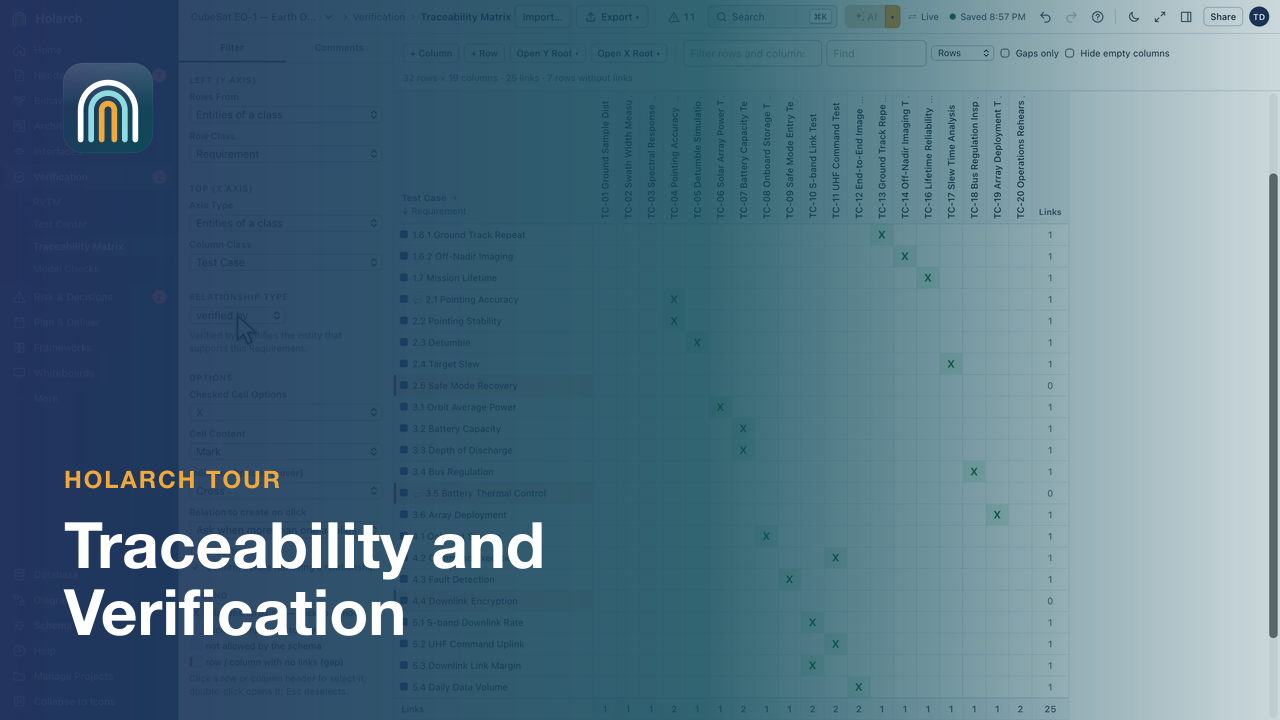
- Traceability and Verification 3:11The traceability matrix, links to review after a requirement change, the Test Center, the RVTM and Model Checks.
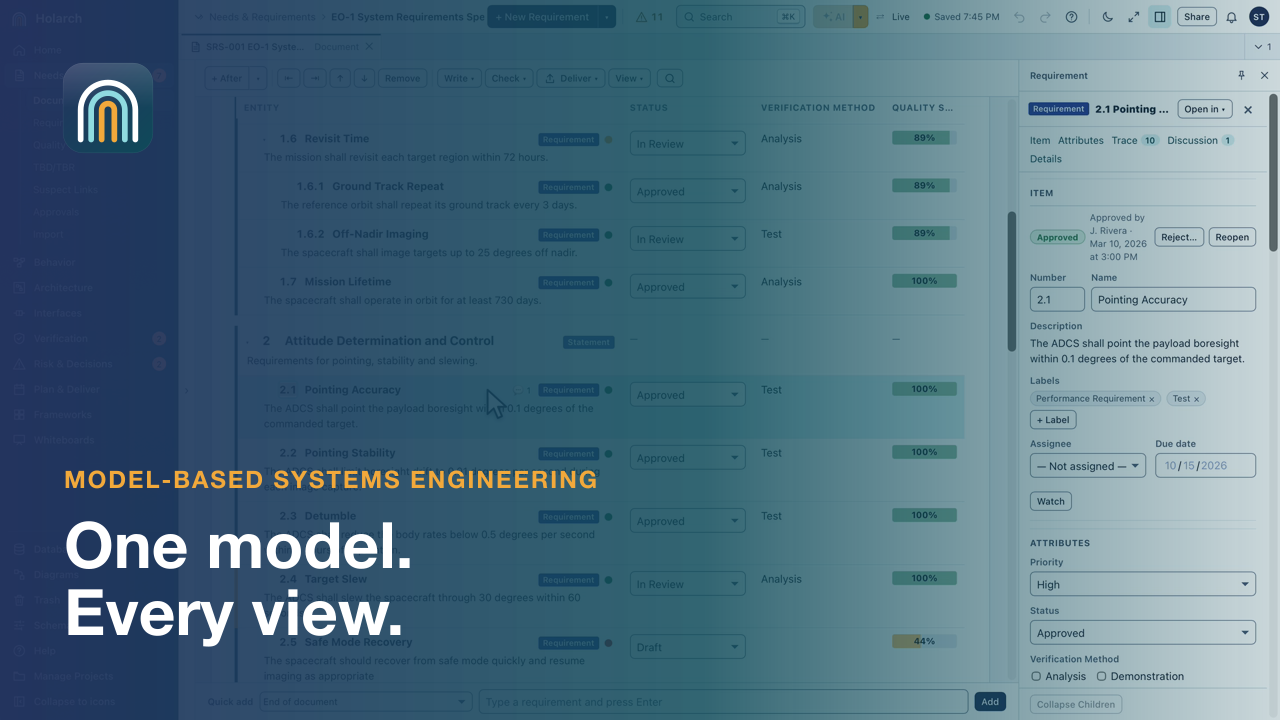
- Holarch: One Model for Systems Engineering 1:44Requirements, diagrams, simulation, traceability and verification in one model, with process guides for the life cycle your program uses, live teamwork and free reviewers.
- Holarch: Bring MBSE to Your Company 1:45When the spec, the spreadsheet and the email disagree, nobody can say what a change touches. One connected model links each requirement to what does it, what it is made of and how it is proven, shows what a change affects, finds test gaps and writes the spec.
Features in a minute 13
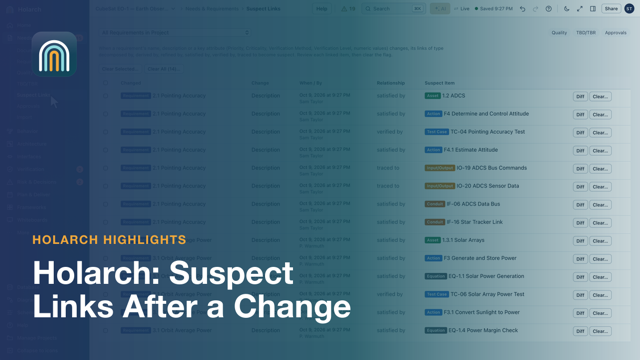




- Links to Review After a Change 1:09Change a requirement, see what it may have broken
- Baselines and Changes Since 0:51Freeze what was agreed, compare against it later
- Spider and Hierarchy Diagrams, Generated 0:42Everything connected to one item, in one picture
- Impact Before a Change Is Applied 1:16See what a change touches before anyone approves it
- Model Checks 0:37Find the gaps before the review does
- Libraries and Links Across Projects 1:06Reuse released work, and trace into other projects
- Your Own Model Check Rules 1:10Write the checks your program needs, units included
- Work in a Change Request 1:38Edit in a draft of the model; nothing changes until it is approved
- Item History 0:48Every version of an item, compared word by word
- Serial-Number and Date Effectivity 0:55Which units, and from when
- Model Data in a Spreadsheet 1:11Live tables and values from the model
- Release a Configuration Through a Change Request 1:19The board that approves the changes approves the release
- Traceability Matrix: Click to Link 0:50See every gap, close one with a click
Hands-on tutorials 2
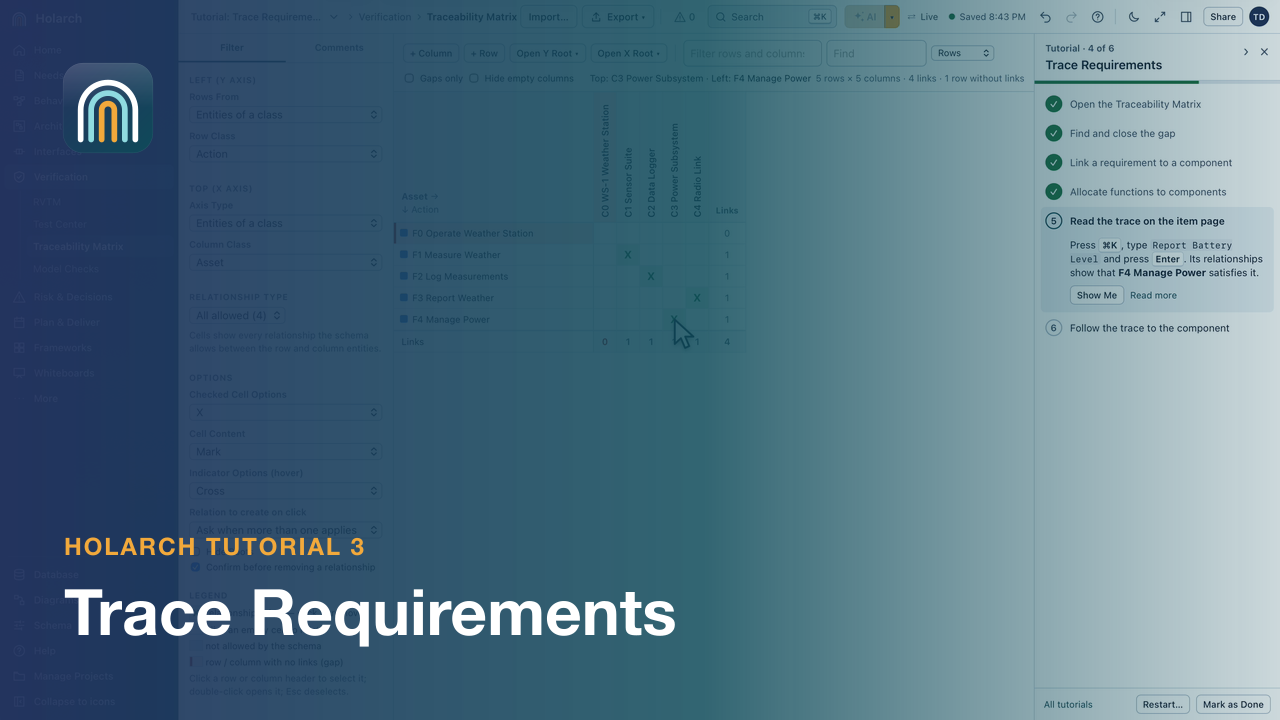
- Tutorial 3: Trace Requirements 3:03Use the traceability matrix to find a gap, add a component and allocate functions to it, then follow the links.
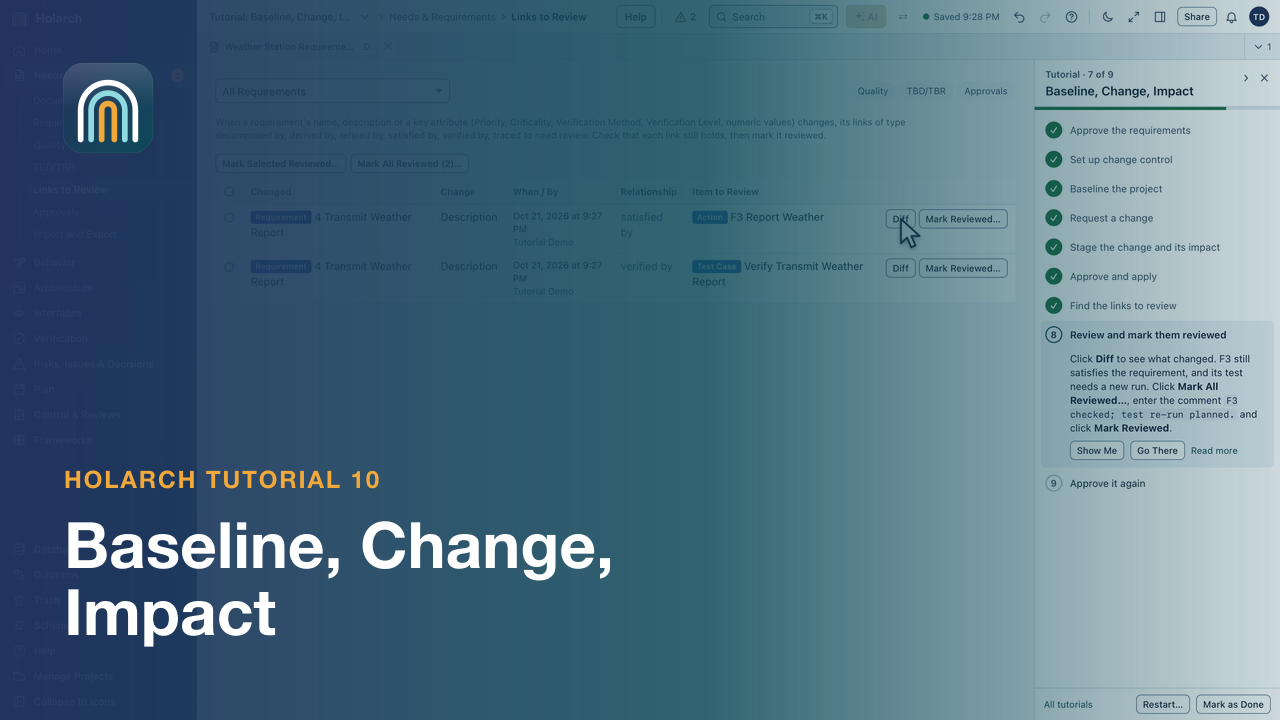
- Tutorial 10: Baseline, Change, Impact 3:31Approve and baseline the requirements, change one through a change request, review the links it marks and approve it again.
Training course 3
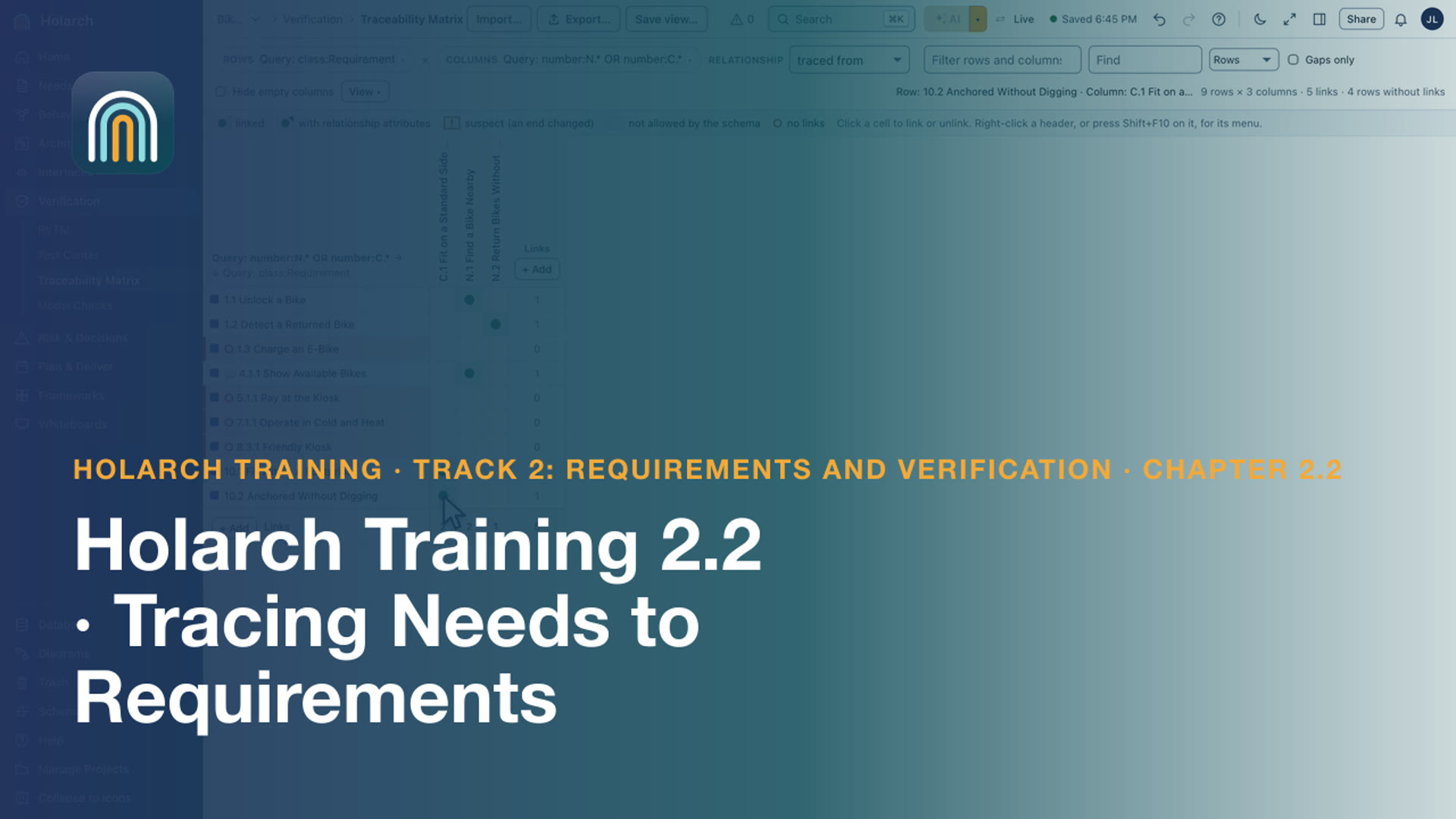
- Training 2.2: Tracing Needs to Requirements 2:07Trace each requirement to the need or constraint it comes from, and find the gaps
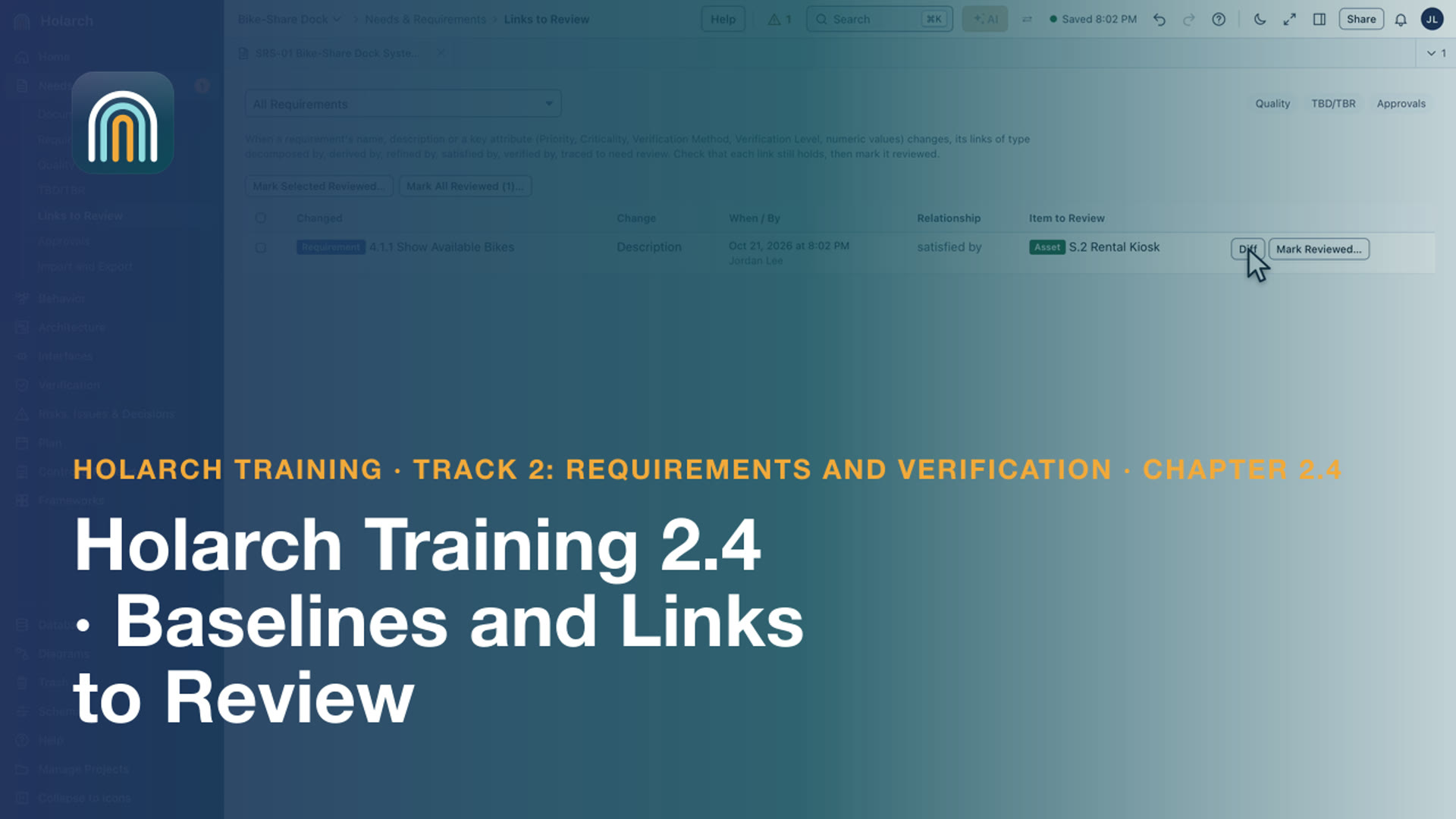
- Training 2.4: Baselines and Links to Review 2:39Freeze the specification in a baseline, change a requirement, and review what the change touches
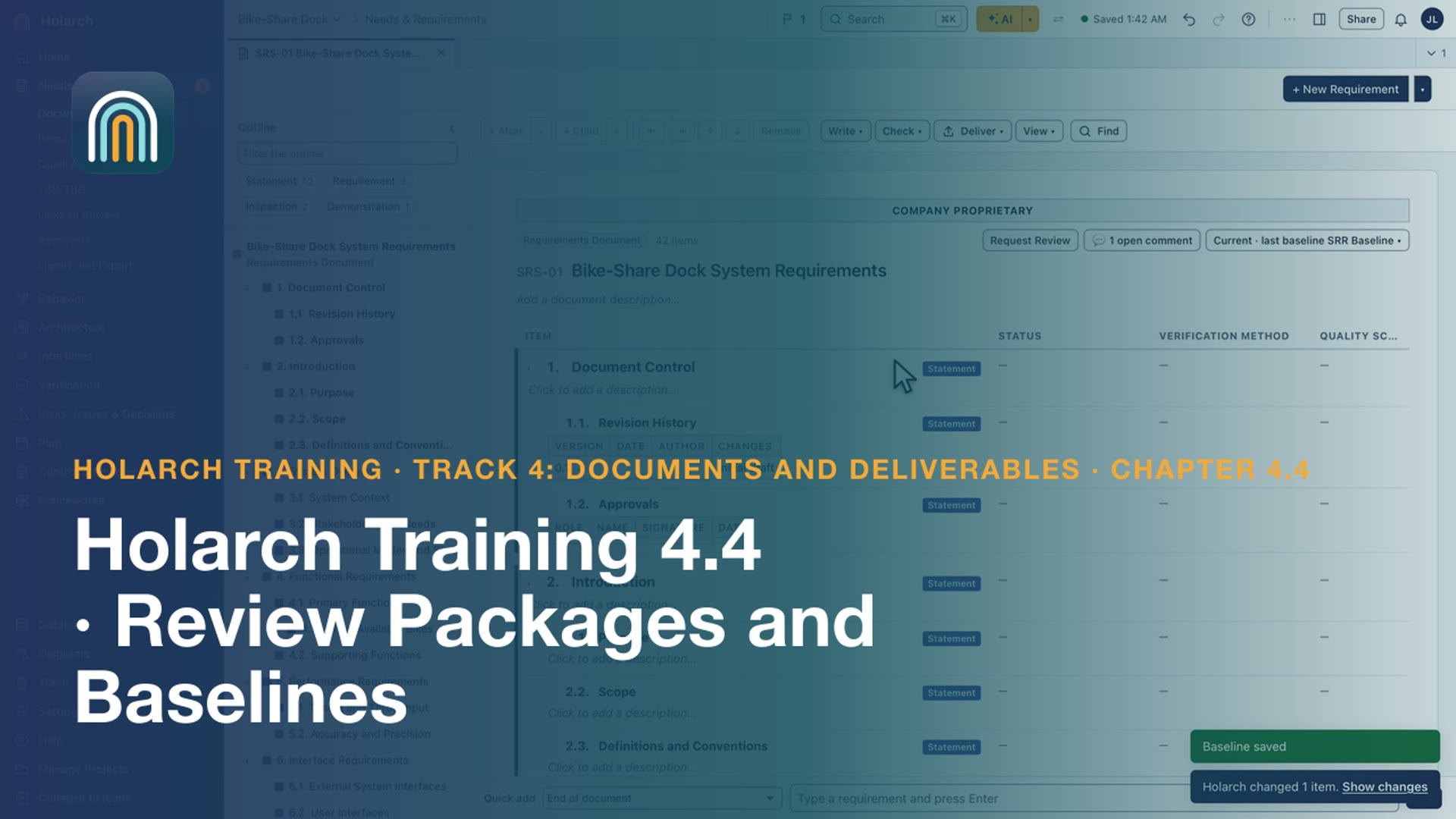
- Training 4.4: Review Packages and Baselines 2:34Freeze what is reviewed, see what changed since, and hand reviewers one package
Methods and worked examples 3
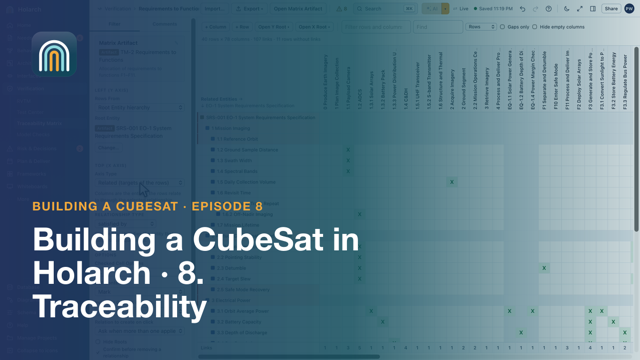
- CubeSat 08: Traceability 3:29A traceability matrix to find gaps, spider and tree views, impact analysis before a change, links to review after it, and model checks.
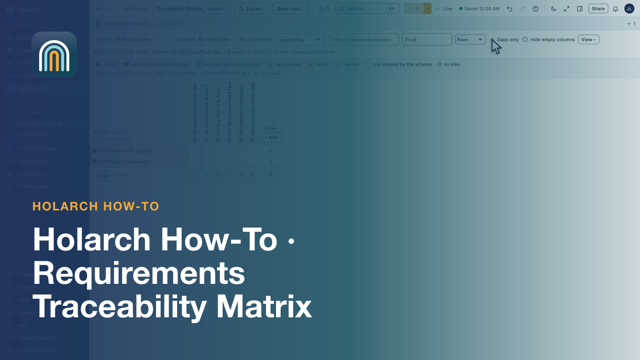
- How-to 02: Requirements Traceability Matrix: How to Build One 5:32Trace requirements to functions, components and tests in one matrix, find the gaps and export it to Excel.
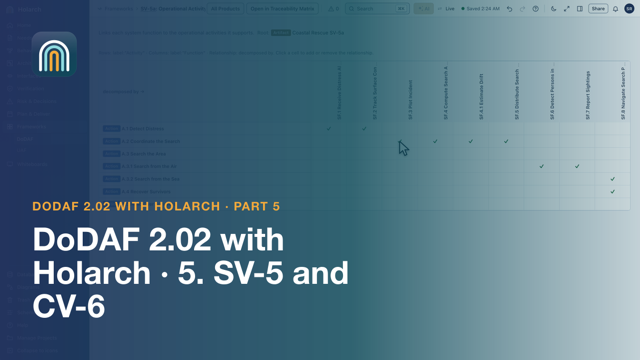
- DoDAF Part 5: SV-5a, SV-5b and CV-6: Traceability Matrices 4:45Build SV-5a, SV-5b and CV-6 by clicking cells, read them for gaps, and confirm with the DoDAF checks and the traceability matrix.
Related topics: Collaboration · Verification and validation · Getting started · Requirements · Architecture and interfaces · Process and planning · Documents and reviews · DoDAF and UAF