Requirements
Write requirements that hold up, check their quality, track open values and approve them.
13 in a minute · 3 tutorials · 7 training chapters · 6 method videos
Features in a minute 13
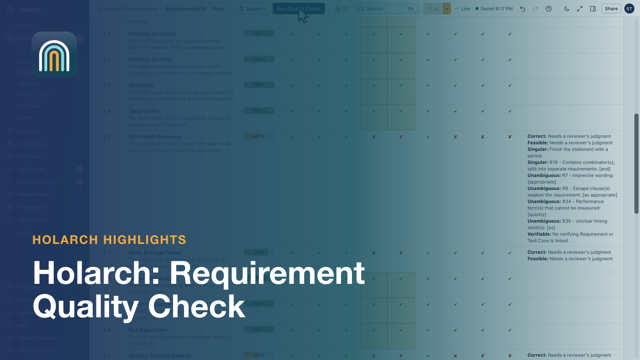
- Requirement Quality Check 1:28Find weak requirements before a review does
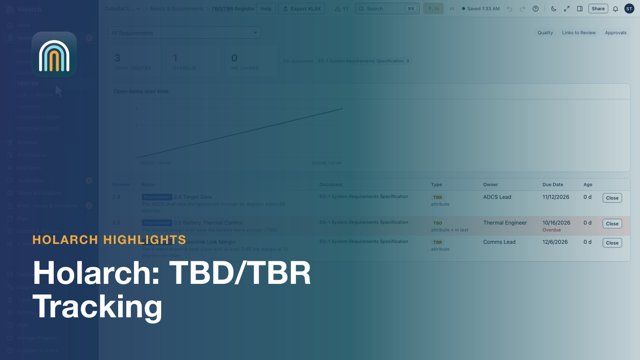
- TBD/TBR Tracking 0:58Every open value has an owner and a due date
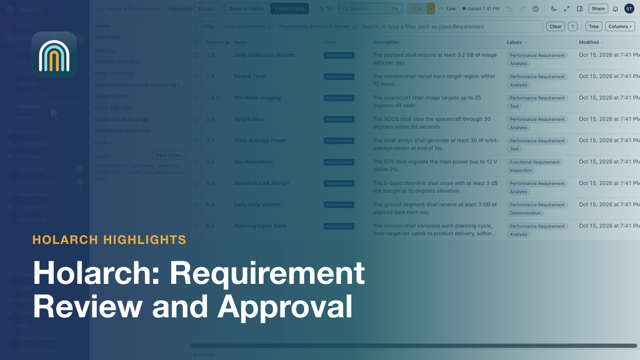
- Requirement Review and Approval 0:43Approve or reject, with the name and date on record
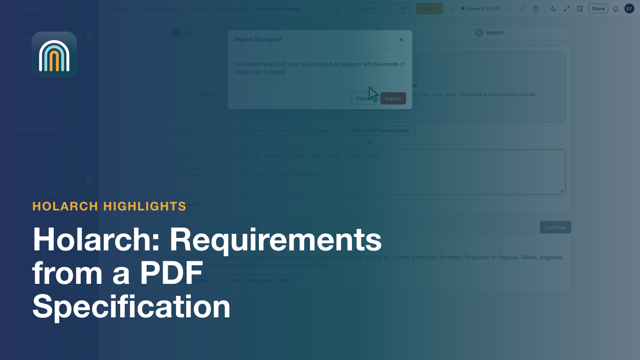
- Requirements from a PDF Specification 1:29Every requirement in a PDF specification, with its number and page, added in one undo step
- SysML v2: Requirements Documents 1:25A document whose rows are SysML requirements
- SysML v2: TBD and TBR in the Model 1:16Open values tracked in valid SysML text
- Links to Review After a Change 1:09Change a requirement, see what it may have broken
- Baselines and Changes Since 0:51Freeze what was agreed, compare against it later
- Find Acronyms and Build the Glossary 0:49Build a document's acronym list from its text
- Fix Weak Requirements with AI 0:40From a quality finding to a measurable requirement
- Whiteboards Linked to the Model 0:36From sticky notes to requirements
- Import Requirements from Excel 0:57From a spreadsheet to a structured specification
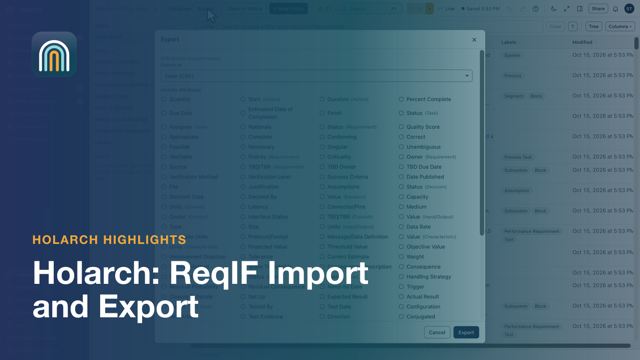
- ReqIF Import and Export 0:44Exchange requirements with other tools in the standard format
Hands-on tutorials 3
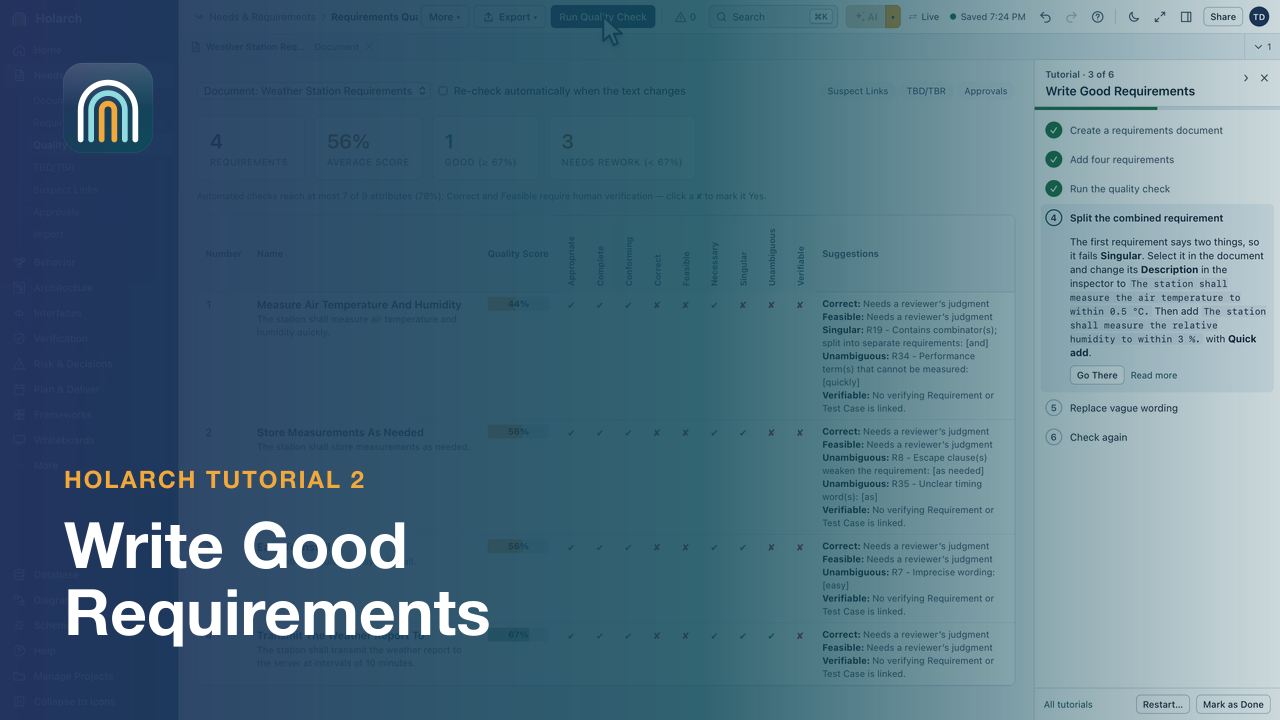
- Tutorial 2: Write Good Requirements 3:13Write requirements in a document, run the quality check and fix what it flags.
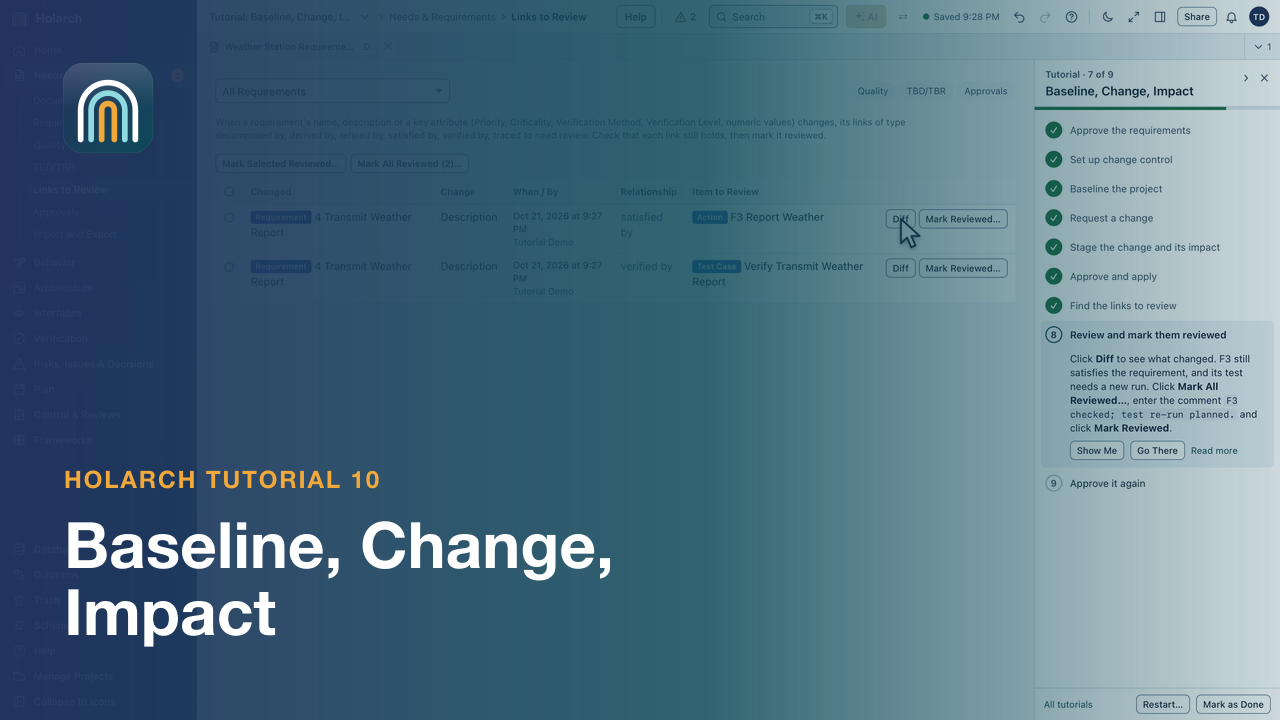
- Tutorial 10: Baseline, Change, Impact 3:31Approve and baseline the requirements, change one through a change request, review the links it marks and approve it again.
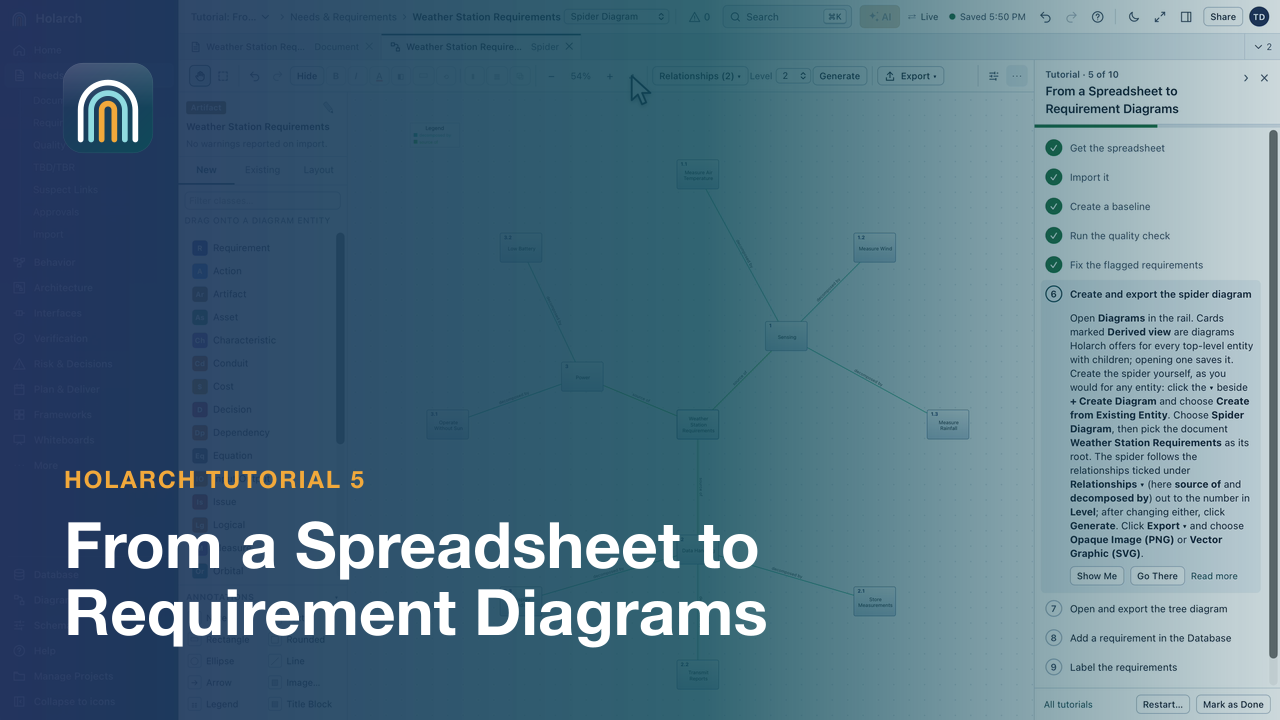
- Tutorial 5: From a Spreadsheet to Requirement Diagrams 5:08Import requirements from Excel, baseline them, fix what the quality check flags, then create spider and tree diagrams.
Training course 7
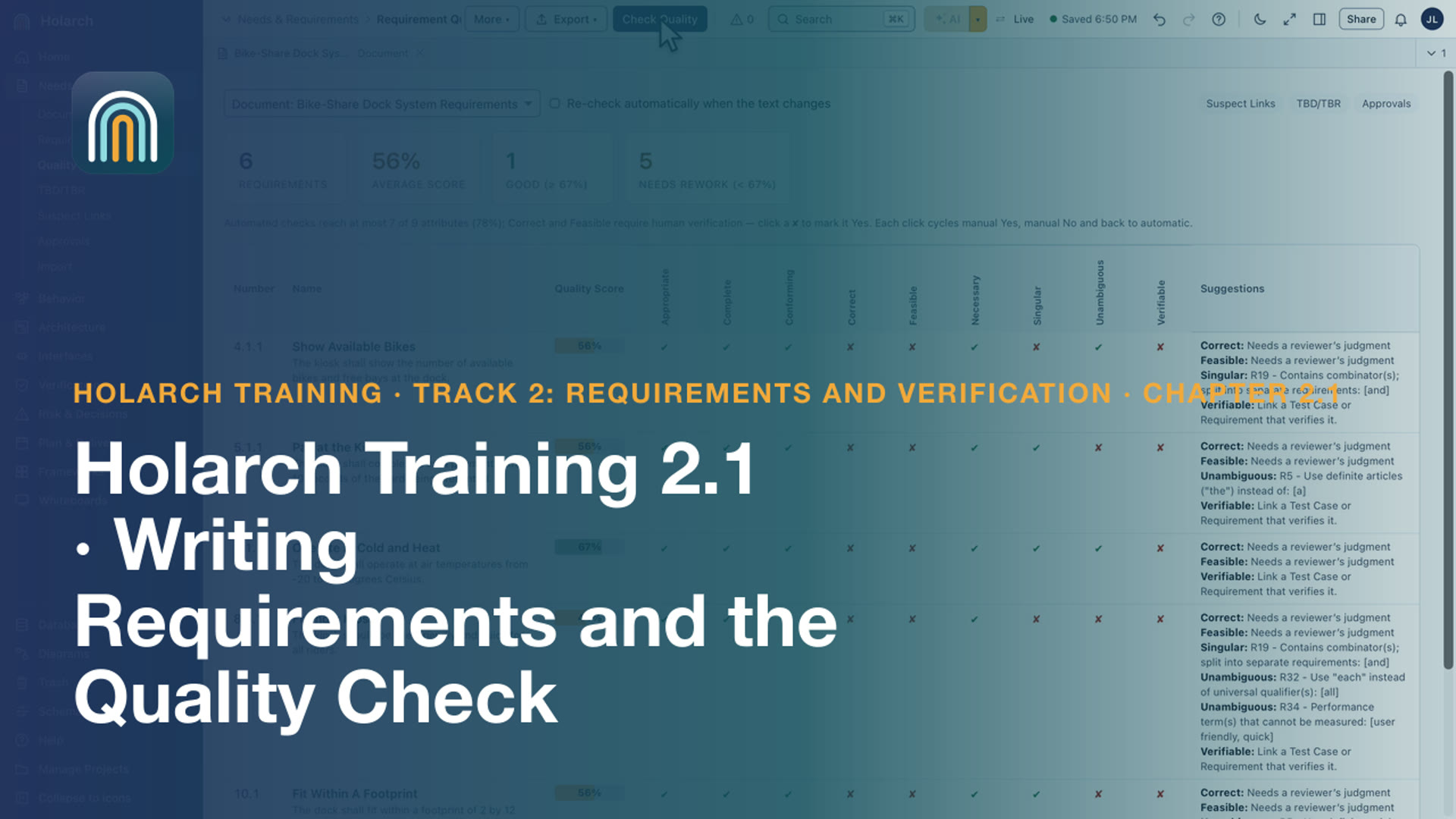
- Training 2.1: Writing Requirements and the Quality Check 3:36Write requirements with their attributes, and let the quality check find weak wording
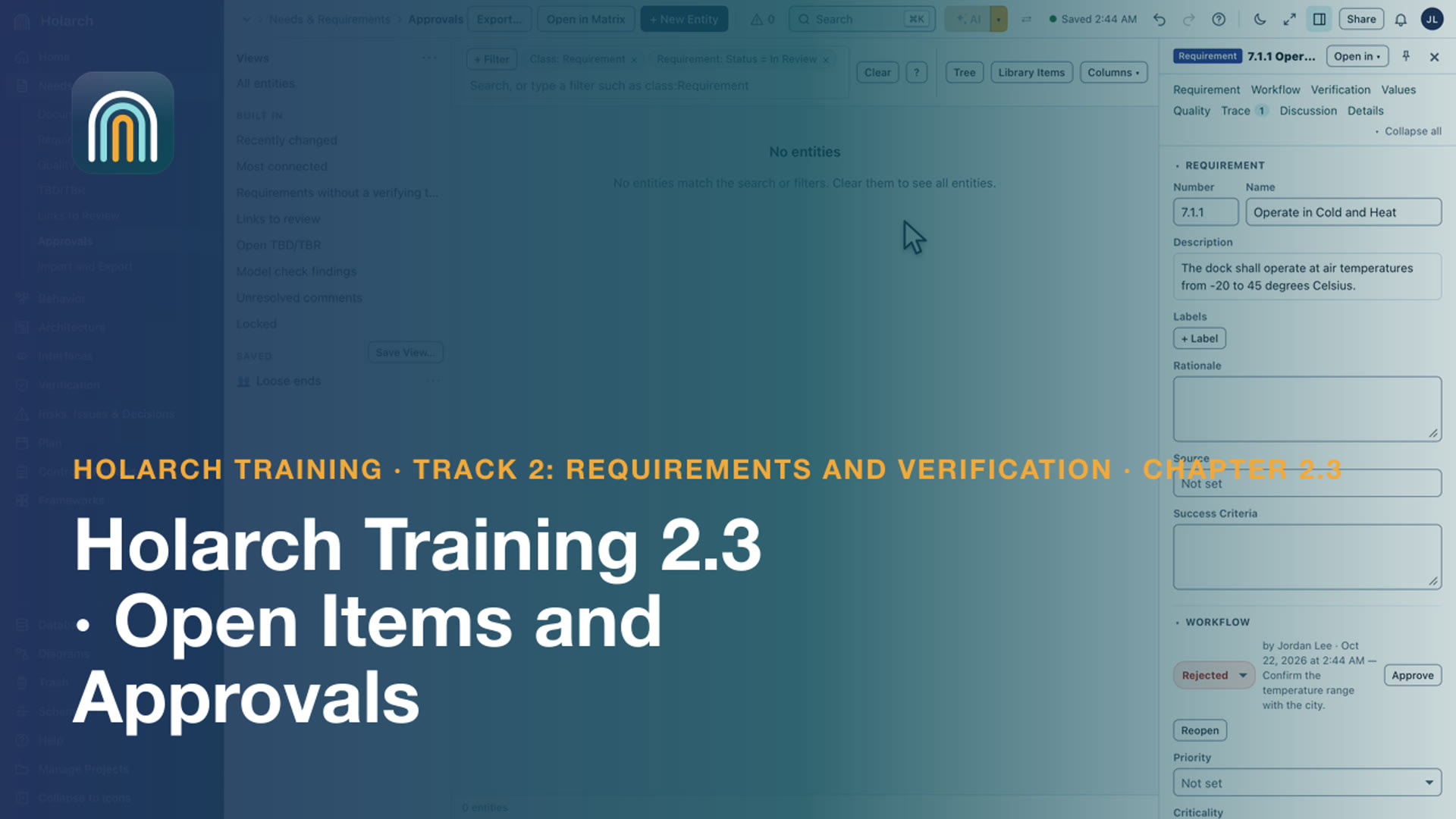
- Training 2.3: Open Items and Approvals 2:31Track values still to be decided, and take requirements through review and approval
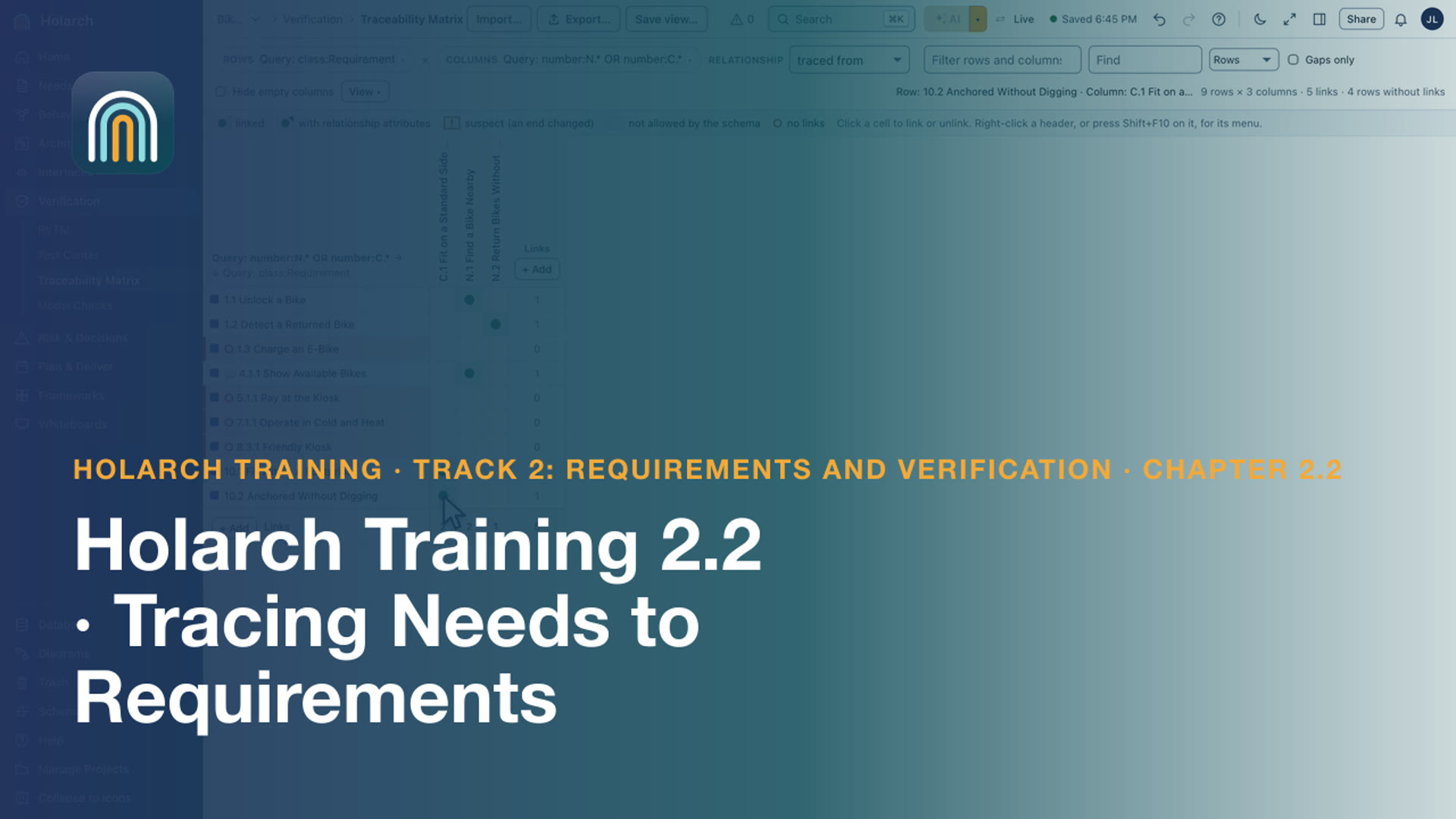
- Training 2.2: Tracing Needs to Requirements 2:07Trace each requirement to the need or constraint it comes from, and find the gaps
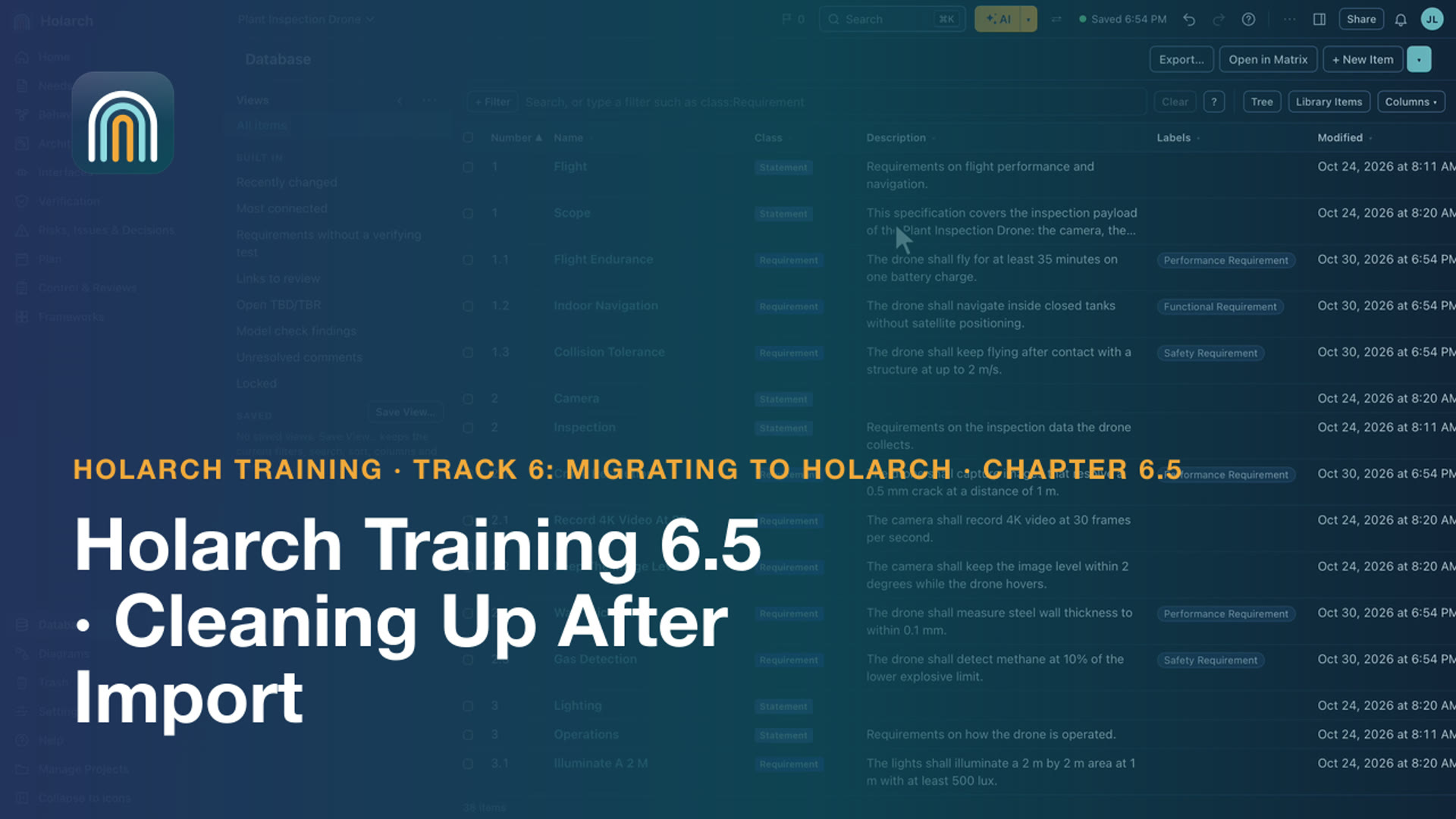
- Training 6.5: Cleaning Up After Import 2:40Find duplicates and weak requirements, fix them, run the model checks, and connect what came in separately
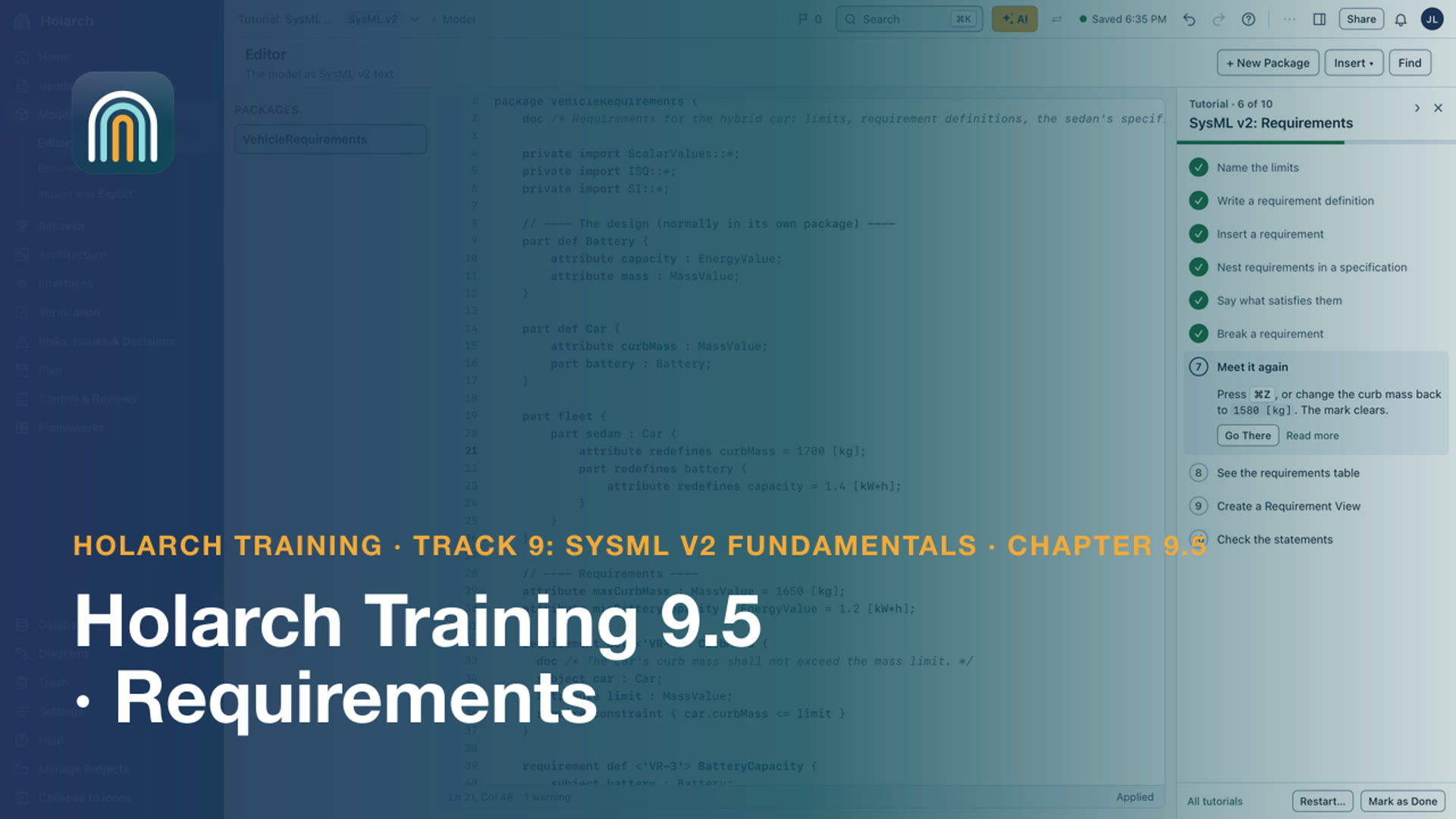
- Training 9.5: Requirements 4:15Write checkable requirements, nest them in a specification, and see one that is not met
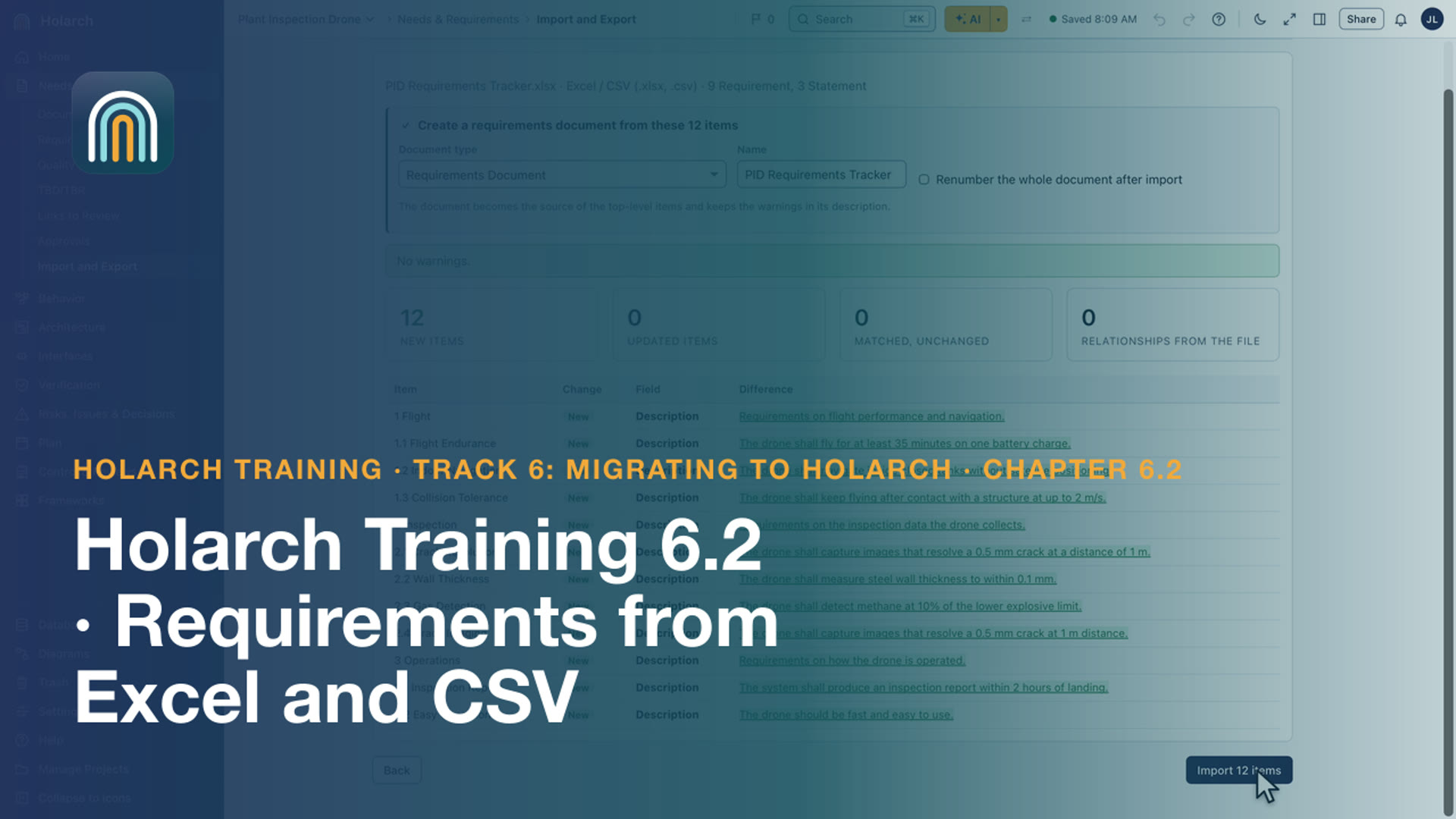
- Training 6.2: Requirements from Excel and CSV 2:32Import a requirements spreadsheet as a document, with its hierarchy, labels and attributes
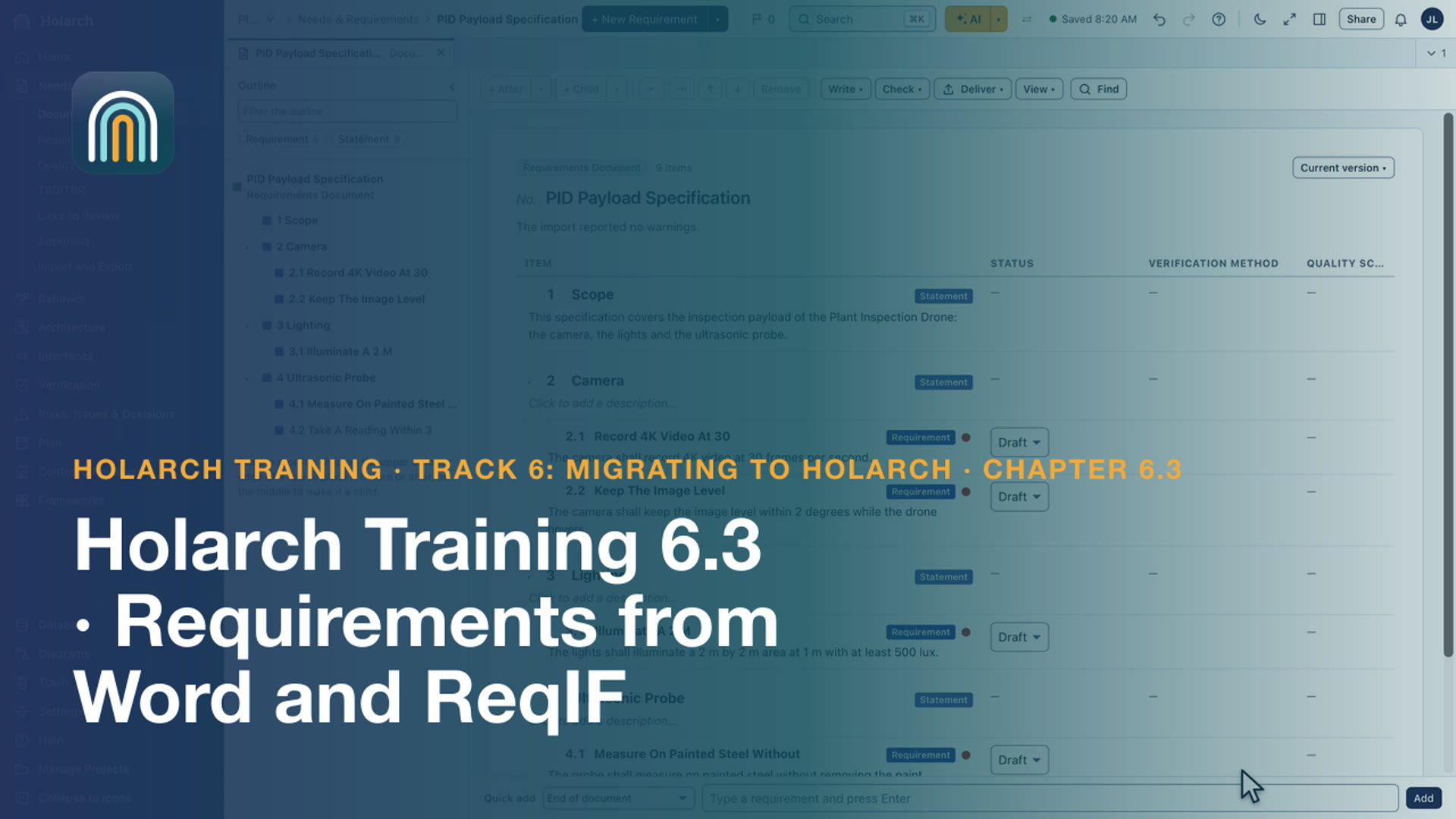
- Training 6.3: Requirements from Word and ReqIF 2:22Import a Word specification as a document, and a supplier's ReqIF file with its hierarchy and links
Methods and worked examples 6
- CubeSat 02: Requirements That Hold Up 5:38Run the quality check, track TBDs and TBRs, approve and baseline the requirements, then show what changed after the baseline.
- How-to 01: How to Write Good Requirements (with Examples) 7:20The anatomy of a good requirement, the words to avoid, and five weak requirements rewritten after a quality check.
- SysML v2 Tutorial 7: Requirements in Text and Documents 7:04Requirement definitions with a subject and a require constraint, satisfy, Requirement Views, a document bound to the package, quality and approval.
- CubeSat 01: Concept and Needs 5:45Create the project, capture the concept (OV-1) and stakeholder needs on whiteboards, and write the system requirements specification.
- SE 02: Stakeholder Needs: Who Needs What, and Why 6:53Record the stakeholders, turn workshop notes into stakeholder requirements traced to their source, write a scenario and record the approval.
- SE 01: Mission Analysis: Define the Problem Before the Solution 7:10Create the WS-1 project, sketch the operational concept on a whiteboard, and link the mission, its MOEs and constraints in the model.
Related topics: Collaboration · Import, exchange and migration · SysML v2 · Traceability and change · Documents and reviews · AI assistance · Process and planning