Collaboration
Live editing, comments, roles, history, libraries and activity.
2 overviews · 17 in a minute · 8 training chapters · 1 method video
Overviews 2
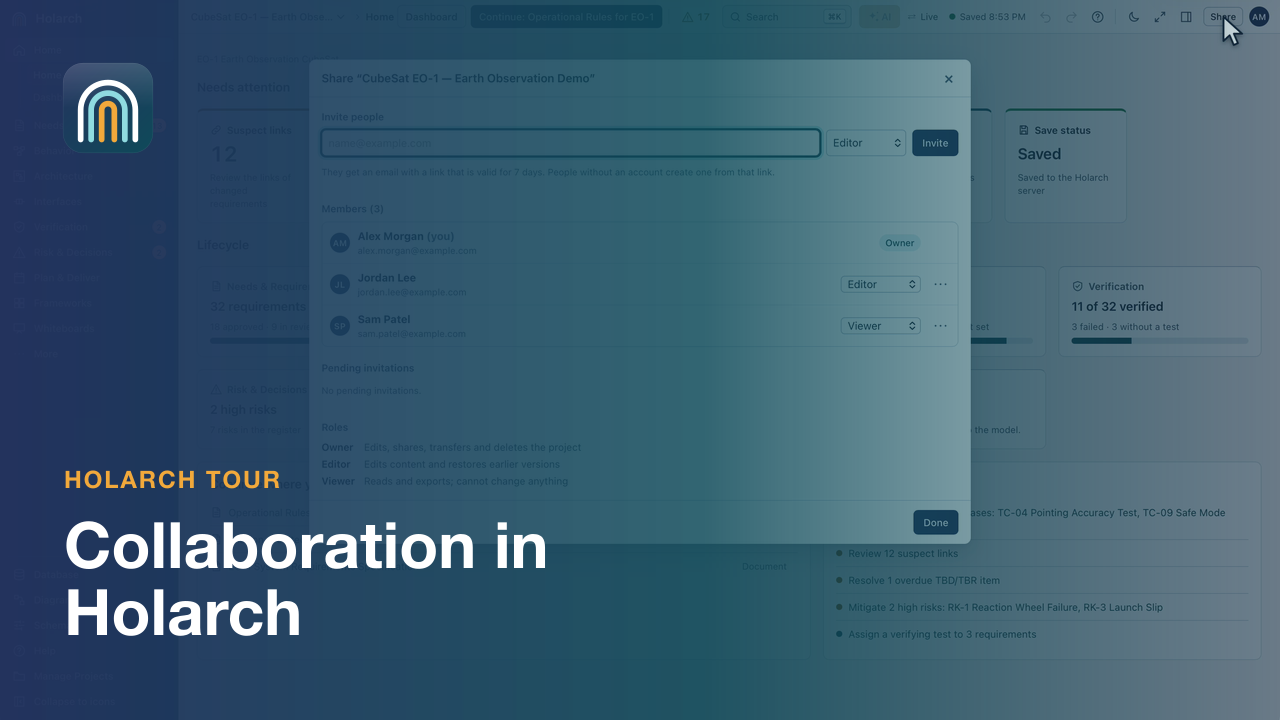

- Collaboration 2:17Share a project with roles, discuss items in comments, review and revert changes in history, and compare against a baseline.
- Holarch: One Change, Connected 2:36A stakeholder need becomes a requirement, a component, an interface and a test case in one model; a design change marks the affected links for review, and a reviewer comments and approves.
Features in a minute 17
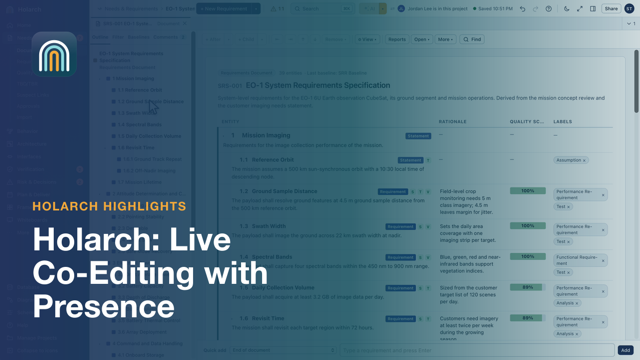










- Live Co-Editing with Presence 0:51Two engineers, one model, at the same time
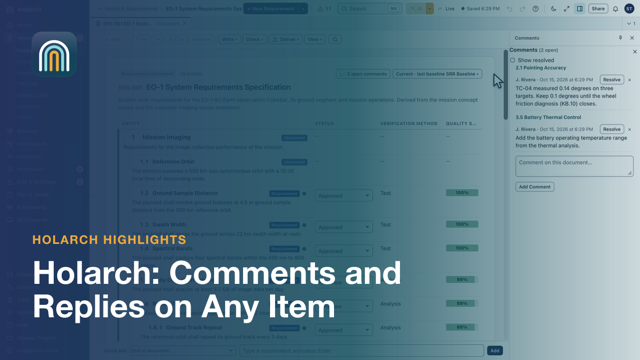
- Comments and Replies on Any Item 0:33Discussion attached to the requirement itself
- Sharing and Roles 0:32Owner, editor, reviewer, viewer: who may do what
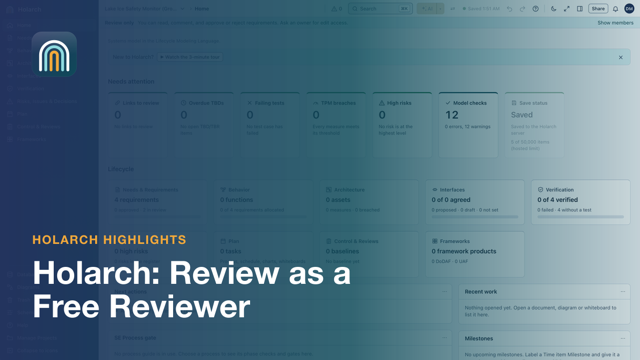
- Review as a Free Reviewer 0:56Comment, approve and reject without changing the work
- Libraries and Links Across Projects 1:06Reuse released work, and trace into other projects
- Project Activity 0:59Every edit in the project: who, when and what changed
- Review Inbox on My Work 1:08Everything waiting on a reviewer, decided from one page
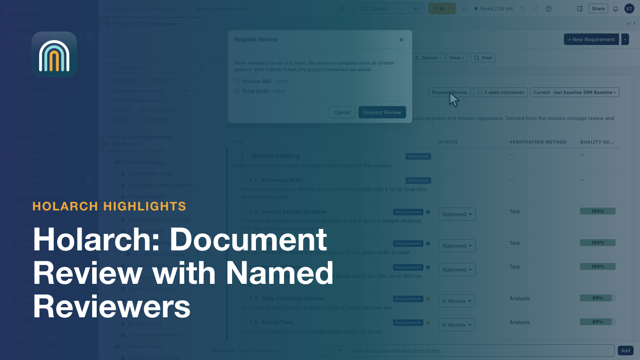
- Document Review with Named Reviewers 1:01Ask the right people, see each answer
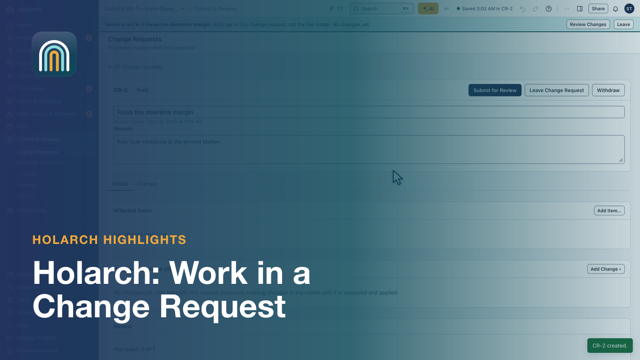
- Work in a Change Request 1:38Edit in a draft of the model; nothing changes until it is approved
- Item History 0:48Every version of an item, compared word by word
- Whiteboard Charts 0:50Paste cells from Excel as a chart, then format it
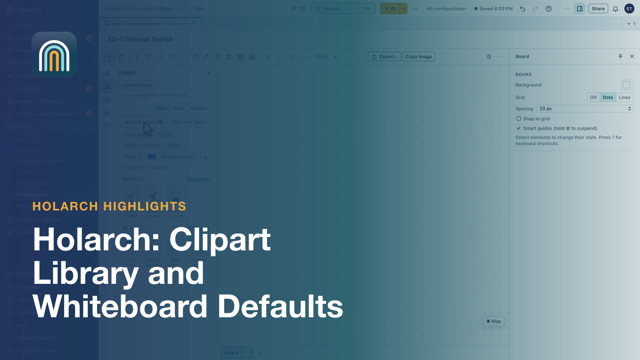
- Clipart Library and Whiteboard Defaults 0:59One clipart library, and a default style per element type
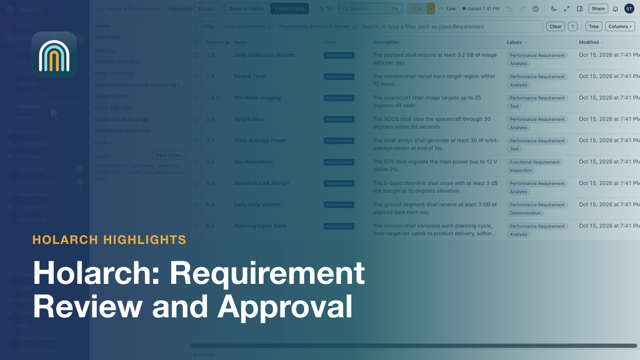
- Requirement Review and Approval 0:43Approve or reject, with the name and date on record
- Impact Before a Change Is Applied 1:16See what a change touches before anyone approves it
- Rule Sets from a Library 0:54One set of house rules for every project
- Review Word and PDF Files 1:13Comments pinned to the page they are about
- File Versions 0:59Upload it again; every version is kept
Training course 8
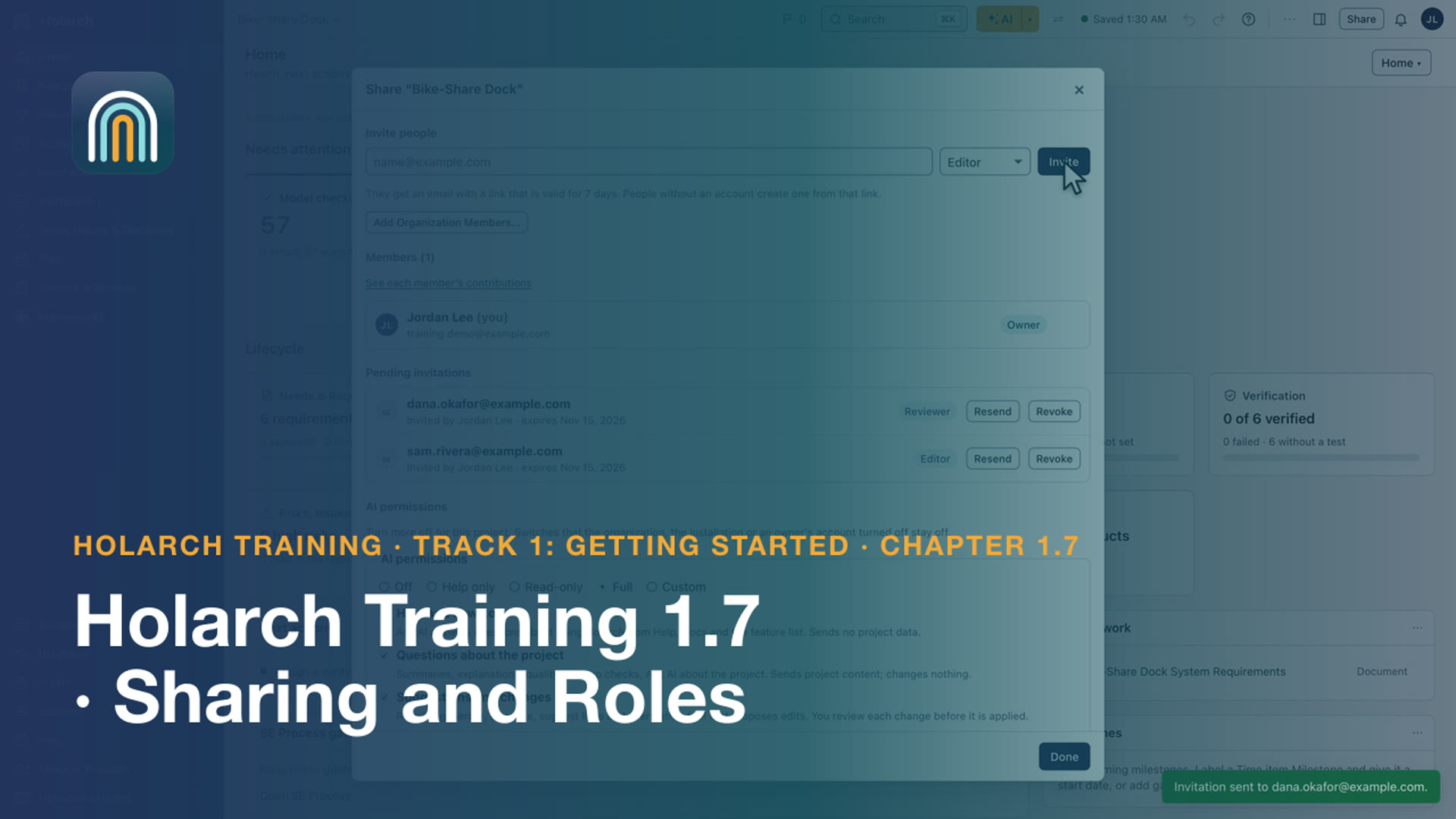
- Training 1.7: Sharing and Roles 2:23Invite people with the right role, comment, assign work, and edit together
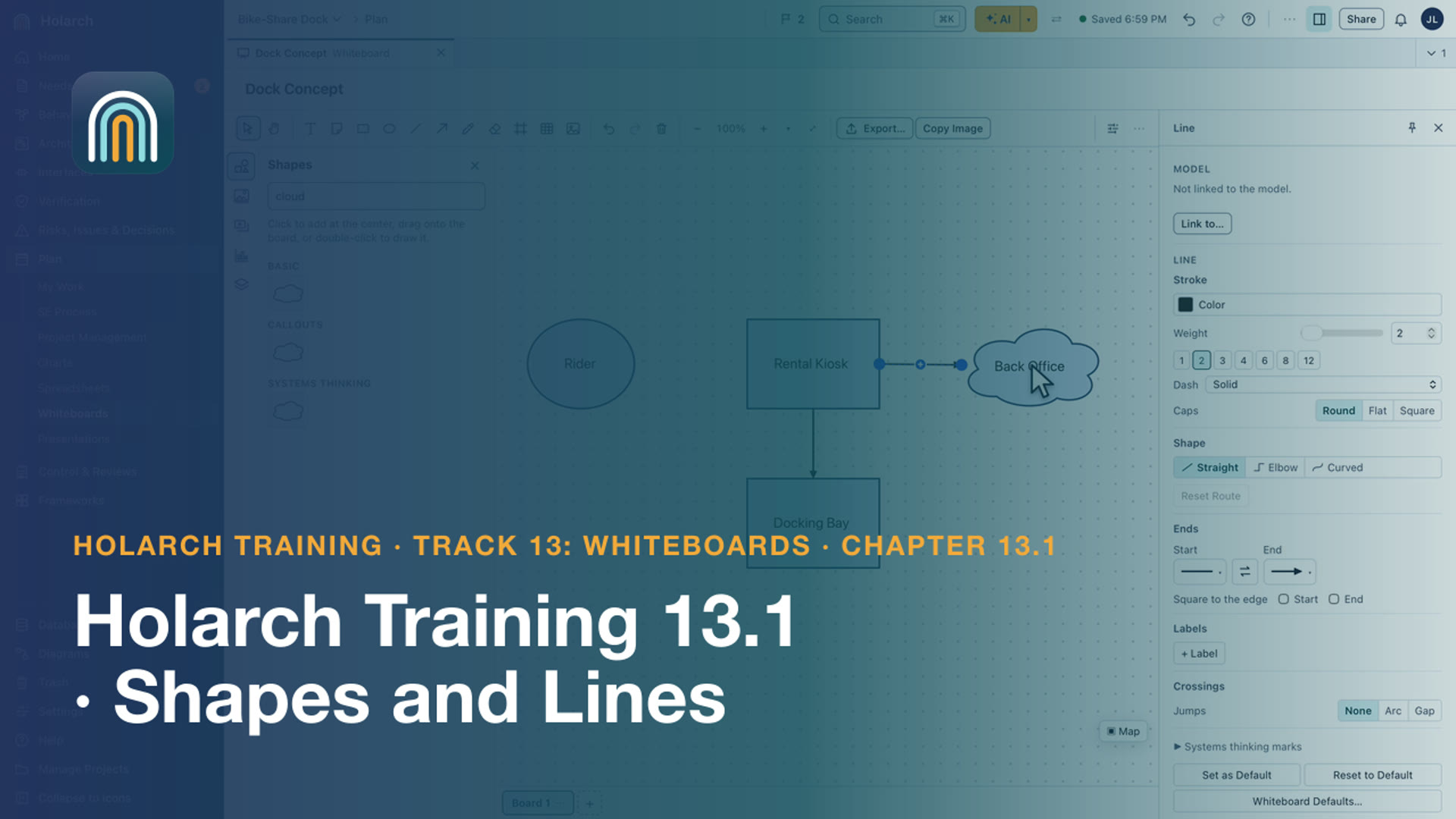
- Training 13.1: Shapes and Lines 3:15Create a whiteboard, draw shapes, type in them, and connect them with lines and arrows
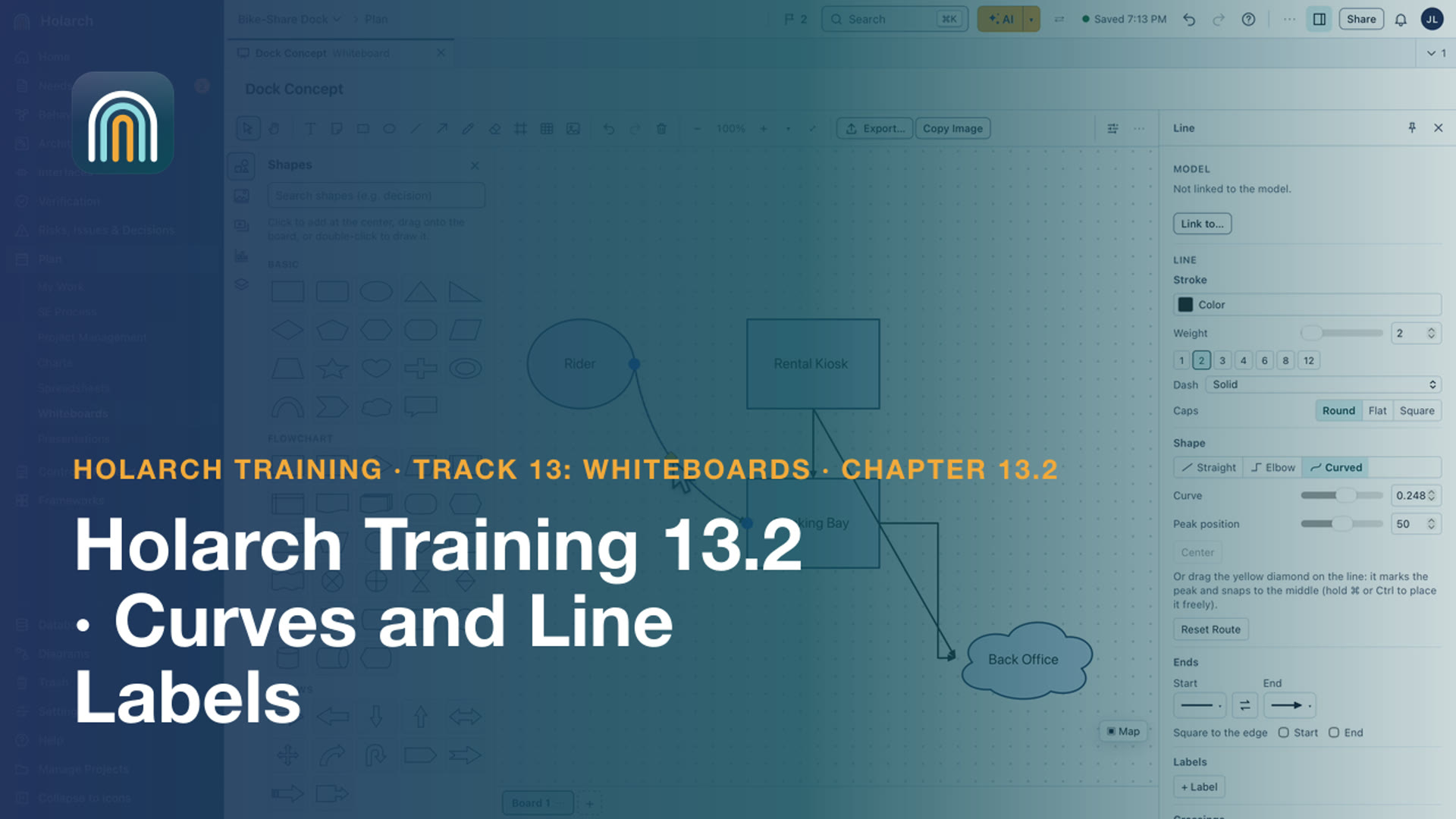
- Training 13.2: Curves and Line Labels 3:09Shape a curved line by its peak, square its ends to the shapes, and place, rotate and delete labels
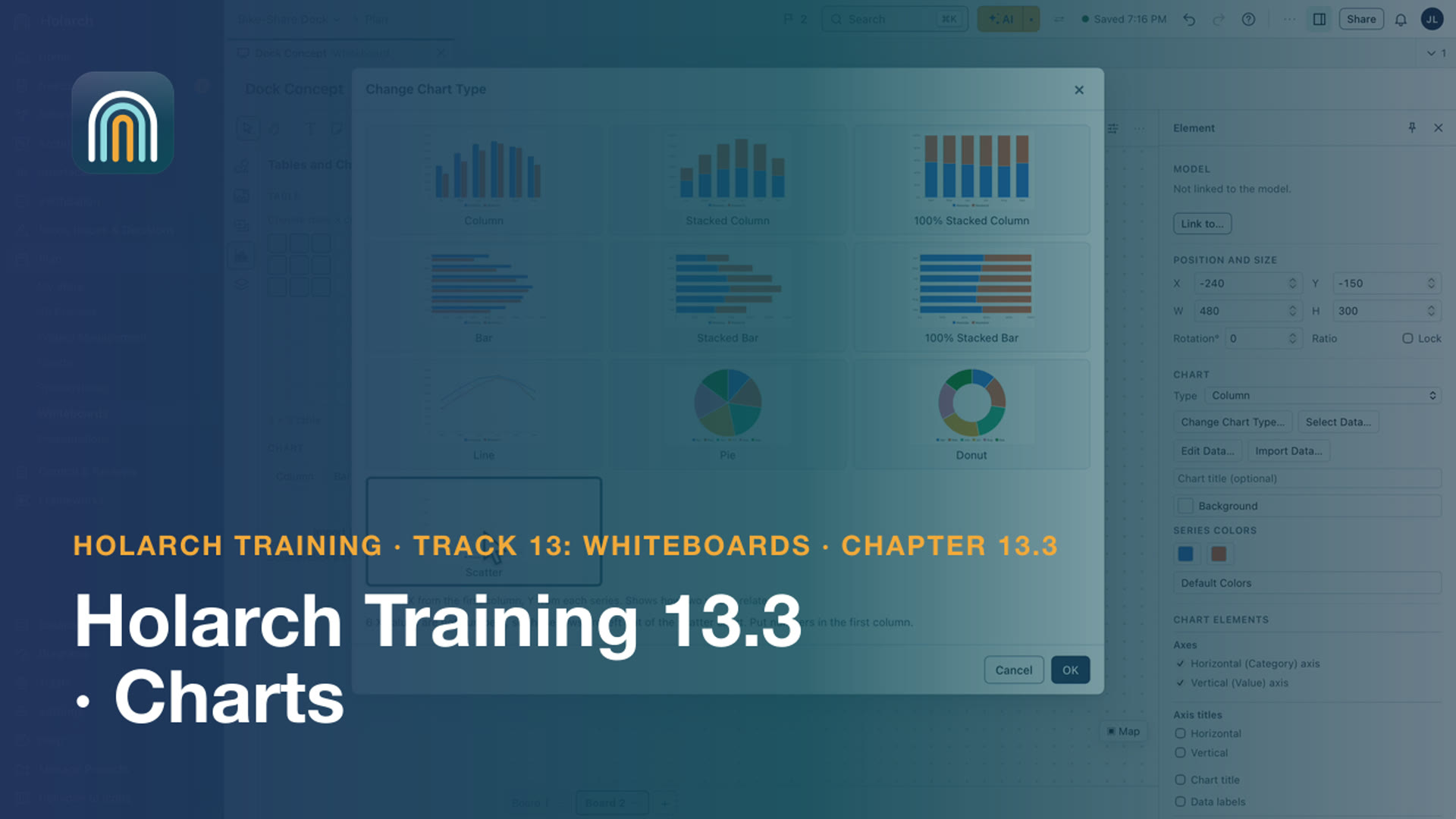
- Training 13.3: Charts 3:32Insert charts, give them data, change their type, select their data, format their axes and import charts from Excel
- Training 13.4: Live Data, Model Items and Clipart 3:17Paste cells as a live table, link a chart to spreadsheet cells, link and convert shapes to model items, and add clipart
- Training 2.3: Open Items and Approvals 2:31Track values still to be decided, and take requirements through review and approval
- Training 5.2: Roles, Reviewers and Approvals 1:56Give each person the right role, and approve requirements with free reviewers
- Training 5.1: Organizations and Members 2:45Create an organization, add members, and bring projects into it
Methods and worked examples 1
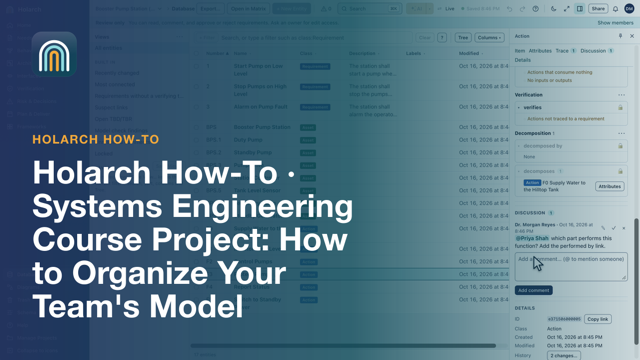
- How-to 12: Systems Engineering Course Project: Organize Your Team's Model 5:21One shared model with roles, the work split by part of the model with owners and due dates, and the instructor's Class Review.
Related topics: Traceability and change · Teams and administration · Teaching with Holarch · Documents and reviews · Requirements · Verification and validation · Getting started