Videos
Tours, highlights, series and tutorials
See Holarch at work, follow a whole project from concept to verification, then try a tutorial in the app (Help → Tutorials).
Tours
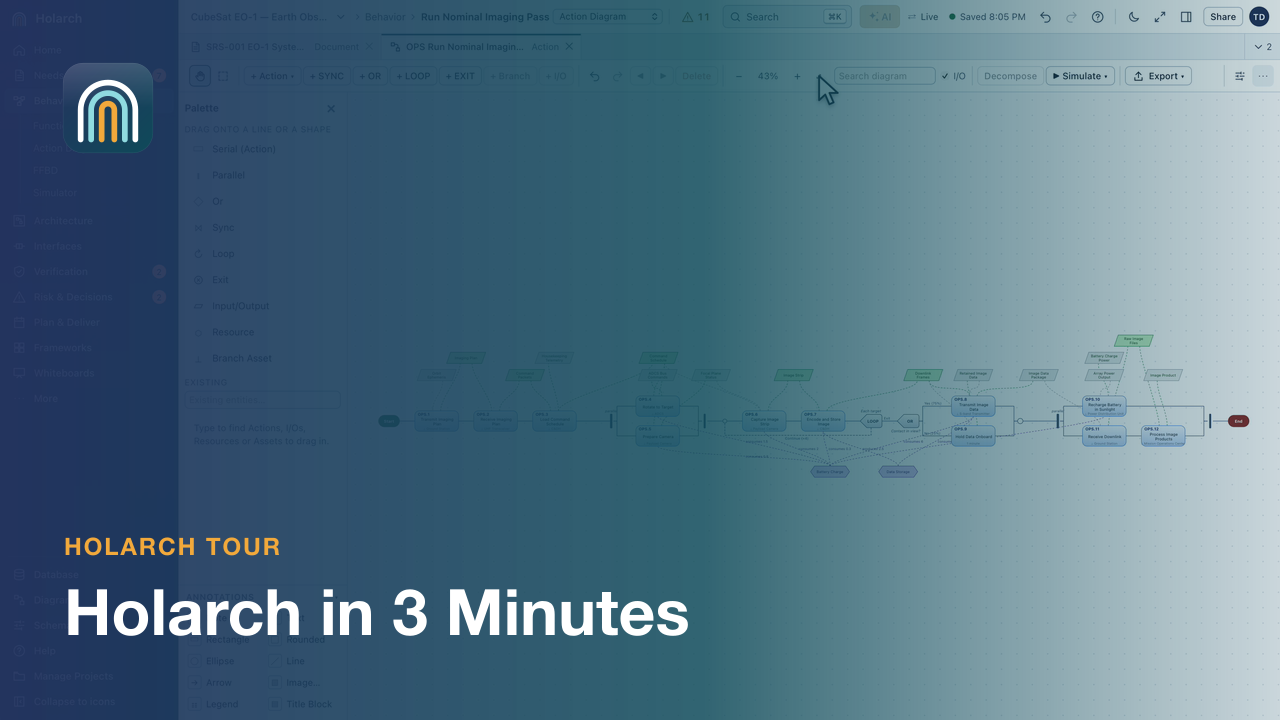 Holarch in 3 minutesA tour of the CubeSat EO-1 demo project: the project home, a requirements document, the model database, diagrams, the traceability matrix and sharing.
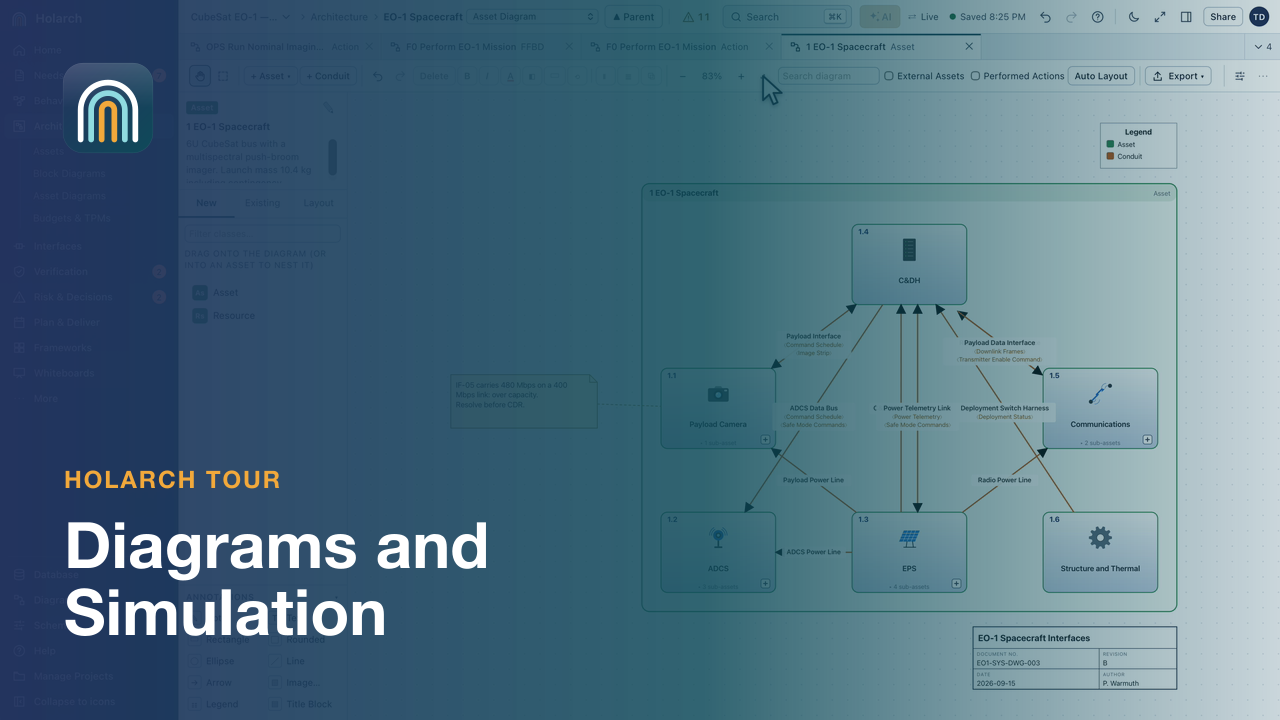 Diagrams and SimulationAction diagrams and FFBDs, asset and SysML diagrams, spider and hierarchy views, then discrete-event and Monte Carlo simulation on the CubeSat EO-1 demo.
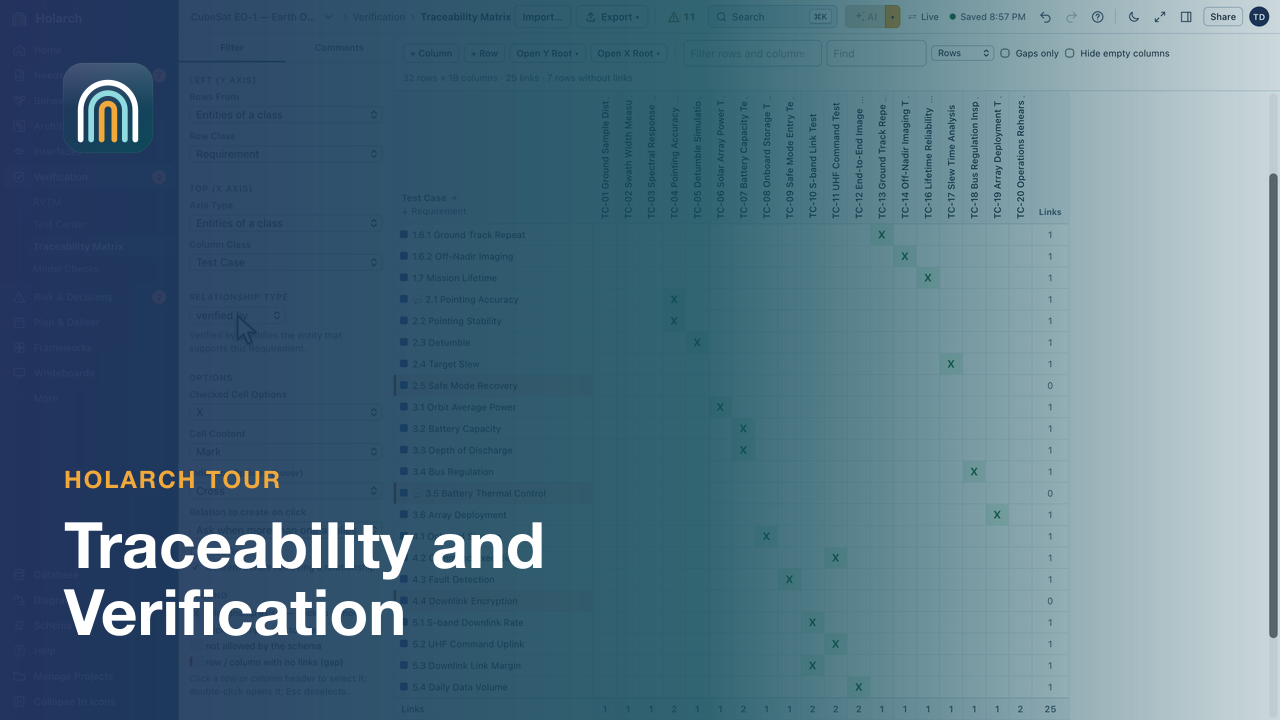 Traceability and VerificationThe traceability matrix, suspect links after a requirement change, the Test Center, the RVTM and Model Checks.
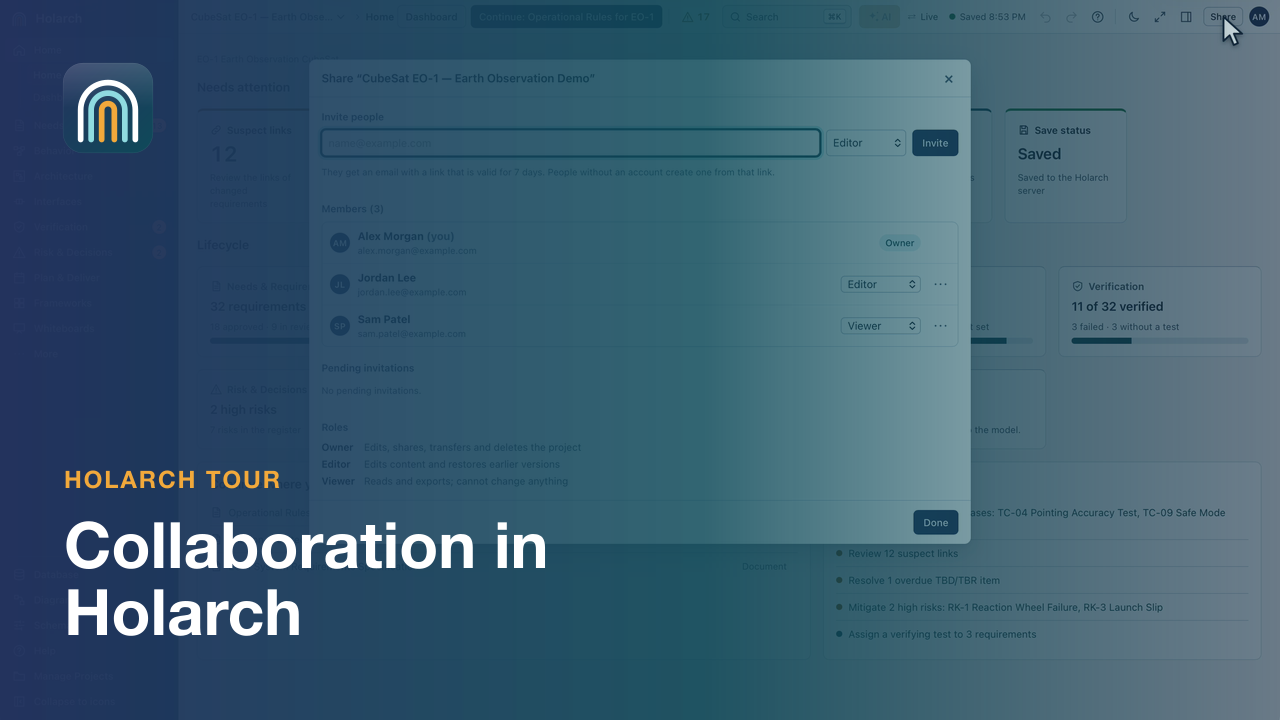 CollaborationShare a project with roles, discuss items in comments, review and revert changes in history, and compare against a baseline.
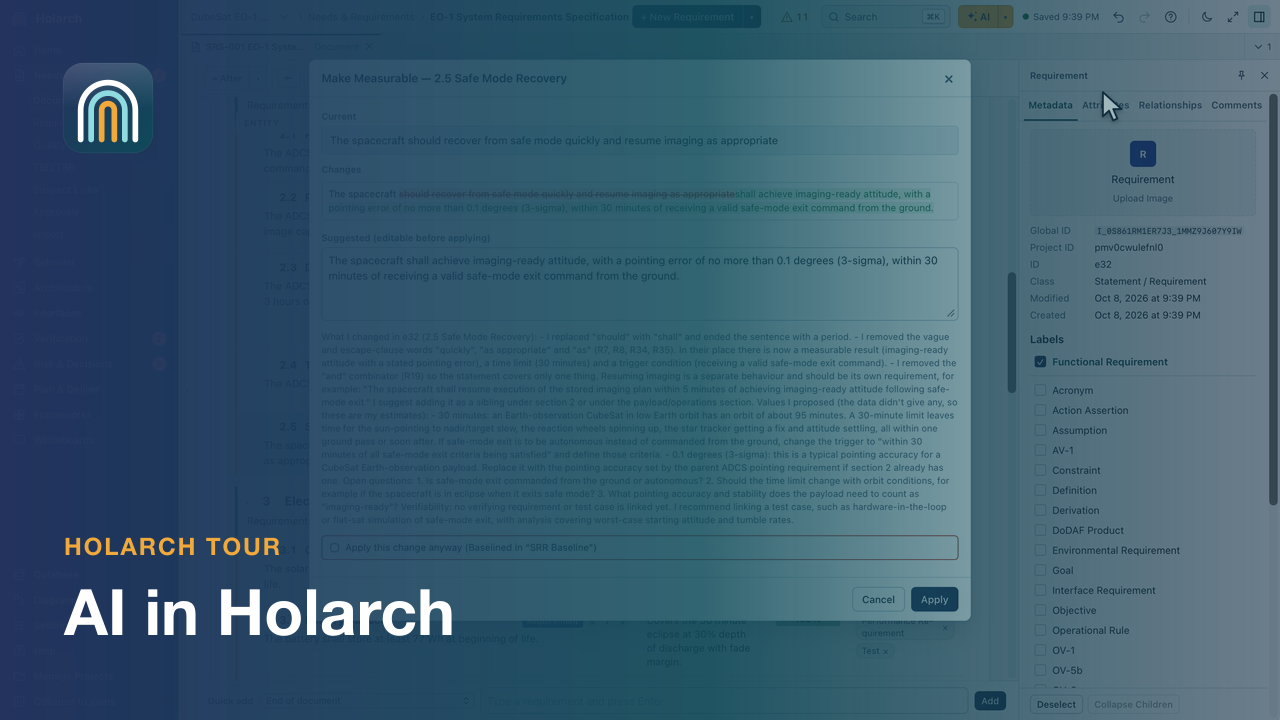 AI in HolarchAsk AI about the model, make a requirement measurable with a preview and undo, propose functions and test cases, and choose your AI provider.
Feature highlights
Short clips, one feature each, on the CubeSat EO-1 demo project.
Requirements
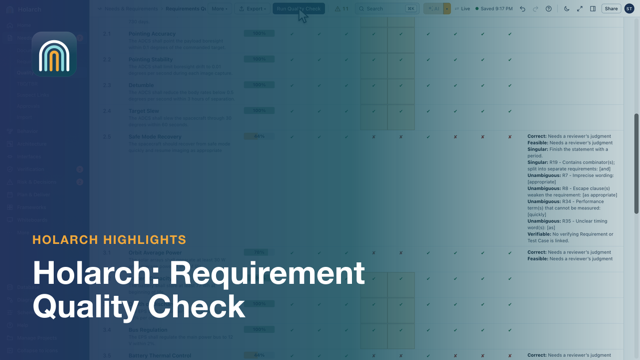 Requirement Quality CheckFind weak requirements before a review does
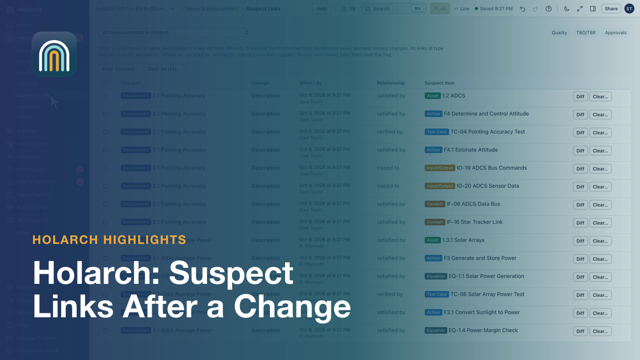 Suspect Links After a ChangeChange a requirement, see what it may have broken
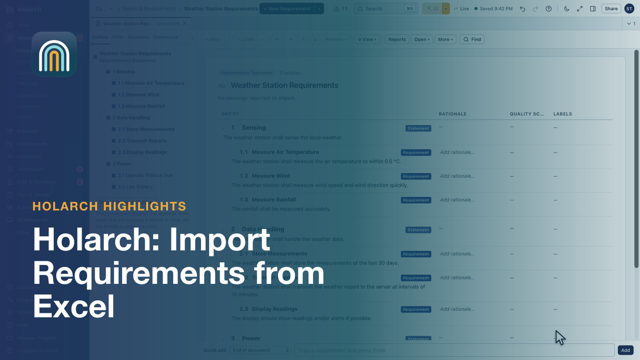 Import Requirements from ExcelFrom a spreadsheet to a structured specification
Behavior and simulation
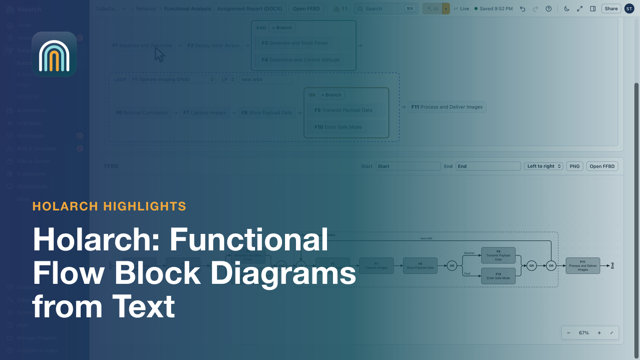 Functional Flow Block Diagrams from TextWrite the flow as a sentence, get the FFBD
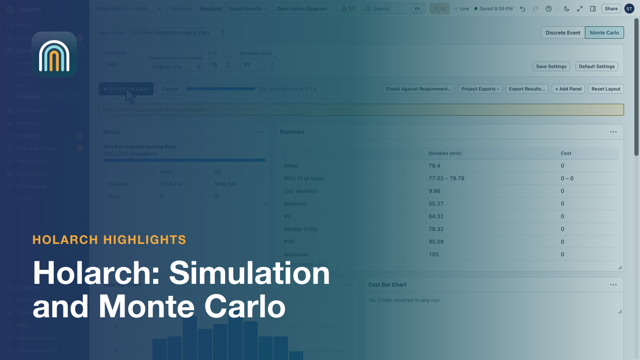 Simulation and Monte CarloWill the pass meet its requirement? Run it 200 times
Architecture and interfaces
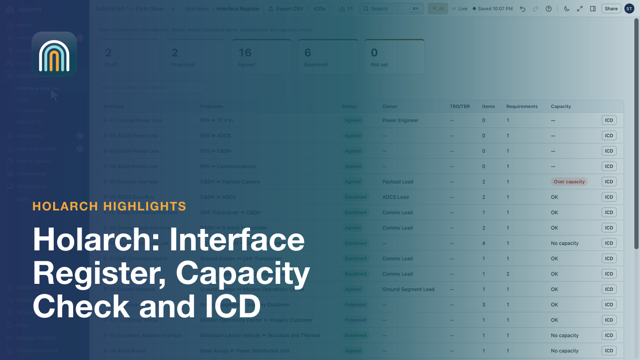
Analysis and decisions
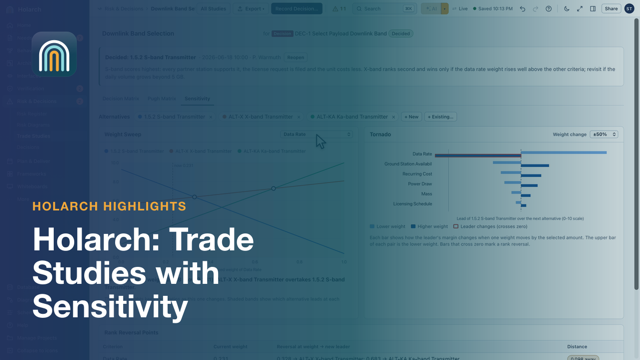 Trade Studies with SensitivityA decision you can defend: weights, scores and sensitivity
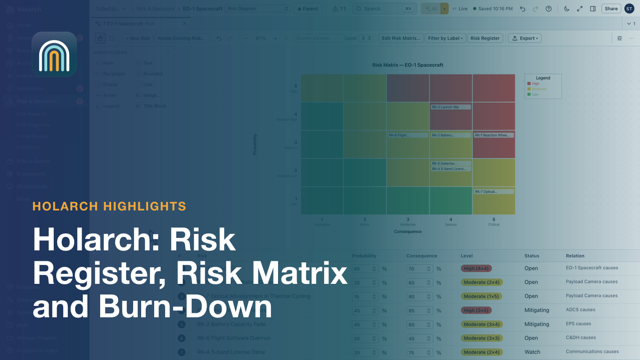 Risk Register, Risk Matrix and Burn-DownEvery risk rated, owned and burned down
Verification
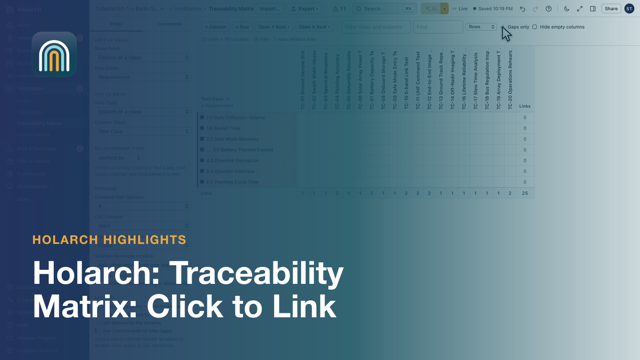 Traceability Matrix: Click to LinkSee every gap, close one with a click
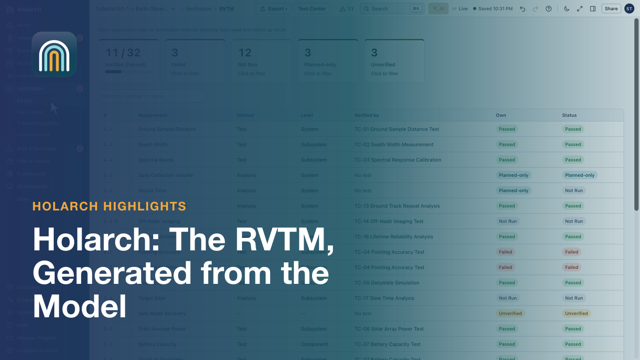 The RVTM, Generated from the ModelA verification matrix that is never out of date
Collaboration
AI
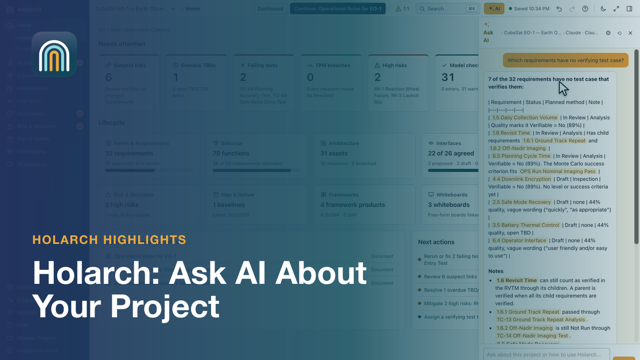 Ask AI About Your ProjectQuestions about your model, answered from the model
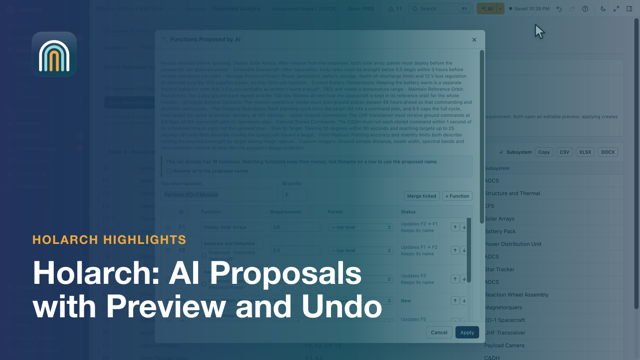 AI Proposals with Preview and UndoAI drafts, you decide
Building a CubeSat in Holarch
A series that builds the CubeSat EO-1 model step by step, from the mission concept to verification and the program reviews. Watch the episodes in order, or pick the step you need.
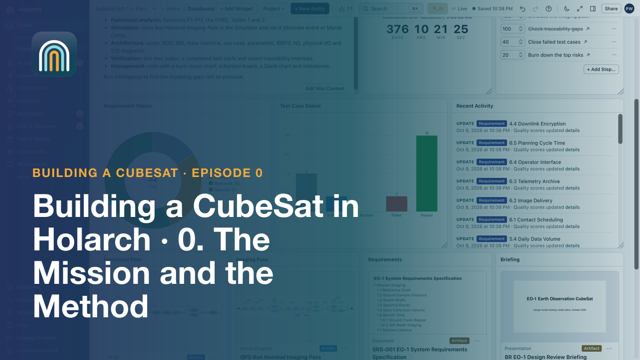 CubeSat 00: The Mission and the MethodA tour of the finished EO-1 model: one LML model behind every document, diagram and matrix, the dashboard, the schema and the SE V.
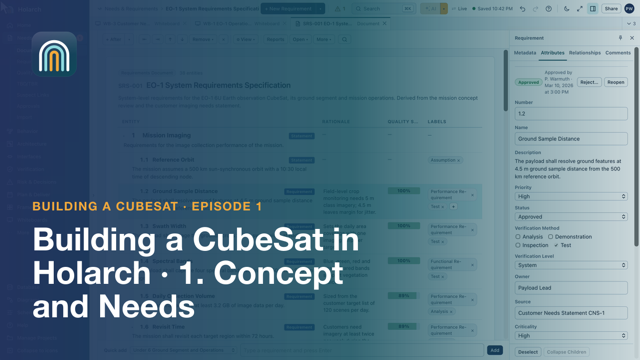 CubeSat 01: Concept and NeedsCreate the project, capture the concept (OV-1) and stakeholder needs on whiteboards, and write the system requirements specification.
 CubeSat 02: Requirements That Hold UpRun the quality check, track TBDs and TBRs, approve and baseline the requirements, then show what changed after the baseline.
 CubeSat 03: Functional AnalysisWrite the top-level functional flow as text, with parallel, loop and decision constructs, and let Holarch draw the FFBD.
 CubeSat 04: Operations and SimulationBuild a nominal imaging pass as an action diagram with a parallel branch, a loop and a decision, plus durations, an item flow and a resource.
 CubeSat 05: Physical ArchitectureAdd assets and conduits, keep an interface register, generate the ICD, read N-squared views and allocate functions to components.
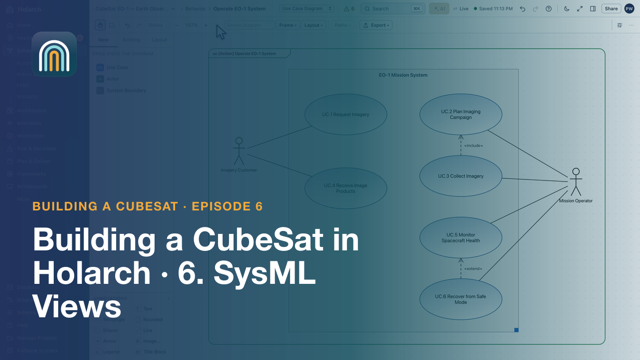 CubeSat 06: SysML ViewsBlock definition and internal block diagrams with ports, a state machine, use cases, a requirement diagram and a parametric power check.
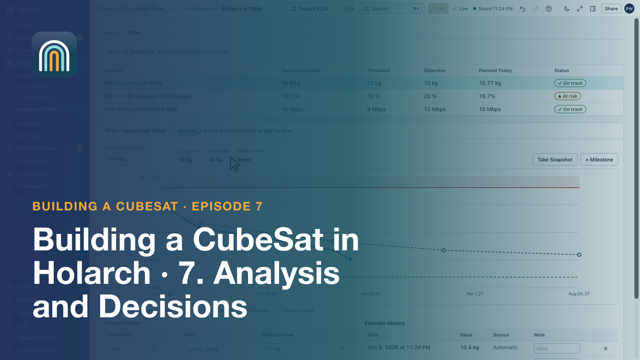 CubeSat 07: Analysis and DecisionsMass and power budgets, TPMs, a weighted trade study with sensitivity, the recorded decision, and the risk register and burn-down.
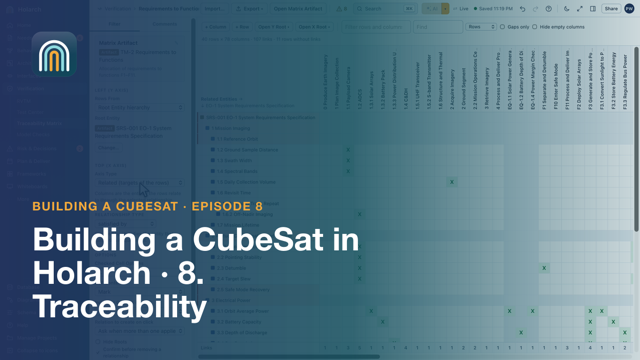 CubeSat 08: TraceabilityA traceability matrix to find gaps, spider and tree views, impact analysis before a change, suspect links after it, and model checks.
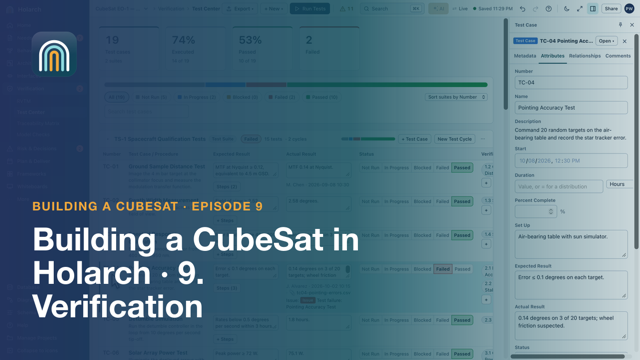 CubeSat 09: VerificationTest suites and cases linked to requirements, test runs with evidence, failures that become issues, and the RVTM with its export.
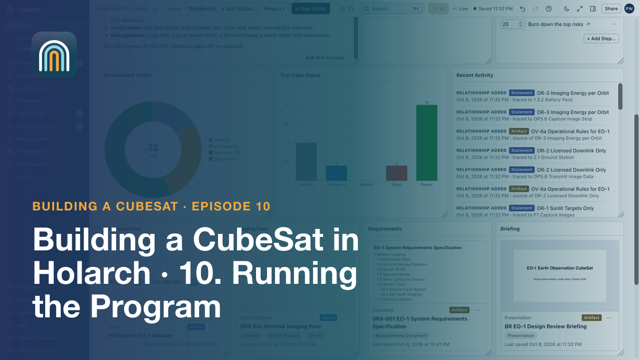 CubeSat 10: Running the ProgramA task board, the Gantt schedule, the dashboard, a briefing presented from model pictures, DoDAF products, baselines and review documents.
Systems Engineering with Holarch
A series that follows the ISO/IEC/IEEE 15288 technical processes on one small project, the WS-1 Weather Station, from mission analysis to the technical reviews.
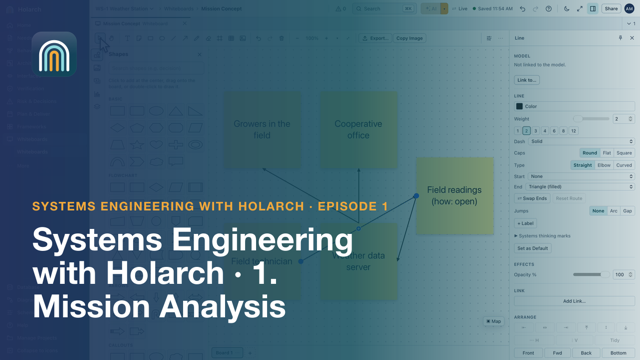 SE 01: Mission Analysis: Define the Problem Before the SolutionCreate the WS-1 project, sketch the operational concept on a whiteboard, and link the mission, its MOEs and constraints in the model.
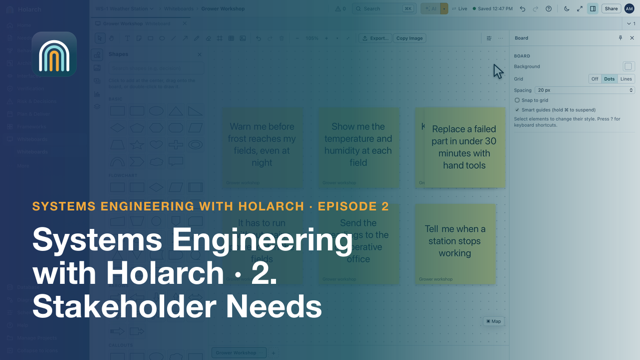 SE 02: Stakeholder Needs: Who Needs What, and WhyRecord the stakeholders, turn workshop notes into stakeholder requirements traced to their source, write a scenario and record the approval.
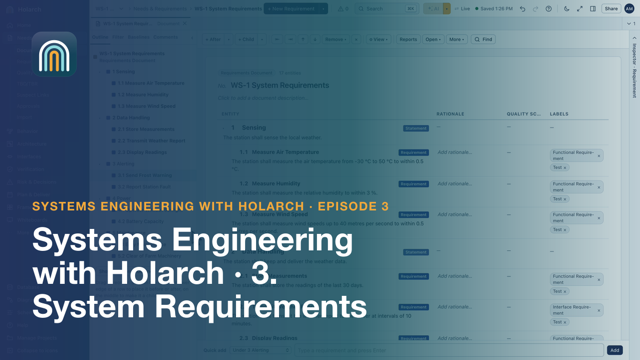 SE 03: System Requirements: Writing Requirements You Can VerifyWrite the WS-1 specification, run the quality check, fix what it flags, register an open TBD and take a baseline.
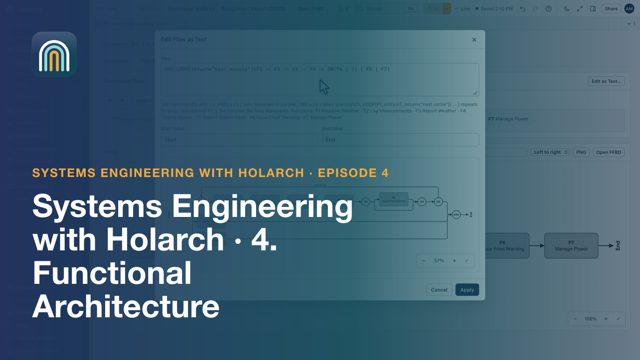 SE 04: Functional Architecture: What the System Must DoExtract functions from the requirements, decompose one, write the flow as text, read the FFBD and check requirement coverage.
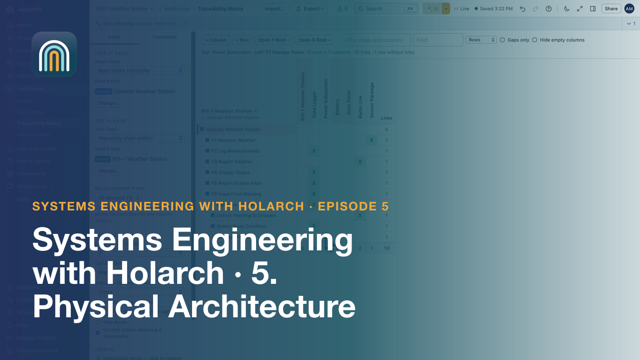 SE 05: Physical Architecture: What the System IsBuild the component tree, allocate functions in the matrix, draw conduits, manage the Interface Register and generate an ICD.
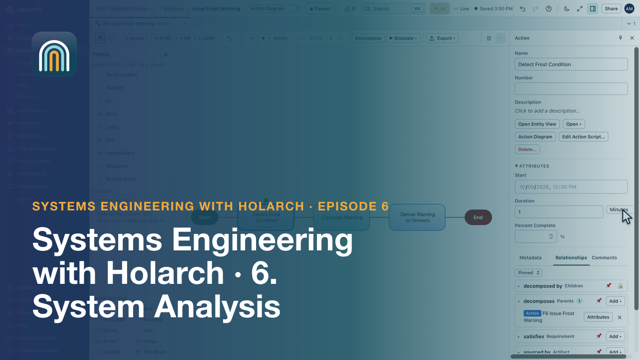 SE 06: System Analysis: Budgets, Margins and SimulationA power budget read from the components, battery autonomy as a TPM, and a simulation of frost warning delivery against its requirement.
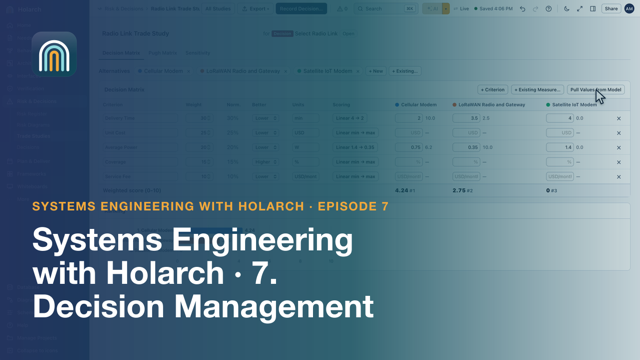 SE 07: Decision Management: Trade Studies You Can DefendA trade study for the radio link, a check of how sensitive the result is to the weights, and the decision recorded with its rationale.
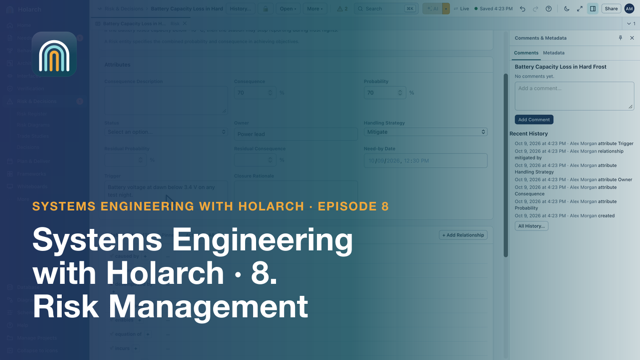 SE 08: Risk Management: Likelihood, Consequence and Burn-DownBuild the WS-1 risk register, link a mitigation as real work in the model, and plan the risk burn-down.
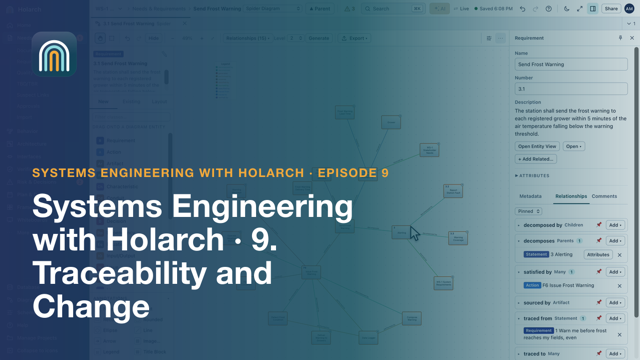 SE 09: Traceability and Change: Knowing What a Change AffectsFind gaps in the traceability matrix, follow a requirement in the spider diagram, change it, review the suspect links and compare baselines.
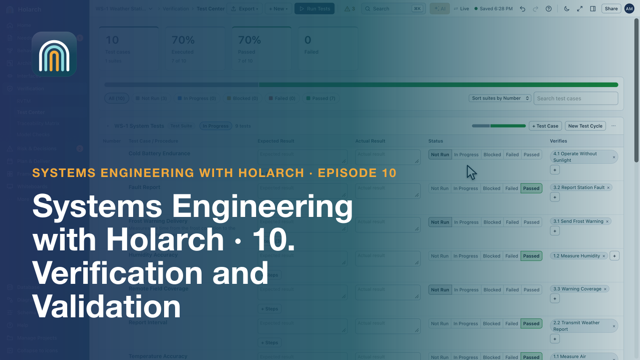 SE 10: Verification and Validation: Showing the System WorksSet verification methods, write and run test cases, raise an issue from a failure, read the RVTM and validate against the MOEs.
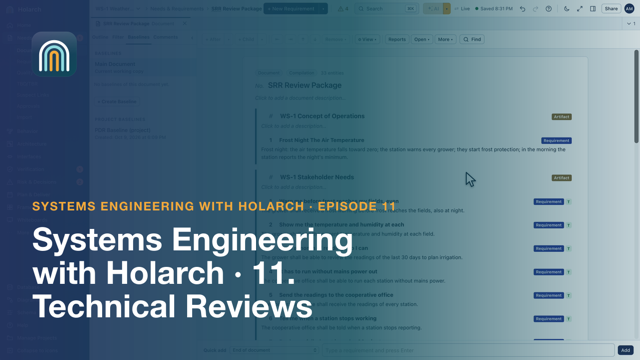 SE 11: Technical Reviews: SRR, PDR and CDR from the ModelCheck the SRR criteria against the model, assemble and export a review package, present a briefing from the model and record the outcome.
Tutorials
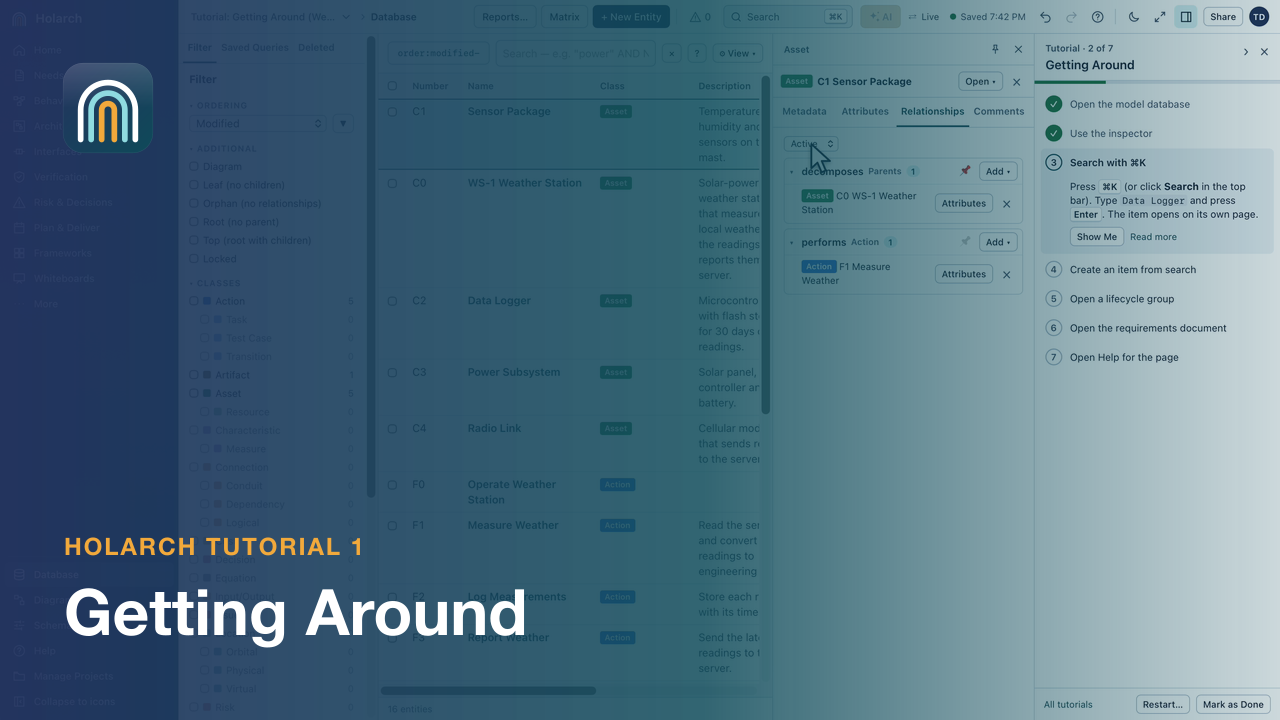 Tutorial 1: Getting AroundFind your way in a project: the rail, the database, the inspector, search and Help, on a small Weather Station model.
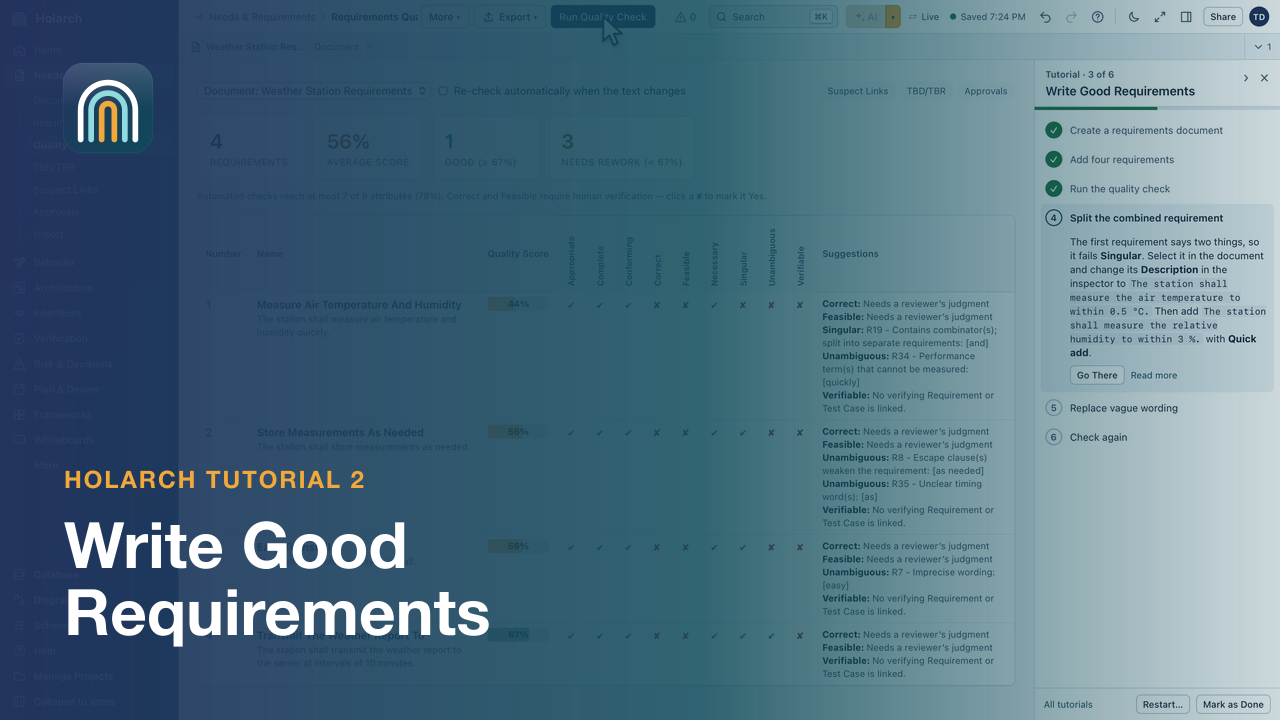 Tutorial 2: Write Good RequirementsWrite requirements in a document, run the quality check and fix what it flags.
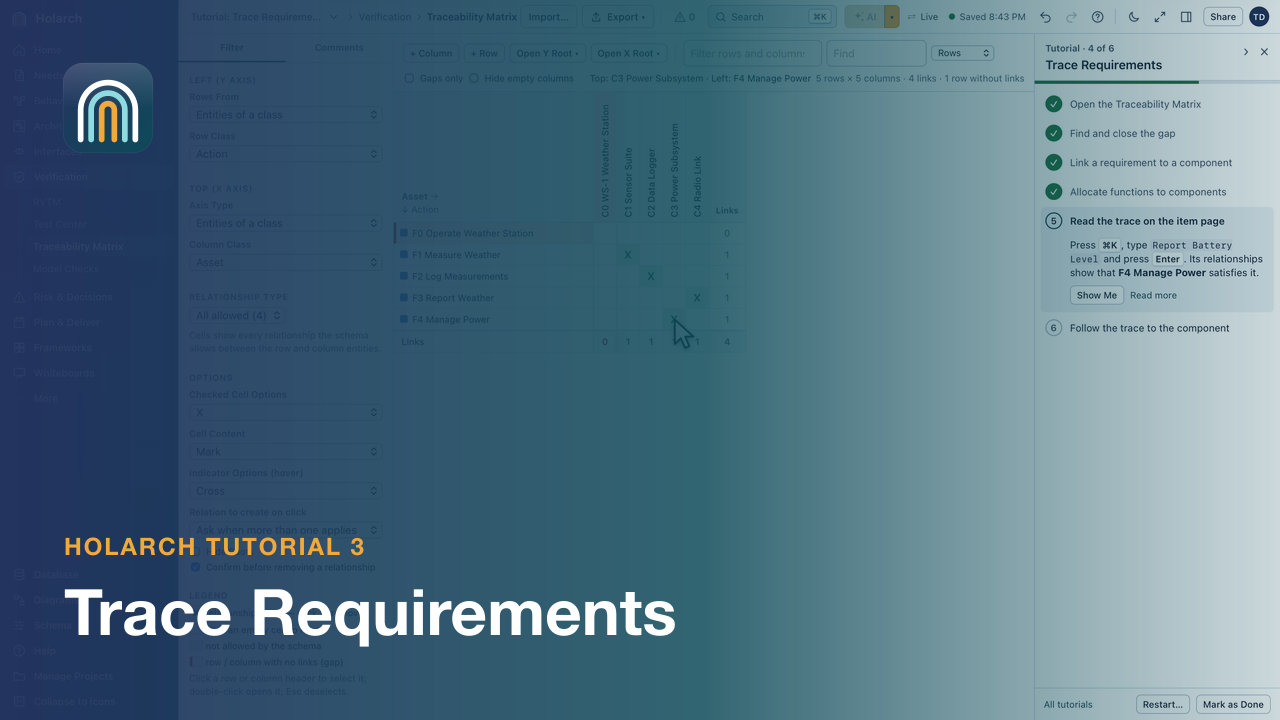 Tutorial 3: Trace RequirementsUse the traceability matrix to find a gap, add a component and allocate functions to it, then follow the links.
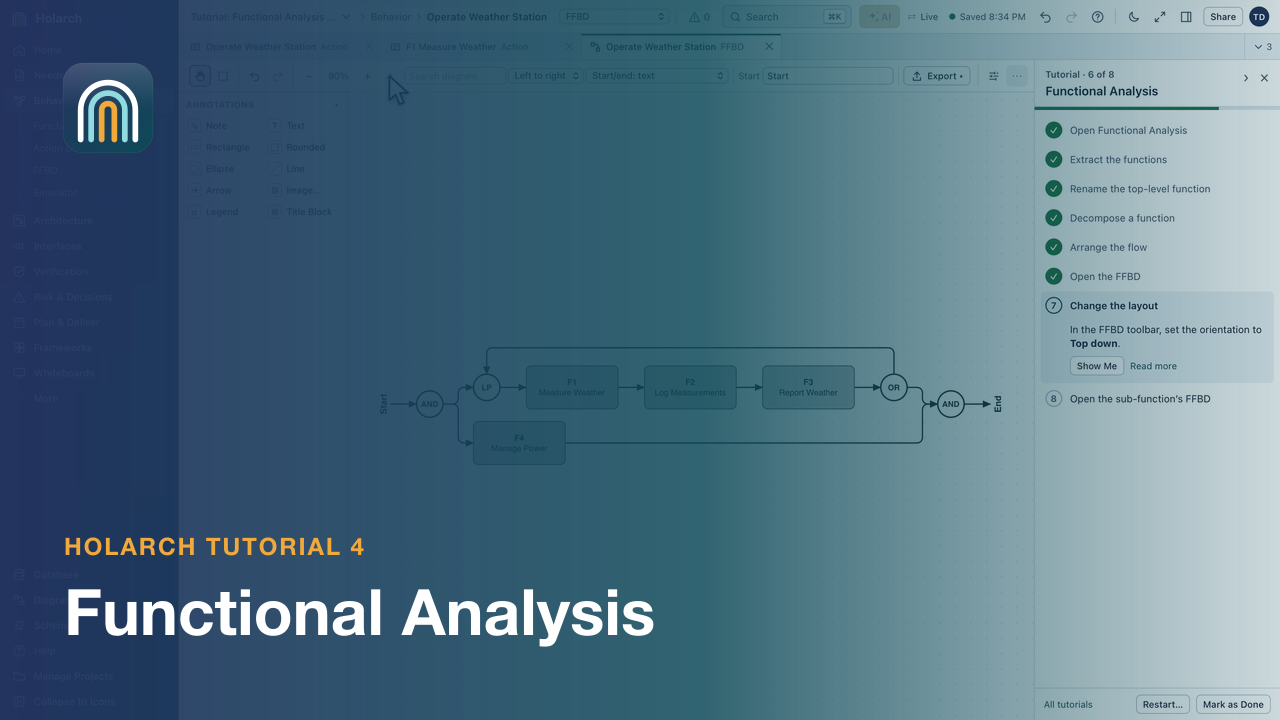 Tutorial 4: Functional AnalysisExtract functions from requirements, decompose one, write the flow and read it as an FFBD.
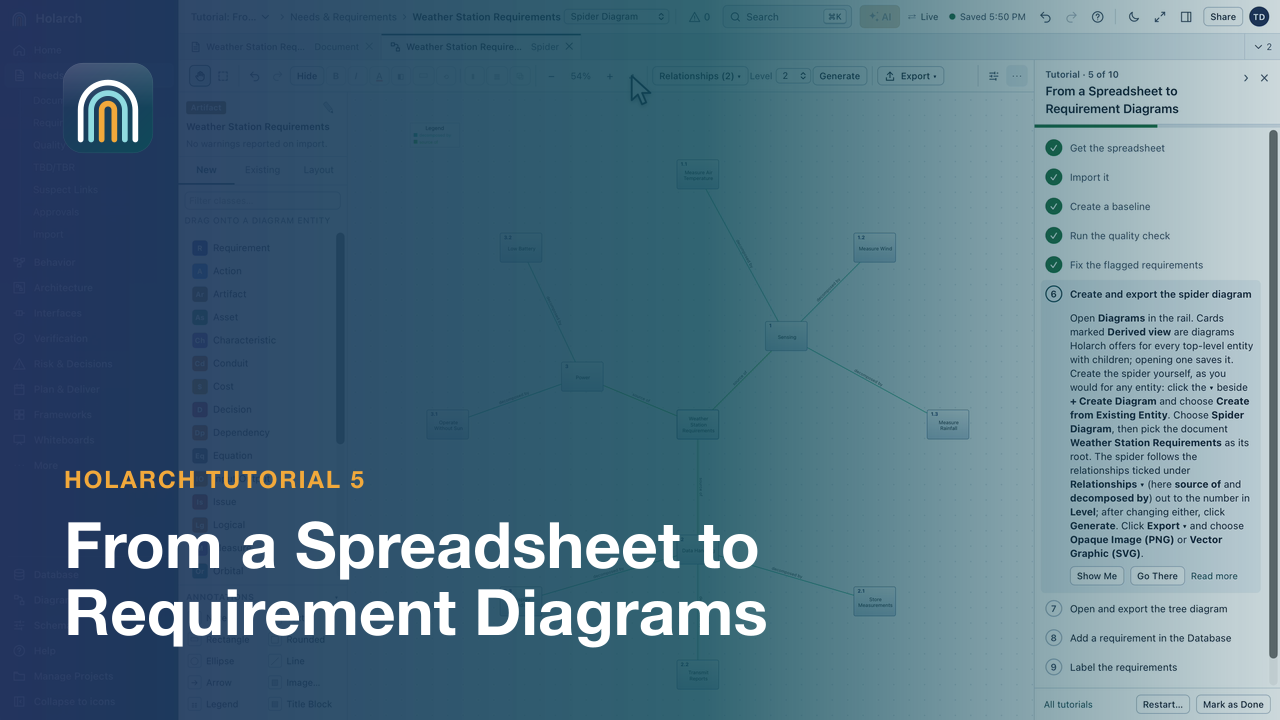 Tutorial 5: From a Spreadsheet to Requirement DiagramsImport requirements from Excel, baseline them, fix what the quality check flags, then create spider and tree diagrams.
Most videos play from YouTube (youtube-nocookie.com) when you open one; the others play from holarch.app. See the Privacy Policy.